GST Invoice Format for Retail Shops: Free Template
GST invoice format for retail shops in 2026: every mandatory field, B2C vs B2B rules, CGST/SGST vs IGST, HSN digits, and tax invoice vs bill of supply.
A GST tax invoice for a retail shop must carry the supplier's name, address and GSTIN; a unique serial invoice number and date; a description of goods with HSN code, quantity and taxable value; the GST rate split into CGST + SGST (for a sale within your state) or IGST (for an inter-state sale); and the total invoice value. Registered sellers under the composition scheme issue a "Bill of Supply" instead and cannot charge GST separately.
Updated 20 October 2026 · Source: Rule 46, CGST Rules, 2017 (CBIC tax information portal)
There is no single government-issued GST invoice format. Rule 46 of the CGST Rules lists what a tax invoice must contain, and any layout that shows all of it is valid, whether you make it in a free online generator, an Excel or Word template, or billing software. This guide lists the fields, then compares the free ways of making the bill.
Mandatory fields on a GST tax invoice
Field
What goes in it
Required?
Supplier details
Shop name, address, GSTIN
Yes
Invoice number & date
Unique serial (max 16 chars), date of issue
Yes
Buyer details
Name, address, GSTIN — required when the buyer is registered (B2B)
B2B: yes
HSN code
Harmonised code for each item
Yes (per turnover slab)
Description, qty, rate
Item name, quantity, unit price, taxable value
Yes
Tax rate & amount
CGST + SGST, or IGST, shown separately
Yes
Total value
Taxable value + tax = invoice total
Yes
Place of supply
State name of the buyer
Yes, for inter-state supplies
Reverse charge
Whether tax is payable on reverse charge
Yes
Signature
Physical or digital signature of supplier
Yes
B2C vs B2B: what changes on the bill
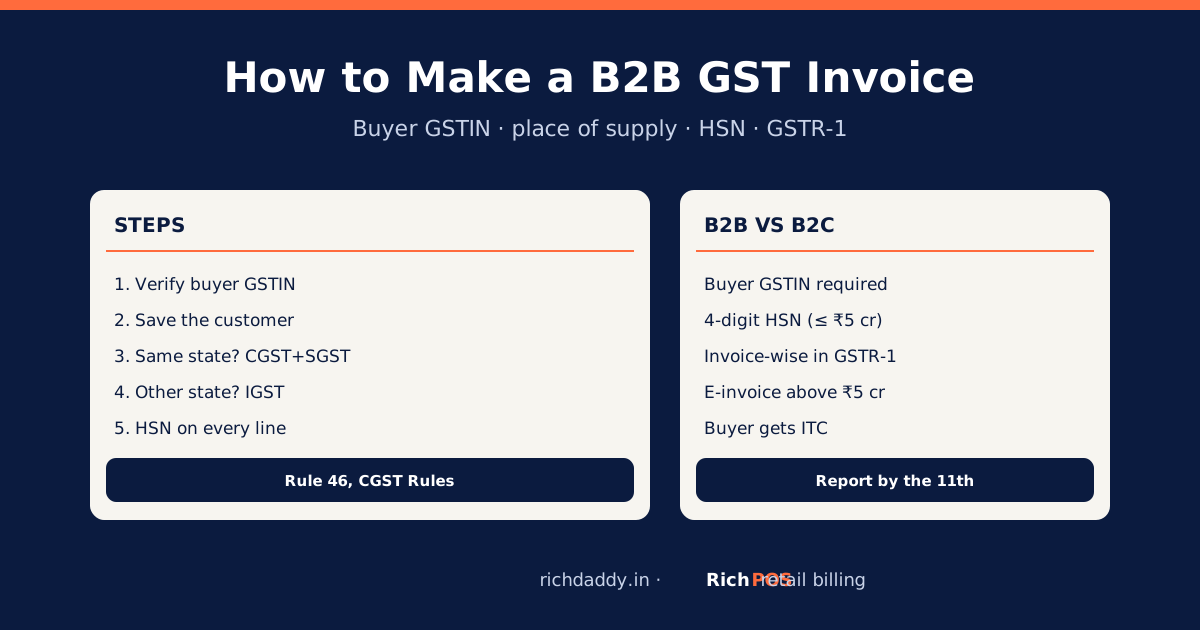
Most retail counter sales are B2C — the customer is not GST-registered. Here the buyer's GSTIN is not required, and for sales under ₹200 you may skip issuing an invoice unless the customer asks (though issuing one is good practice). For B2B sales to a registered buyer, you must capture the buyer's name, address and GSTIN so they can claim input tax credit.
CGST + SGST or IGST? The one rule that decides it
The tax split depends on where the customer is, not what they buy:
Sale within your state (intra-state): split the GST into CGST + SGST. A 18% item becomes 9% CGST + 9% SGST.
Sale to another state (inter-state): charge a single IGST at the full rate (18%).
For a walk-in retail shop, almost every sale is intra-state, so you will show CGST + SGST on nearly all bills.
HSN code: how many digits you must print
Your annual turnover
HSN digits required
Up to ₹5 crore (B2C)
Optional, but 4 digits recommended
Up to ₹5 crore (B2B)
4 digits
Above ₹5 crore
6 digits
Storing the HSN against each product once in your billing software means it prints automatically on every invoice — no lookup at the counter.
Tax invoice vs Bill of Supply
Which document you issue depends on your registration:
Regular GST registration: issue a tax invoice and charge GST separately.
Composition scheme: issue a Bill of Supply, do not show GST separately, and print "composition taxable person, not eligible to collect tax on supplies".
Selling exempt goods: issue a Bill of Supply for those items.
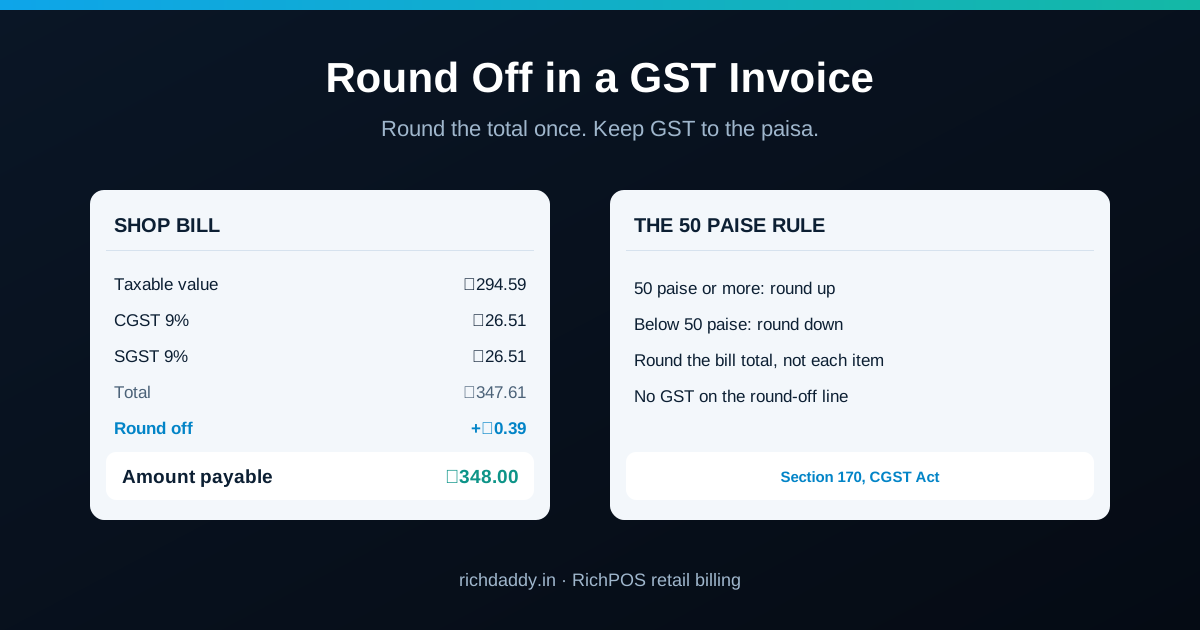
Totals: taxable value, total CGST, total SGST, round-off, grand total
Amount in words
Signature / digital signature
Generator, template or billing app: compared
Online GST invoice generator
Excel / Word template
Billing software
Cost
Free, no login, no limit
Free download
RichPOS: 30-day free trial, then ₹99/month for 3 months, ₹199/month or ₹2,000/year
CGST/SGST or IGST
Picked from the state codes in the GSTINs
You choose and type
Picked automatically
Totals and amount in words
Automatic, with round-off line
Formulas in Excel; by hand in Word
Automatic
Invoice numbering
Suggested; you keep the series
You keep the series
Automatic series
Saved bills
Your details stay in this browser; bills are PDFs you keep
Files you keep
Every bill saved in the cloud
Stock and dues
No
No
Yes
GSTR-1 data for your CA
No
No
Yes, sales by HSN, B2B and B2C split
E-invoice (IRN, QR)
No
No
Not in RichPOS
Best for
A few bills a month, freelancers, one-off B2B bills
Printed bill books, handwritten bills
Shops billing every day
For a few GST bills a month, the free GST invoice generator makes a Rule 46 tax invoice or bill of supply as an A4 PDF in your browser. For a blank layout to print or fill by hand, use the free GST invoice format templates. None of these free options makes an e-invoice with IRN.
Bill format in Excel: what to include
An Excel bill is still a GST tax invoice, so the sheet needs every field above. A workable layout:
Header rows: shop name, address and GSTIN; then bill number, date and, for a business buyer, their name, address, GSTIN and place of supply.
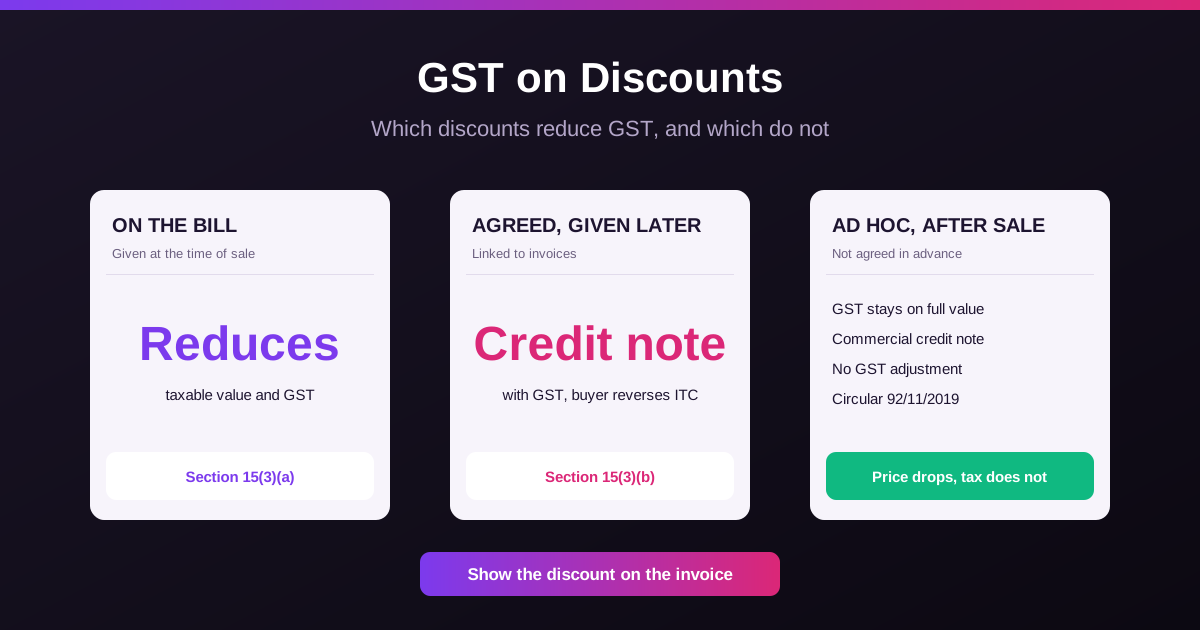
Item table: one row per item with columns for description, HSN, quantity, unit, rate, discount, taxable value, GST rate, and CGST + SGST or IGST.
Formulas: taxable value = quantity × rate − discount; tax = taxable value × GST rate (split in half for CGST and SGST); grand total with a round-off line.
Footer: amount in words, reverse charge (yes or no) and signature.
Two things Excel will not do for you: keep the bill numbers in an unbroken series (save each bill as a copy and never reuse a number), and update your stock and customer dues. Ready-made shop-wise bill formats in Excel, Word and PDF are on the free bill format page. For the registers behind your bills, such as a stock register, udhaar khata, cash book and GST purchase register, download the free Excel templates.
How to make a GST invoice with the free generator
Open the GST invoice generator and type your shop name, address and GSTIN. The state is read from the first two digits.
Add the customer. For a registered buyer, enter their GSTIN; the place of supply is set from it. Unsure about a GSTIN? Test its format in the free GSTIN checker, then confirm it is active on the GST portal.
Pick tax invoice or bill of supply, check the invoice number and date.
Add items with description, HSN, quantity, rate before GST, discount and GST rate. Find codes in the HSN and GST rate finder.
Press Print / Save as PDF, choose A4, and send the PDF on WhatsApp or email.
Nothing you type is sent to our server; your details are kept only in your browser for the next invoice.
When a free format stops being enough
You bill every day. Typing each item again takes longer than scanning it from saved stock.
You give credit. A PDF does not remind anyone to pay; billing software keeps dues and sends WhatsApp reminders.
Your CA asks for GSTR-1 data. Collecting sales from loose PDFs every month is slow and error-prone.
Your turnover crosses ₹5 crore. B2B invoices then need an e-invoice IRN from the Invoice Registration Portal, which none of these free options does. See the e-invoice limit.
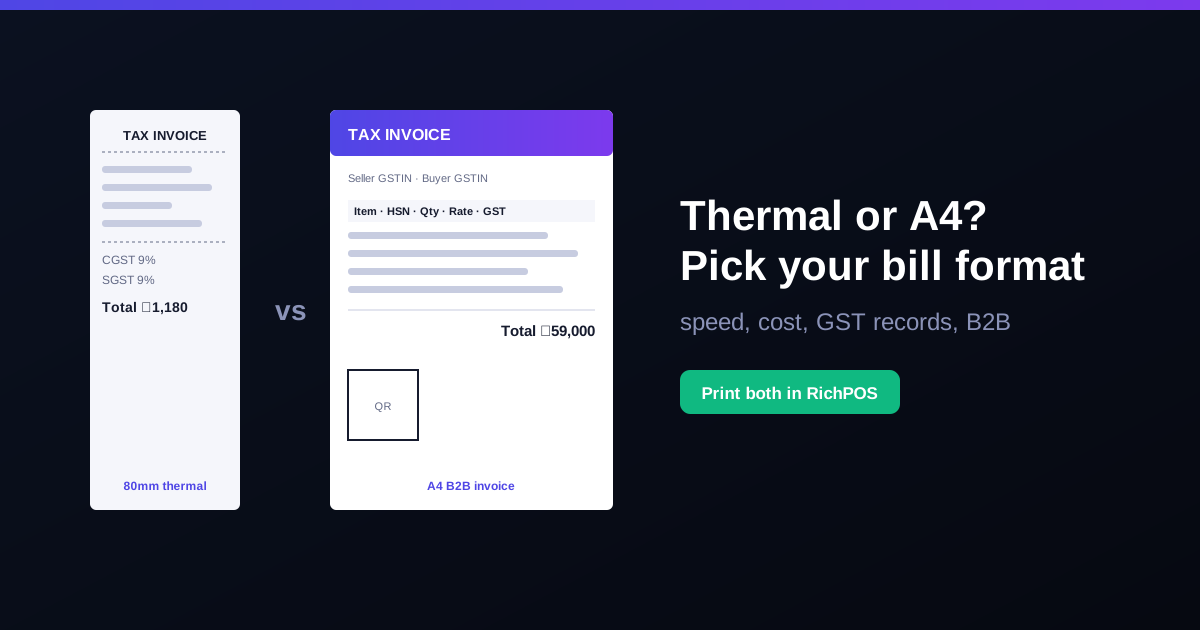
Rather than maintaining this by hand, POS billing software such as RichPOS fills every mandatory field automatically from your product master and prints a GST invoice on a thermal or A4 printer.
Any layout that shows every Rule 46 field is a valid GST invoice. For an occasional bill, the free GST invoice generator is all you need. For daily billing with stock, dues and GST reports, try the RichPOS free trial for 30 days, no card needed.
FAQ
Frequently asked questions
Is there an official government GST invoice format?
No. The GST law does not prescribe one layout. Rule 46 of the CGST Rules lists the fields a tax invoice must show, and any format that shows all of them is valid.
How can I make a GST invoice online for free?
Use a free GST invoice generator such as the one at richdaddy.in/tools/gst-invoice-generator. Enter your GSTIN, the buyer and the items with HSN and GST rate, and save the invoice as an A4 PDF. It needs no login.
Can I make a GST invoice in Excel or Word?
Yes, as long as it shows every Rule 46 field: your GSTIN, a unique serial number, date, buyer details, HSN, quantity, taxable value, GST rate and amount, place of supply and signature. Ready-made Excel, Word and PDF bill formats are on the free bill format page.
Is an invoice from a free generator legally valid?
Yes, if it shows all the Rule 46 fields correctly and you keep a consecutive invoice series. The generator does not file anything with the GST portal; you still report the sale in your returns.
Is a GST invoice mandatory for every retail sale?
For registered sellers, yes — with one relief: for B2C sales below ₹200 you may skip a formal invoice if the customer doesn't want one, provided you still record the sale in a consolidated daily invoice. For all other sales, issue a tax invoice.
What is the difference between a tax invoice and a retail bill?
A tax invoice is a GST-compliant document that shows GSTIN, HSN and the tax split, letting a registered buyer claim input credit. A plain "retail bill" or cash memo without these fields is not valid for GST purposes if you are a registered regular taxpayer.
How many copies of a GST invoice do I need to make?
For goods, the law expects up to three copies — original for the buyer, duplicate for the transporter, and triplicate for you. For an over-the-counter retail sale where there is no transport, the original for the customer plus your own record copy is enough.
Can I issue a GST invoice from my mobile or POS software?
Yes. A digitally generated invoice with a digital signature or electronic authentication is fully valid. Most retail billing software stores GSTIN and HSN once and prints a compliant invoice on every sale.
Do I need e-invoicing for my retail shop?
Only if your aggregate turnover has crossed ₹5 crore in any year from 2017-18. Then B2B invoices need an IRN and signed QR code from the Invoice Registration Portal; bills to walk-in (B2C) customers do not. Free generators, Excel templates and RichPOS do not make e-invoices. See the e-invoice limit for retailers.
Founder, RichPOS Software, Ahmedabad. We build RichPOS for Indian shops and write these guides from what shop owners ask us every day. Facts on tax rates and prices are dated; confirm GST matters with your CA. Questions? WhatsApp us.
Make GST bills in seconds with RichPOS
Billing, stock, WhatsApp bills and GST reports in one app. Free 30-day trial with no card, then ₹99/month for 3 months and ₹199/month after.
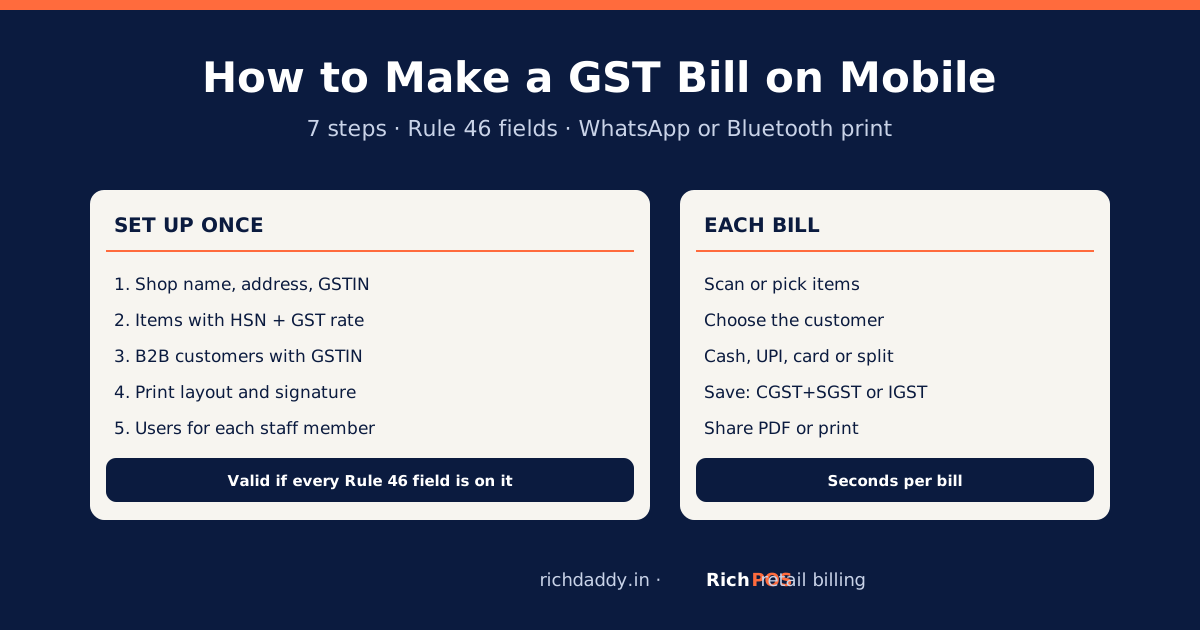
How to Make a GST Bill on Mobile: Step-by-StepMake a valid GST bill on your phone in 7 steps: shop GSTIN, items with HSN and rate, customer, payment, then WhatsApp or print. Rule 46 fields listed.