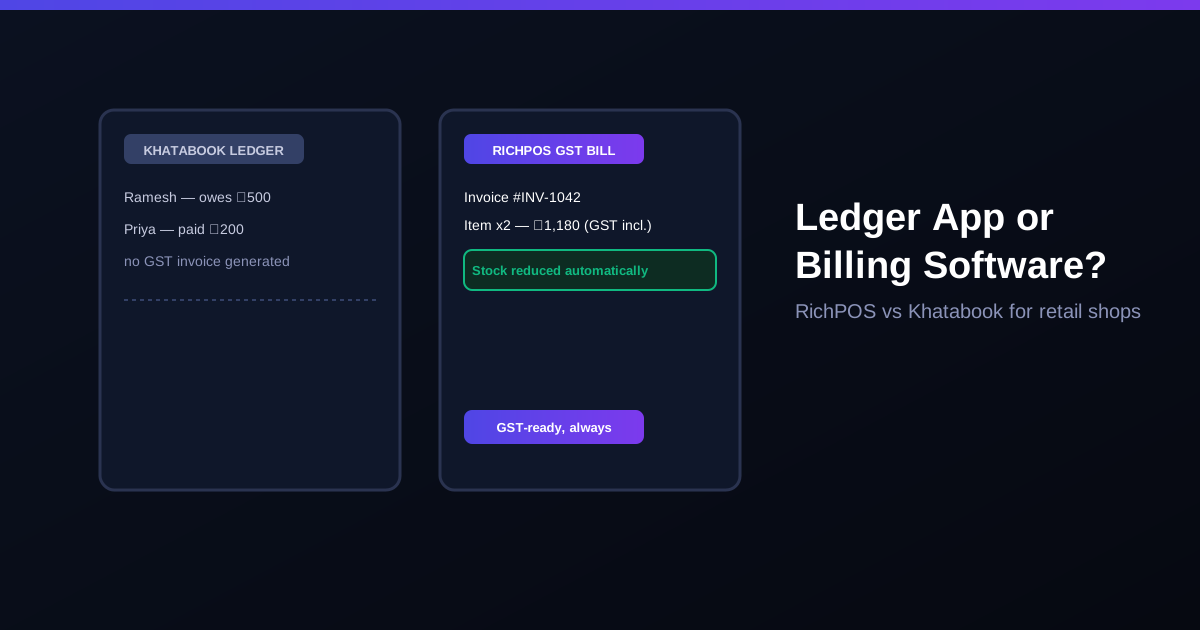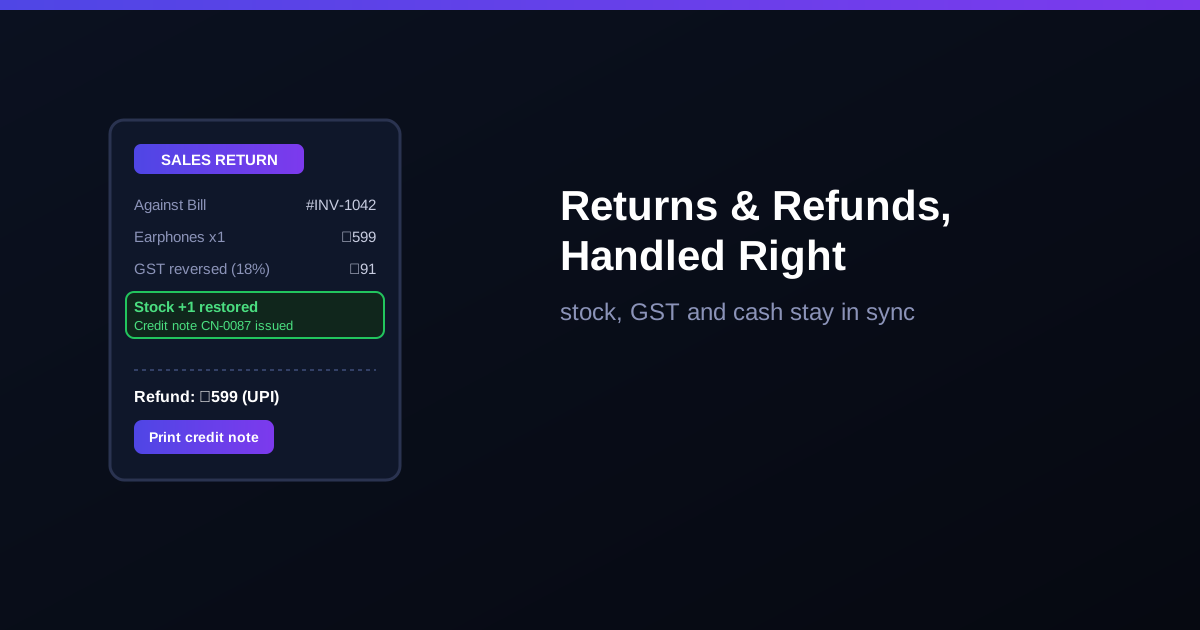
Every retail shop in India gets returns: the wrong phone cover size, a faulty charger, a saree that did not match. The return itself takes a minute. The problem is what happens after: stock that never gets added back, GST that was paid on a sale that no longer exists, and a cash drawer that is ₹599 short at closing with nobody sure why. This guide covers how to handle returns and refunds properly, and how billing software keeps stock, GST and cash in sync.
Why returns cause more trouble than sales
A sale touches three things at once: stock goes down, tax is charged and money comes in. A return has to undo all three, and in a manual or ledger-based shop they are undone separately, if at all. That is where mismatches start:
- Stock drift: the item goes back on the shelf but not into the stock register, so your system says you have 3 when you have 4.
- Extra GST: without a credit note, you keep paying GST on sales that were reversed.
- Cash mismatch: a refund paid from the drawer without a record shows up as a shortage at day end.
- Return abuse: with no link to the original bill, it is hard to check whether an item was bought from you, when, and at what price.
A simple return policy that works for Indian shops
- Returns only against a bill. Ask for the invoice number or look it up by customer phone number.
- Set a clear window. 7 days is common for general retail; electronics shops often allow replacement only for manufacturing defects.
- Decide refund modes up front. Cash, UPI back to the same number, or store credit. Print it on the bill footer.
- Separate "return to stock" from "damaged". A resaleable item goes back to stock; a faulty one goes to a damaged or return-to-supplier list.
GST on returns: the credit note
When a customer returns goods billed with GST, you issue a credit note against the original invoice. It reduces your output tax, and it is reported in GSTR-1 for the month it is issued. Under Section 34 of the CGST Act, credit notes for a financial year must be declared by 30 November of the next year or the annual return filing date, whichever is earlier. Miss that and you lose the tax adjustment. For B2C walk-in sales the process is the same; the credit note simply has no customer GSTIN.
Return, exchange or refund: what to record
| Situation | What the software should do |
|---|---|
| Full refund | Credit note, stock added back, refund logged by mode (cash / UPI / card) |
| Exchange for same price | Return old item to stock, bill new item, net payment ₹0 |
| Exchange for costlier item | Return old item, bill new item, customer pays the difference |
| Store credit | Credit note, stock added back, balance saved on the customer profile |
| Faulty item | Credit note, item marked damaged or sent back to supplier, not resold |
How RichPOS handles a return in about 30 seconds
In RichPOS you open the original bill (by invoice number or customer mobile), select the items coming back and choose the refund mode. The software then:
- adds the returned quantity back to stock at that store,
- reverses the GST and generates a credit note linked to the original invoice,
- records the refund against the right payment mode, so end-of-day cash reconciliation still matches,
- keeps the return in your GST reports so it is ready for GSTR-1.
If you run more than one counter, cashier permissions let you decide who can process returns, which is one of the easiest ways to stop refund misuse. Returned stock also feeds into low-stock alerts, so you do not reorder something that just came back.
Frequently asked questions
- Do I need to issue a GST credit note for every sales return?
- If the original sale was billed with GST and you are reducing its value because goods came back, a credit note is the standard way to reverse the tax. It is reported in GSTR-1 for the month it is issued. Confirm edge cases with your CA.
- Is there a time limit for issuing a GST credit note?
- Yes. Under Section 34 of the CGST Act, a credit note for a financial year must be declared by 30 November of the following year or the date of filing the annual return, whichever is earlier.
- Should I refund in cash or give store credit?
- Both are fine as long as your billing software records which one you used. Store credit keeps the money in the shop; cash or UPI refunds must be logged so the day-end cash count still matches.
- Does a return automatically add stock back in RichPOS?
- Yes. When you record a return against the original bill, RichPOS adds the returned quantity back to stock at that store, reverses the GST and records the refund mode, all in one step.
Bottom line: a return is a sale in reverse, and stock, GST and cash all need to be reversed together. RichPOS does it in one step, from ₹89/month with a 30-day free trial. See pricing or call +91 90333 31255.
GST rules summarised for general guidance as of 2026; confirm your specific case with your chartered accountant.