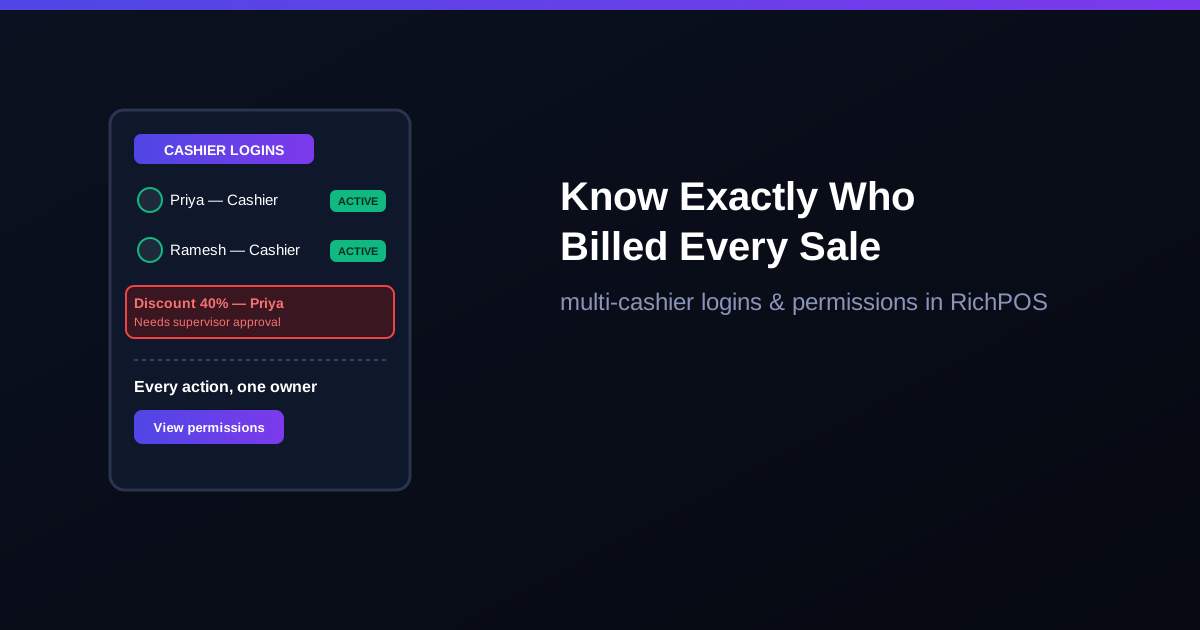
Can billing software have multiple cashier logins? Yes. Good billing software gives each cashier their own login, limits what each role can do, and records who billed what. In RichPOS you add staff users (2 on Dukaan, 5 on Dukaan Plus, unlimited on Business), give each role per-module permissions and a maximum discount limit, and see sales per staff member in the staff sales report (Dukaan Plus and above). See staff control billing software.
Two or three cashiers sharing one billing screen and one login is one of the most common setups in Indian retail shops — and one of the easiest ways to lose track of who did what. A wrong discount, a voided bill, or a missing cash drawer amount becomes impossible to trace back to a person. Separate logins with role-based permissions fix this at the source.
The problem with a shared login
Every cashier bills under the same account, so the owner cannot tell who processed a specific sale.
A dishonest employee can apply unauthorized discounts or void bills, and it looks like "the system" did it.
Shift handovers have no clean cutoff — cash mismatches get blamed on whoever is present, not whoever caused them.
New staff get full access on day one, including settings they should never touch.
Create bills and take payments, with discounts only up to the limit set for the role
Manager
Wider access you choose, such as purchases and reports for their own store
Owner/Admin
Full access: pricing, inventory, reports, staff and roles
Each login is tied to one person. Every bill is saved under the user who made it, the activity log records important actions with the user and time, and the staff sales report shows how much each person billed.
Why this matters for shrinkage control
Most retail shrinkage in a multi-cashier shop is not big theft — it is small, repeated discounts or "adjustments" that never get questioned because no one can prove who made them. Once every action is tied to a login, the pattern becomes visible in the daily report instead of staying invisible in the register.
Setting up cashier logins the right way
Create one login per person, never a shared "cashier" account.
Give new staff a role with a low discount limit.
Review the per-cashier sales report weekly, not just the shop total.
Deactivate a login the same day an employee leaves — do not just stop using it.
A shared login hides who did what; separate cashier logins make every action traceable. Pair this with end-of-day cash reconciliation and the cash register day close to close the loop, or check pricing, or call +91 90333 31255 to set up role-based logins for your shop.
FAQ
Frequently asked questions
Should each cashier have a separate login?
Yes. Separate logins tie every bill to the person who made it. In RichPOS each staff member gets a login and a role, assigned per store, and the activity log records who did what.
Can I restrict what a cashier is allowed to do?
Yes. Roles control what each user can access, and discount limits can be set by staff role, so a cashier cannot give more discount than the role allows.
Does multi-cashier login work for a single-counter shop, or only multi-store?
It works for a single counter with two or more staff just as well as for multi-store chains — any shop where more than one person bills on the same till benefits from separate logins.
How do I stop cashiers giving extra discounts or skipping bills?
Give each person their own login, set a discount limit for the cashier role, review the staff-wise sales report and activity log weekly, and count the cash drawer at day close. RichPOS has all four.
Free tool: use the Excel templates for a stock register, udhaar khata, cash book or GST purchase register. Free; enter your WhatsApp number to download.
Founder, RichPOS Software, Ahmedabad. We build RichPOS for Indian shops and write these guides from what shop owners ask us every day. Facts on tax rates and prices are dated; confirm GST matters with your CA. Questions? WhatsApp us.
Make GST bills in seconds with RichPOS
Billing, stock, WhatsApp bills and GST reports in one app. Free 30-day trial with no card, then ₹99/month for 3 months and ₹199/month after.
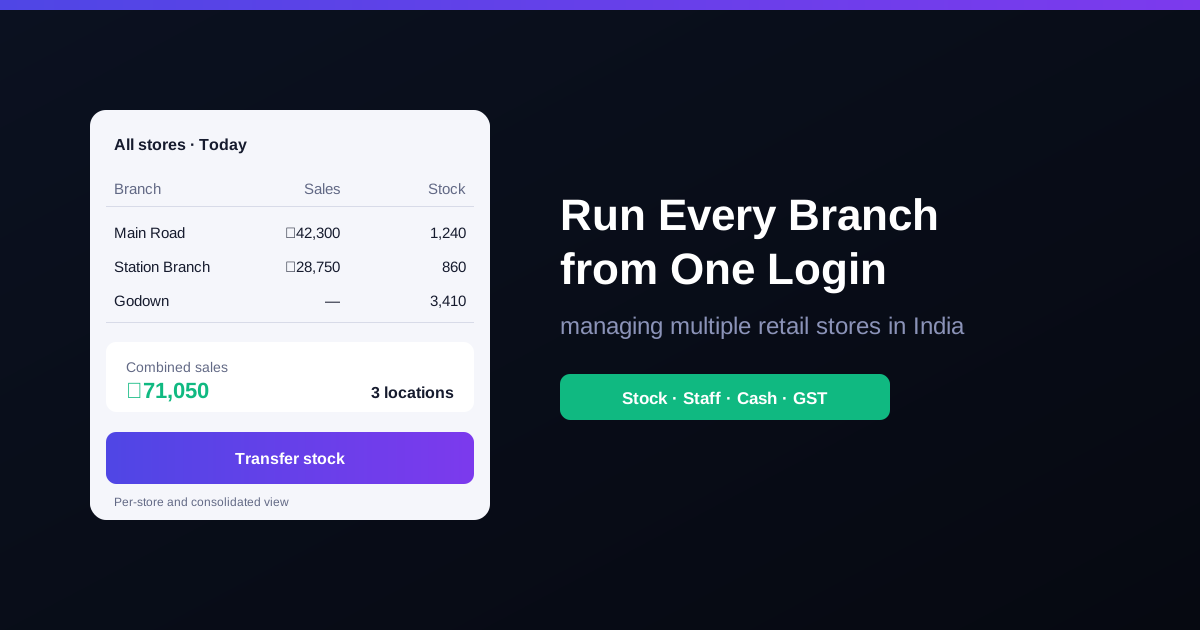
How to Manage Multiple Retail Stores in IndiaRunning two or more shops in India? A practical guide to stock, staff, cash, GST registration and reports across branches, without losing control.
Expiry Date Management for Retail Shops: FEFO GuideHow Indian grocery, pharmacy and FMCG shops can cut expiry losses: FEFO vs FIFO, batch tracking, a near-expiry report, returns, and GST on written-off stock.