Updated 17 October 2026 · By Ashok Sachdev
Quick answer
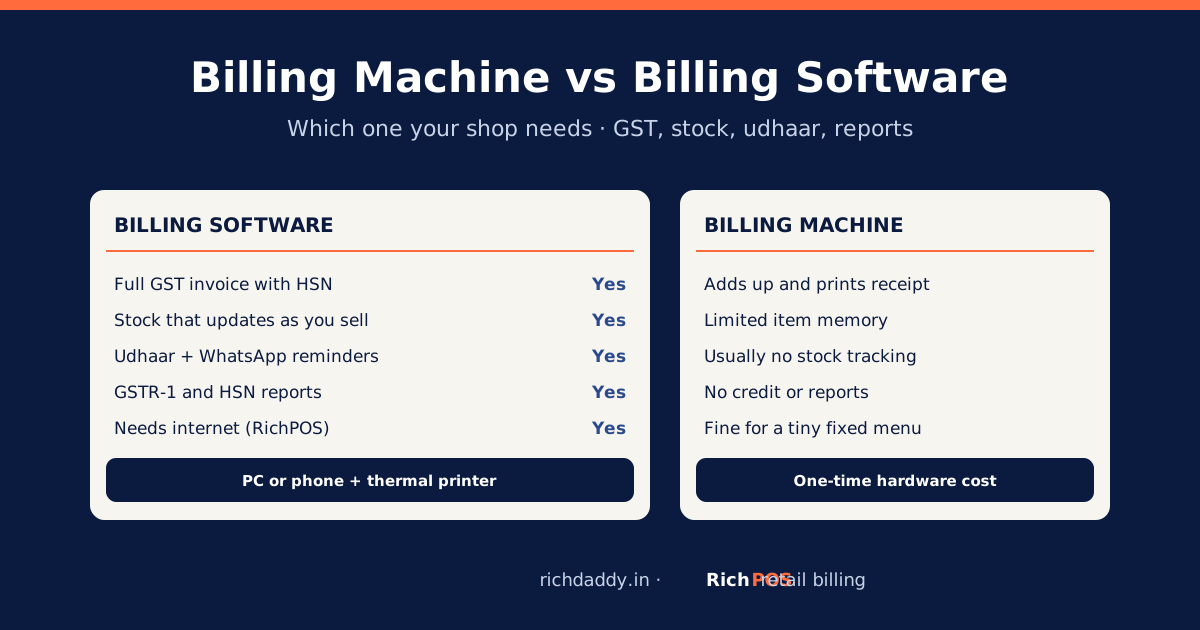
A billing machine is a single box that adds up the sale and prints a receipt; billing software does that and also keeps your stock, customer dues, GST reports and sales history. For a shop that must issue GST invoices with HSN codes, track stock or give credit, billing software on a computer or phone with a thermal printer is the better choice. A standalone billing machine suits only a very simple counter with a few fixed-price items and no stock tracking.
Many shop owners search for a "billing machine for shop" when what they really want is a faster counter and fewer mistakes. The machine is only half of the answer. This guide compares the two honestly, lists the hardware you actually need for software billing, and gives a simple rule for which one fits your shop.
What is a billing machine?
In Indian retail, "billing machine" usually means one of three things:
- Standalone billing machine or electronic cash register: a box with a keypad, a small display and a built-in receipt printer. Items and prices are stored inside it.
- Handheld billing machine: a battery device with a keypad and a small printer, used at stalls, in delivery or at events.
- POS system: a computer or tablet running billing software, with a thermal printer, barcode scanner and sometimes a cash drawer. People often call this a billing machine too.
The first two are hardware with fixed functions. The third is software plus ordinary hardware, which is what this guide means by billing software.
Billing machine vs billing software: side by side
| What you need | Standalone billing machine | Billing software (PC, laptop or phone + printer) |
|---|
| Add up a sale and print a receipt | Yes | Yes |
| Full GST tax invoice (GSTIN, HSN, CGST/SGST/IGST, buyer GSTIN) | Depends on the model; check the printed layout before buying | Yes, from your shop and item settings |
| Item list size | Limited to the machine's memory | RichPOS: unlimited items, brands and variants on paid plans |
| Stock that reduces as you sell | Usually no | Yes, with low-stock alerts |
| Barcode billing | Some models | Yes, with a USB or Bluetooth scanner |
| Customer credit (udhaar) | No | Yes, with WhatsApp reminders |
| Bill on WhatsApp | No | Yes |
| GST reports for your CA | Basic day totals at best | GSTR-1 and GST reports by HSN, Excel/CSV/PDF |
| Staff control | Rarely | User logins, discount limits, activity log, day close |
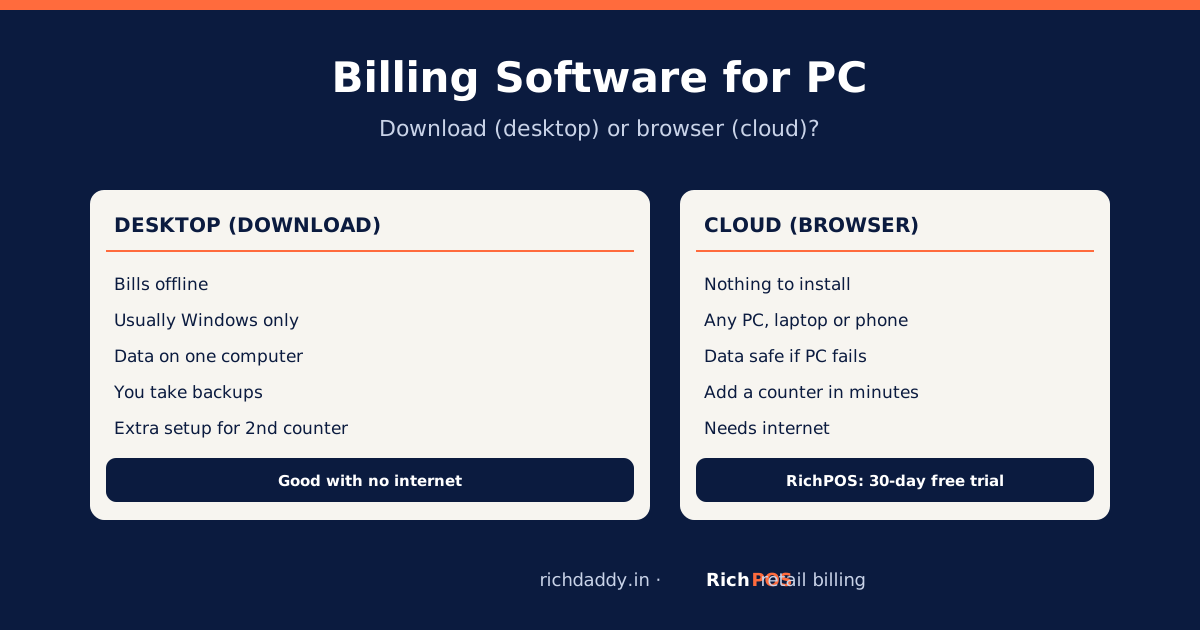
| Works without internet | Yes | Depends on the software; RichPOS needs internet |
| Data if the device breaks | Can be lost with the device | Cloud software keeps data online, with backups |
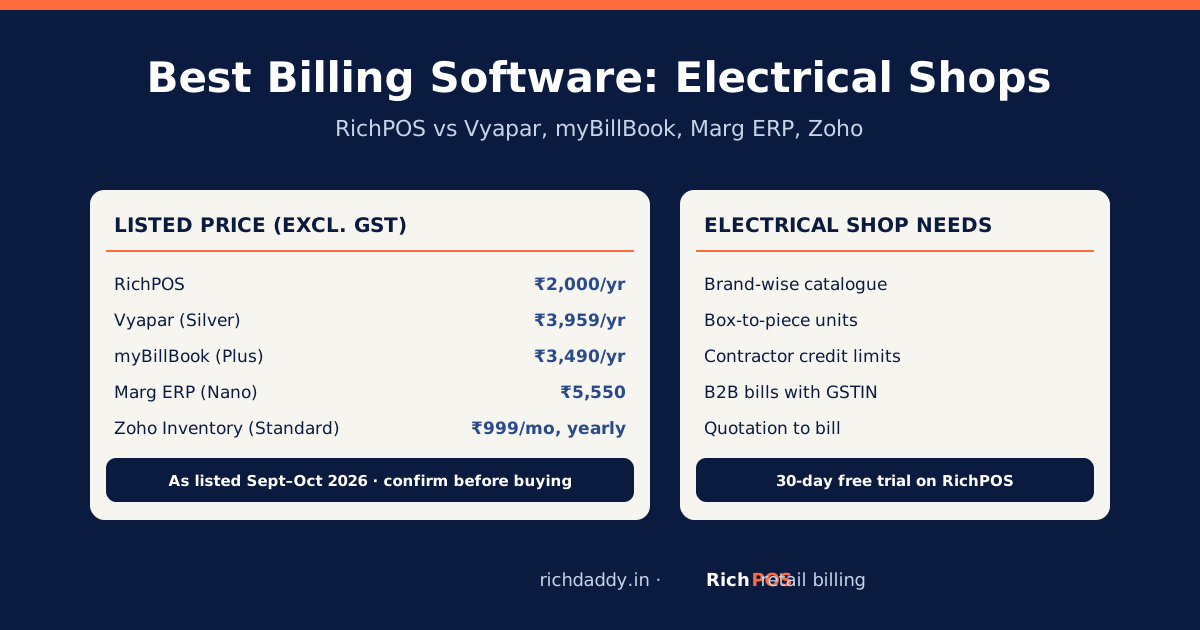
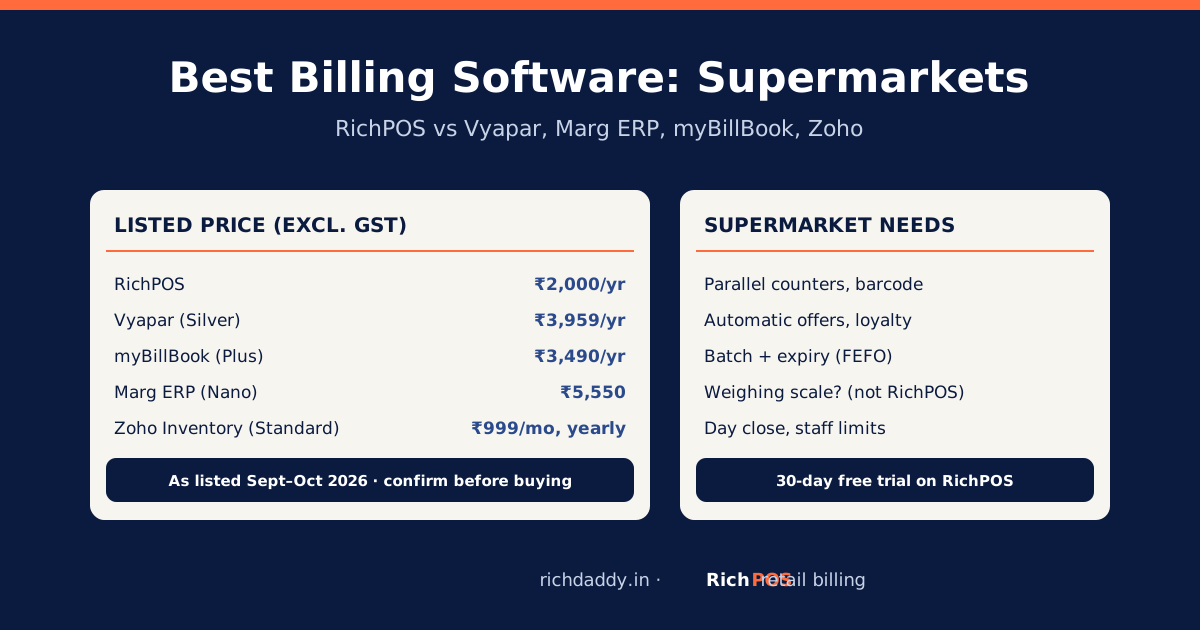
| Cost pattern | One-time hardware price | Subscription; RichPOS from ₹99/month for 3 months, then ₹199/month or ₹2,000/year |
When a billing machine is enough
- You sell a small, fixed set of items (a tea stall, a juice counter, a parking booth).
- You do not need stock, credit or customer records.
- You are not GST-registered, or your customers never ask for a GST invoice with HSN and their GSTIN.
- The counter has no power backup issues and no internet at all.
If all four are true, a machine is simple and does the job. If even one is false, you will soon keep a notebook next to the machine, and that is where errors come back.
When you need billing software
- You are GST-registered and must issue tax invoices with the required fields.
- You have more than a few dozen items, sizes or brands.
- You want to know what is in stock without counting shelves. See low-stock alerts.
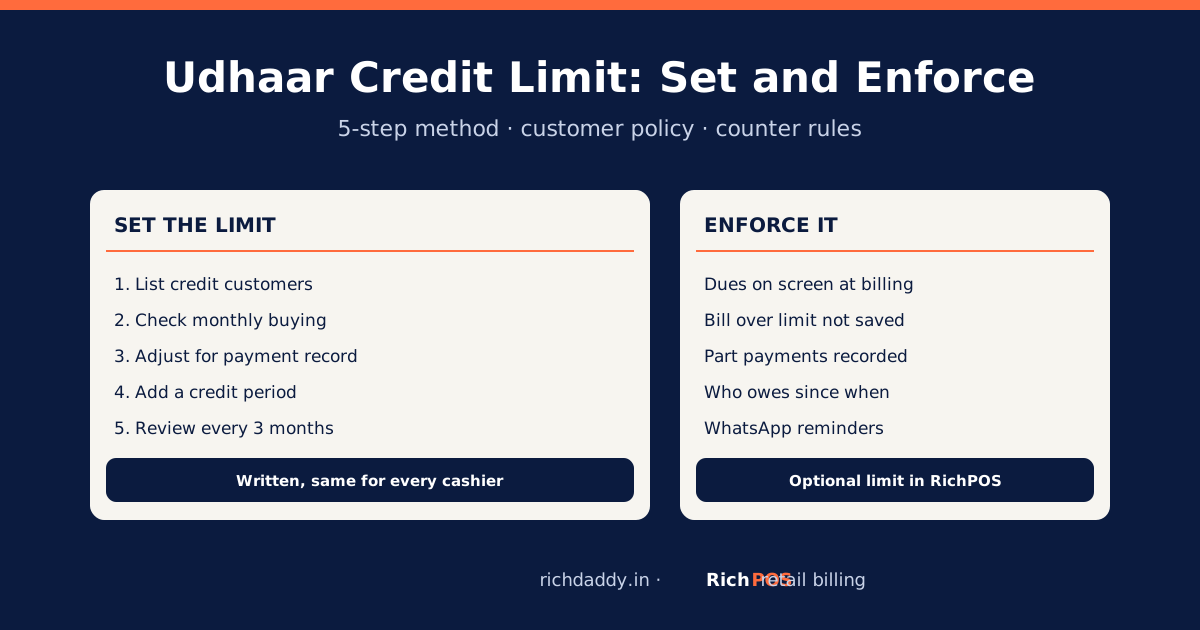
- You give credit to regular customers and need to recover udhaar.
- Staff run the counter and you want a day close with cash count.
- Your CA asks for sales data every month.
What hardware do you need for billing software?
| Hardware | Needed? | Notes |
|---|
| Computer, laptop or Android phone | Yes | RichPOS runs in any modern browser and has an Android app |
| Thermal receipt printer (58 mm or 80 mm) | Yes, for printed bills | See 58 mm vs 80 mm |
| A4 printer | Optional | For B2B bills with full buyer details |
| Barcode scanner | Recommended for packaged goods | Scanning is faster and avoids picking the wrong item |
| Barcode label printer | Optional | For your own items; or print labels on A4 sheets. Try the free barcode label generator |
| Cash drawer | Optional | Useful with several cashiers |
| Internet connection | Yes, for RichPOS | RichPOS has no offline mode; a phone hotspot works as a backup |
Prices for this hardware vary by brand and city, so compare a few local dealers. Many shops start with the computer or phone they already have plus one thermal printer.
A simple rule to decide
- If you are GST-registered, choose software. A full tax invoice and a GSTR-1 report are hard to get from a basic machine.
- If you are not registered but keep stock or give credit, choose software.
- If you sell a handful of fixed items, keep no stock and bill without GST, a machine is fine.
- Whatever you pick, test it with your own items for a few days before paying.
How to switch from a billing machine to software
- Write down or export your item list with prices.
- Start the RichPOS free trial (30 days, no card) and add your shop details and GSTIN.
- Import or add items with HSN and GST rate. Look up rates in the HSN and GST rate finder.
- Connect your thermal printer and print a test bill.
- Run both side by side for a day, then move the counter fully to software.
Bottom line
A billing machine prints receipts; billing software runs the shop. If you need GST invoices, stock or credit tracking, use software on a computer or phone with a thermal printer. Start the RichPOS free trial, see pricing, or read billing software for retail shops.
FAQ
Frequently asked questions
Which is better for a shop, a billing machine or billing software?
For most GST-registered shops, billing software is better because it prints full GST invoices, keeps stock, tracks customer credit and gives reports for the CA. A standalone billing machine is enough only for a simple counter with a few fixed items, no stock and no GST invoices.
Can a billing machine print a GST bill?
Some models can print GST details. Check that the printed bill shows your GSTIN, a unique invoice number, HSN codes, taxable value, CGST and SGST or IGST, and the buyer's GSTIN for B2B sales, as Rule 46 of the CGST Rules requires, before you buy.
What do I need to start billing with software?
A computer, laptop or Android phone, a thermal receipt printer for printed bills, and an internet connection for cloud software such as RichPOS. A barcode scanner is recommended for packaged goods; a cash drawer and label printer are optional.
Does billing software work without internet?
It depends on the product. RichPOS is cloud software and needs an internet connection to bill. Some apps, such as Vyapar, list offline billing. If your connection is unreliable, keep a phone hotspot as backup or test offline options.
How much does billing software cost compared with a machine?
A billing machine is a one-time hardware purchase. Billing software is usually a subscription: RichPOS costs ₹99/month for the first 3 months, then ₹199/month, or ₹2,000/year, after a free 30-day trial, and runs on hardware you may already own.