On this page · 7 sections
- B2B vs B2C invoice: what changes
- How to make a B2B GST invoice: step by step
- Worked example: one sale, two states
- Common B2B invoice mistakes
- How RichPOS handles B2B bills
- Frequently asked questions
- Bottom line
Updated 17 October 2026 · By Ashok Sachdev · Source: Rule 46 of the CGST Rules (CBIC)
Quick answer
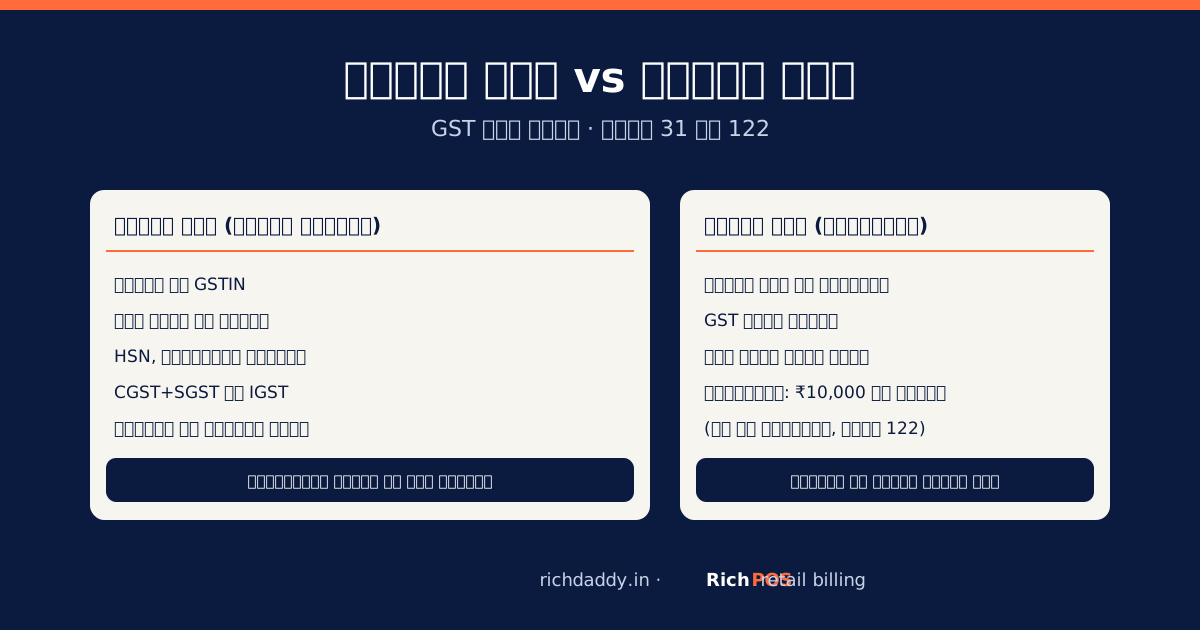
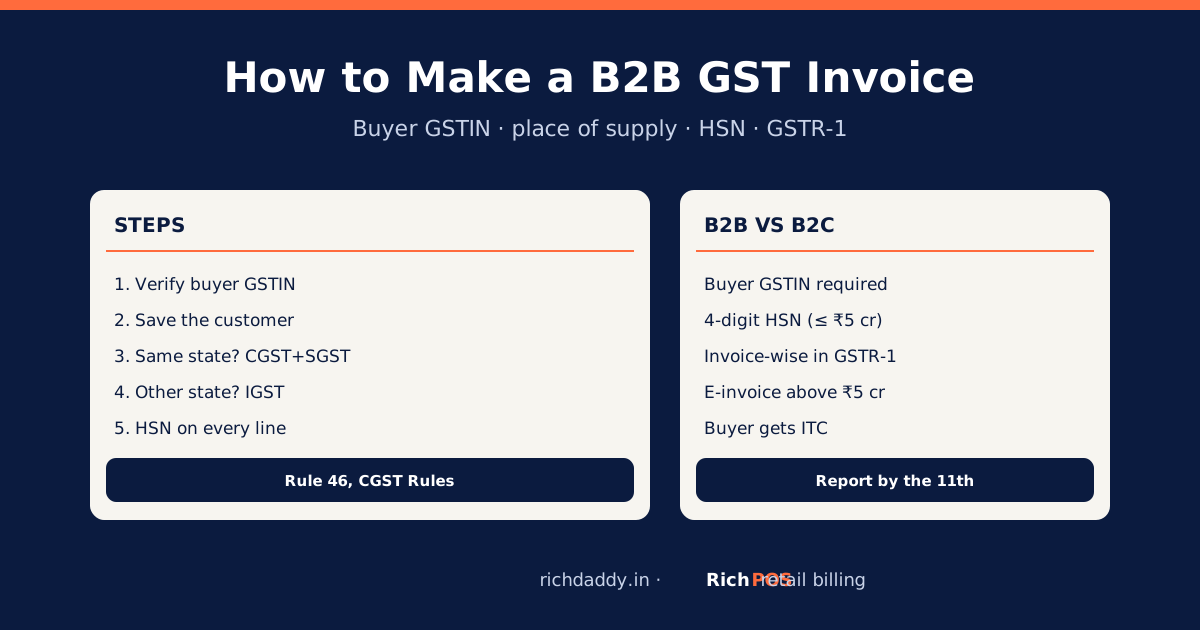
To make a B2B GST invoice, verify the buyer's GSTIN on the GST portal, enter their legal name, address and GSTIN on the bill, decide the place of supply (same state means CGST + SGST, another state means IGST), and show each item's HSN code (at least 4 digits if your turnover is up to ₹5 crore), taxable value, rate and tax. Report the invoice in GSTR-1 with the buyer's GSTIN so it reaches their GSTR-2B and they can claim input tax credit.
A B2B invoice is a bill to a GST-registered buyer: a contractor, another shop, an office or a hotel. It needs a few more details than a walk-in (B2C) bill, and one wrong GSTIN means the buyer loses credit and comes back for a corrected bill. Here are the steps, a worked example and the common mistakes.
B2B vs B2C invoice: what changes
| Detail | B2C (walk-in customer) | B2B (registered buyer) |
|---|
| Buyer's name, address, GSTIN | Not needed (name and delivery address if value ₹50,000 or more, or if asked) | Required |
| HSN code (turnover up to ₹5 crore) | Optional | 4 digits required |
| HSN code (turnover above ₹5 crore) | 6 digits | 6 digits |
| Place of supply | Needed for inter-state sales | Needed for inter-state sales; decides CGST + SGST vs IGST |
| In GSTR-1 | Reported as totals by rate | Reported invoice by invoice with buyer GSTIN |
| E-invoice (IRN) | Not for B2C | Required if your turnover crossed ₹5 crore in any year since 2017-18 |
B2C rules in detail: B2C bill rules. All fields: GST invoice format.
How to make a B2B GST invoice: step by step
- Verify the buyer's GSTIN. Search it on the GST portal's Search Taxpayer page: it must be Active and the legal name must match. See how to check a GSTIN.
- Save the buyer as a customer with legal name, billing address, state and GSTIN, so every later bill picks them up.
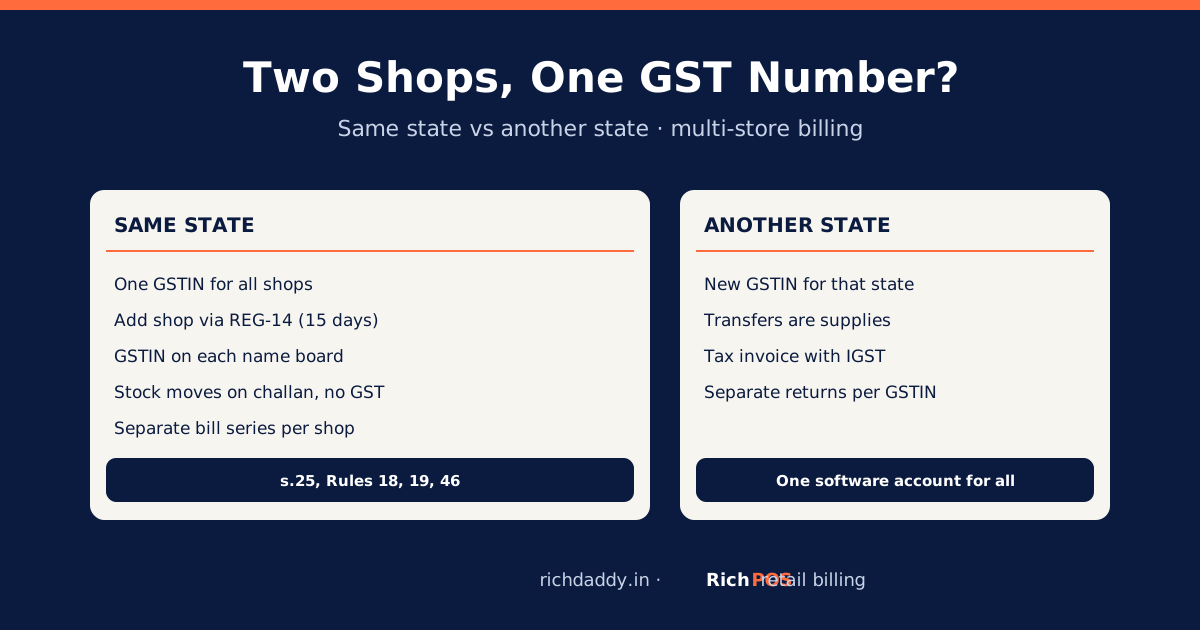
- Decide the place of supply. The first two digits of the GSTIN are the state code. Goods delivered within your state: CGST + SGST. Goods delivered to another state: IGST.
- Add items with HSN, quantity, rate and any discount; GST is charged on the value after the discount.
- Check the tax split and totals, and the reverse-charge field (normally "No" for goods sold by a shop).
- Print on A4 or share as PDF. For goods, the original copy is for the buyer, the duplicate for the transporter and the triplicate for you (Rule 48).
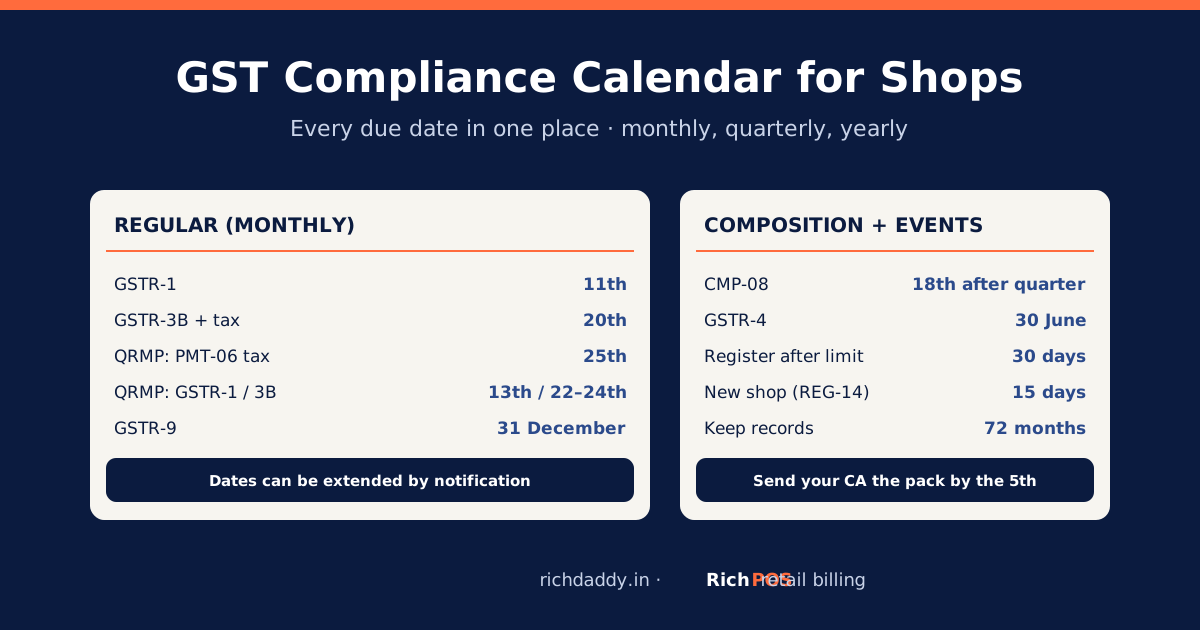
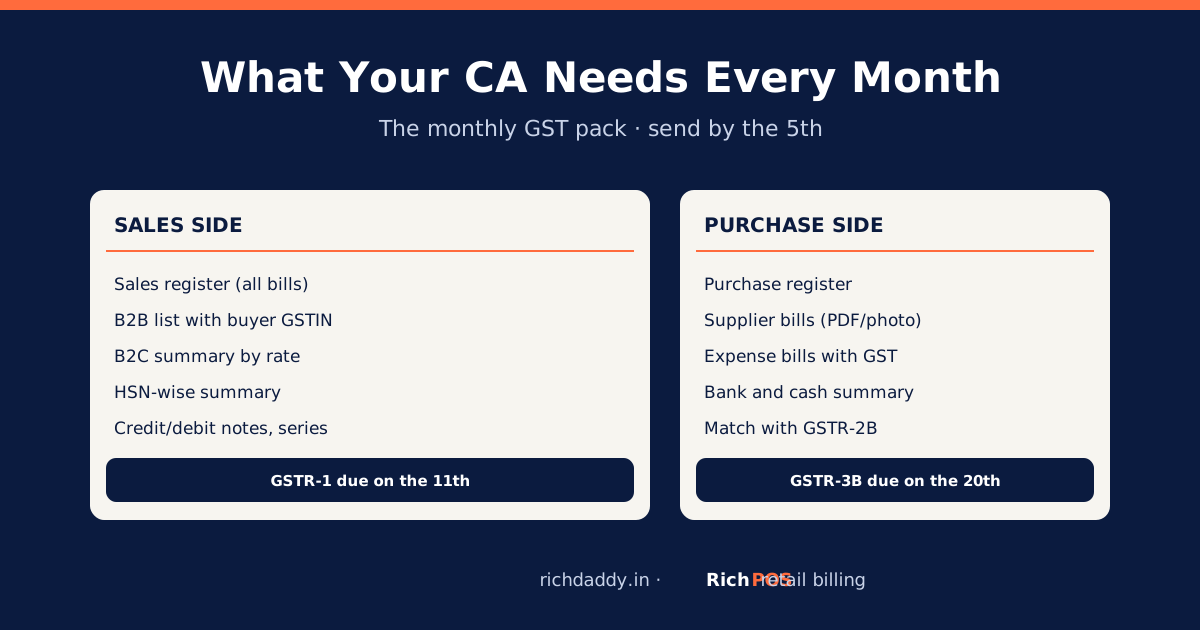
- Report it in GSTR-1 under B2B with the buyer's GSTIN, by the 11th (monthly) or through IFF/GSTR-1 under QRMP.
Worked example: one sale, two states
A hardware shop in Ahmedabad (state code 24) sells 20 bags of cement at ₹400 each (₹8,000 taxable, 18% GST) to a contractor.
| Line | Buyer in Gujarat (GSTIN starts 24) | Buyer in Maharashtra (GSTIN starts 27) |
|---|
| Taxable value | ₹8,000.00 | ₹8,000.00 |
| CGST 9% | ₹720.00 | – |
| SGST 9% | ₹720.00 | – |
| IGST 18% | – | ₹1,440.00 |
| Invoice total | ₹9,440.00 | ₹9,440.00 |
| Place of supply on the bill | Gujarat (24) | Maharashtra (27) |
Figures are illustrative; the cement rate is from GST on cement and hardware. Delivery charged on the same bill takes the goods' rate: see packing and freight charges. Moving goods worth more than the e-way bill limit needs an e-way bill.
Common B2B invoice mistakes
- Wrong or inactive GSTIN: the buyer cannot claim credit. Verify before the first bill.
- B2B sale billed as B2C: the buyer's credit never appears in their GSTR-2B. Always select the saved customer.
- CGST + SGST on an inter-state sale (or IGST on a local one): you pay the right tax again and claim a refund of the wrong one. Check the state code.
- Missing HSN: required on B2B invoices at 4 digits even for small businesses.
- Fixing by deleting the bill: issue a credit note or amend in GSTR-1 instead; see cancel or amend a GST invoice.
How RichPOS handles B2B bills
Save the buyer's GSTIN on the customer record and RichPOS prints it on the bill. The HSN code and GST rate saved on each item apply automatically, A4 GST invoices show an HSN column, and GST is computed after bill discounts. The GSTR-1 report splits B2B, B2C and credit notes for your CA. RichPOS does not generate e-invoices (IRN) or e-way bills. Start the free trial or see pricing.
Bottom line
A correct B2B invoice is a verified GSTIN, the right place of supply, HSN on every line and timely reporting in GSTR-1. Save buyers once and let software fill the rest: try RichPOS free.
FAQ
Frequently asked questions
What is a B2B invoice in GST?
A tax invoice issued to a GST-registered buyer. It must show the buyer's name, address and GSTIN in addition to the usual details, and it is reported invoice by invoice in GSTR-1 so the buyer can claim input tax credit.
Is HSN code mandatory on a B2B invoice?
Yes. If your aggregate turnover in the previous year was up to ₹5 crore, a 4-digit HSN is required on B2B invoices; above ₹5 crore, 6 digits are required on all tax invoices.
How do I know whether to charge IGST or CGST and SGST on a B2B bill?
Compare your state with the place of supply. If the goods are delivered in your own state, charge CGST and SGST; if they go to another state, charge IGST. The first two digits of the buyer's GSTIN give their state code.
Do I need an e-invoice for every B2B bill?
Only if your aggregate turnover crossed ₹5 crore in any financial year from 2017-18 onwards. Then each B2B invoice needs an IRN and QR code from the Invoice Registration Portal.
What happens if I enter the wrong GSTIN on a B2B invoice?
The credit goes to the wrong GSTIN or nowhere, and your buyer cannot claim it. Correct it by amending the invoice in a later GSTR-1 (or GSTR-1A), or issue a credit note and a fresh invoice, within the time limits.
Need a quick figure? Use the free GST calculator to add or remove GST.
ASWritten by Ashok SachdevFounder, RichPOS Software, Ahmedabad. We build RichPOS for Indian shops and write these guides from what shop owners ask us every day. Facts on tax rates and prices are dated; confirm GST matters with your CA. Questions? WhatsApp us.
Make GST bills in seconds with RichPOS
Billing, stock, WhatsApp bills and GST reports in one app. Free 30-day trial with no card, then ₹99/month for 3 months and ₹199/month after.