On this page · 8 sections
- Step 1: verify the GSTIN on the GST portal
- Step 2: check the bill itself
- Step 3: for e-invoices, scan the QR code
- Step 4 (registered buyers): check GSTR-2B
- Common reasons a GST bill is not valid
- Make your own bills easy to verify
- Frequently asked questions
- Bottom line
Updated 17 October 2026 · By Ashok Sachdev · Sources: GST portal taxpayer search, CGST Rule 46, e-Invoice QR Code Verifier (NIC)
Quick answer
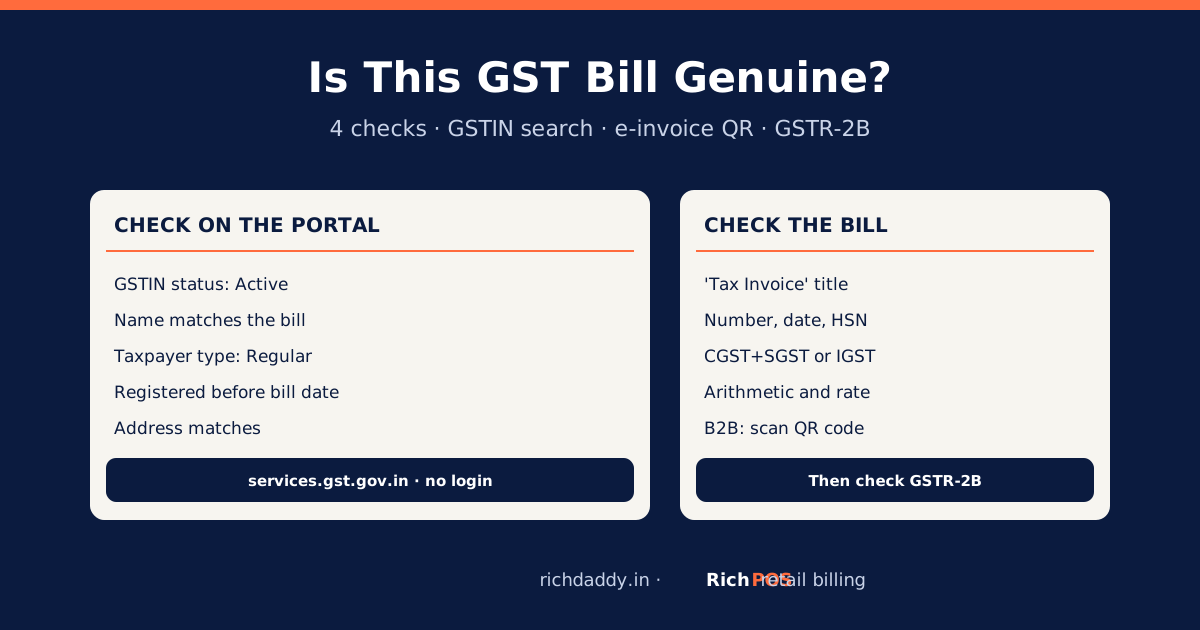
To check whether a GST bill is genuine, search the seller's GSTIN on the GST portal's free Search Taxpayer page and confirm it is Active, the legal or trade name matches the bill, and the taxpayer type is Regular (a composition dealer cannot charge GST). Then check the bill has a unique invoice number, date, HSN, taxable value and a correct CGST + SGST or IGST split; for a B2B e-invoice, scan its QR code with the government's e-Invoice QR Code Verifier app.
Shop owners need this check on both sides of the counter: when a supplier's bill arrives, because a fake or wrong bill means lost input tax credit, and when a customer asks whether your own bill is "pakka". This guide gives a five-minute checklist anyone can follow without logging in anywhere.
Step 1: verify the GSTIN on the GST portal
- Open the Search Taxpayer page on the GST portal. No login is needed.
- Choose "Search by GSTIN/UIN" and enter the 15-character GSTIN from the bill.
- Check the result against the bill.
| What the portal shows | What to check | Red flag |
|---|
| GSTIN status | Active | Cancelled or suspended, or "no record found" |
| Legal name and trade name | Same business as printed on the bill | A different name or a different state |
| Taxpayer type | Regular | Composition, yet the bill charges GST |
| Date of registration | Before the bill date | Registration after the bill date |
| Principal place of business | Matches the address on the bill | An unrelated address |
The first two digits of a GSTIN are the state code (for example 24 for Gujarat, 27 for Maharashtra), and characters 3 to 12 are the seller's PAN. A GSTIN that does not follow this pattern is wrong. More on the format: GST नंबर क्या होता है (Hindi).
Step 2: check the bill itself
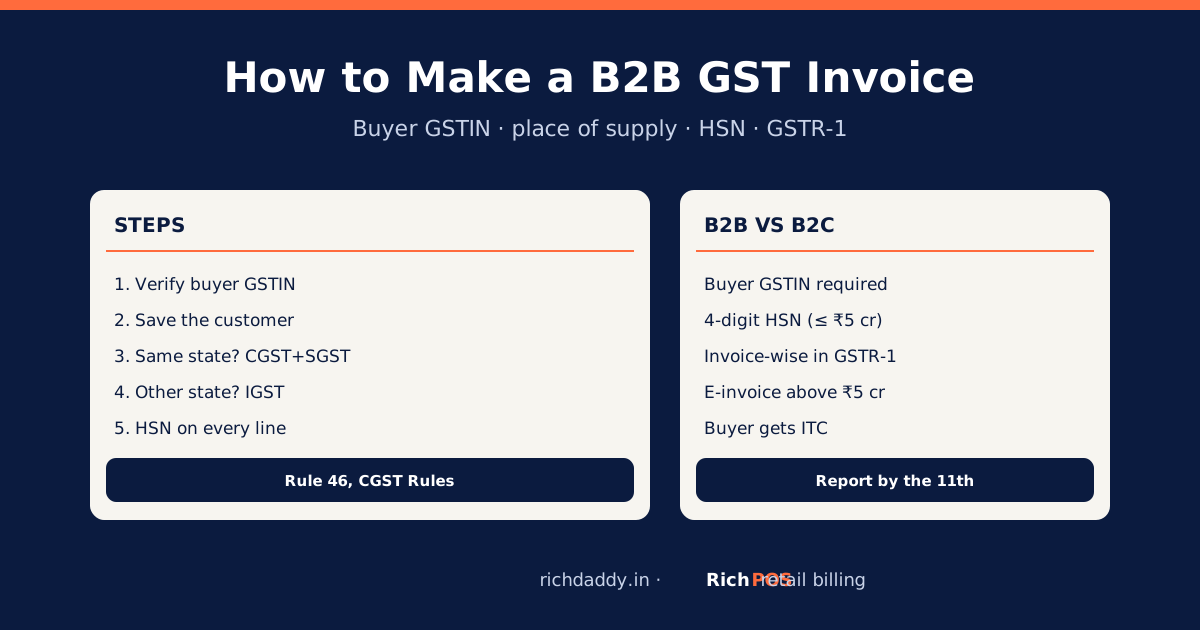
A tax invoice must carry the particulars in Rule 46 of the CGST Rules. Quick checks:
- Title: "Tax Invoice". A composition dealer issues a "Bill of Supply" and must not show GST.
- Invoice number and date: a serial number of up to 16 characters and a date.
- Your details on a B2B bill: your name, address and GSTIN, exactly right, or your input tax credit will not match.
- HSN and description of each item, quantity and taxable value.
- Tax split: CGST + SGST at half the rate each when the seller and place of supply are in the same state; IGST at the full rate between states. A bill showing all three, or IGST from a seller in your own city to your shop, needs a second look.
- Arithmetic: taxable value × rate = tax; check one line with the GST calculator.
- Rate: matches the item's current rate; see the HSN and GST rate list.
Step 3: for e-invoices, scan the QR code
Sellers whose turnover has crossed ₹5 crore must issue B2B invoices as e-invoices with an IRN and a signed QR code (see who needs e-invoicing). The government's e-Invoice QR Code Verifier app, linked from the e-invoice portal (einvoice1.gst.gov.in), reads the QR code and shows the supplier and buyer GSTINs, document number and date, invoice value and IRN. Compare these with the printed bill. If the app says the signature is invalid, ask the seller for a corrected invoice. Walk-in (B2C) bills from shops are normally not e-invoices, so they have no IRN.
Step 4 (registered buyers): check GSTR-2B
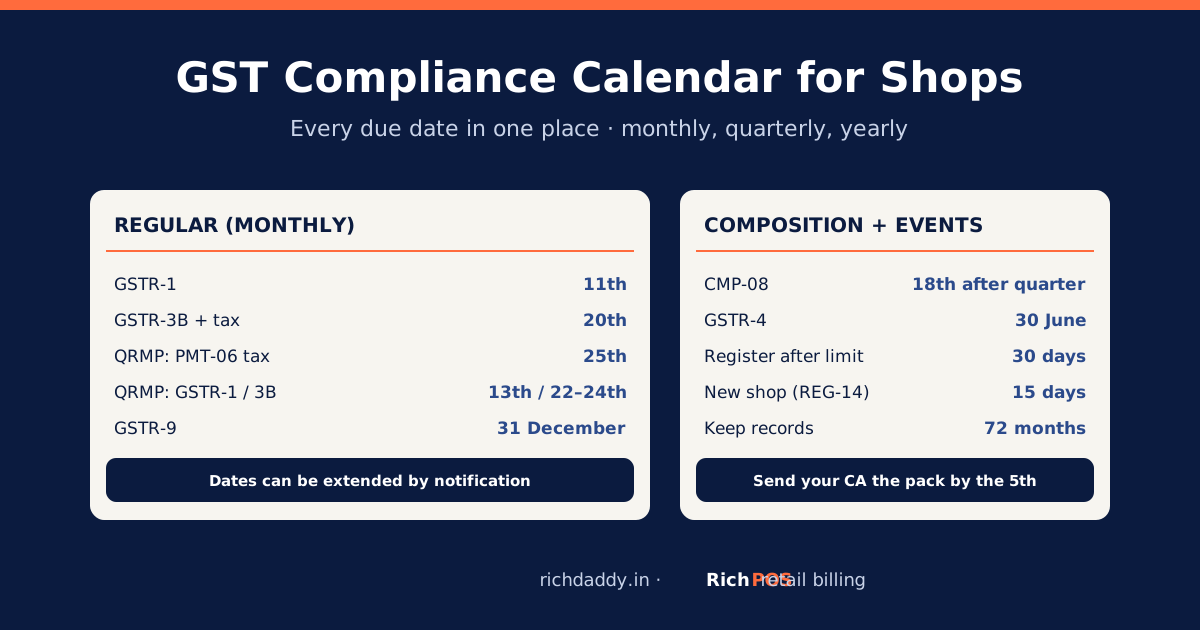
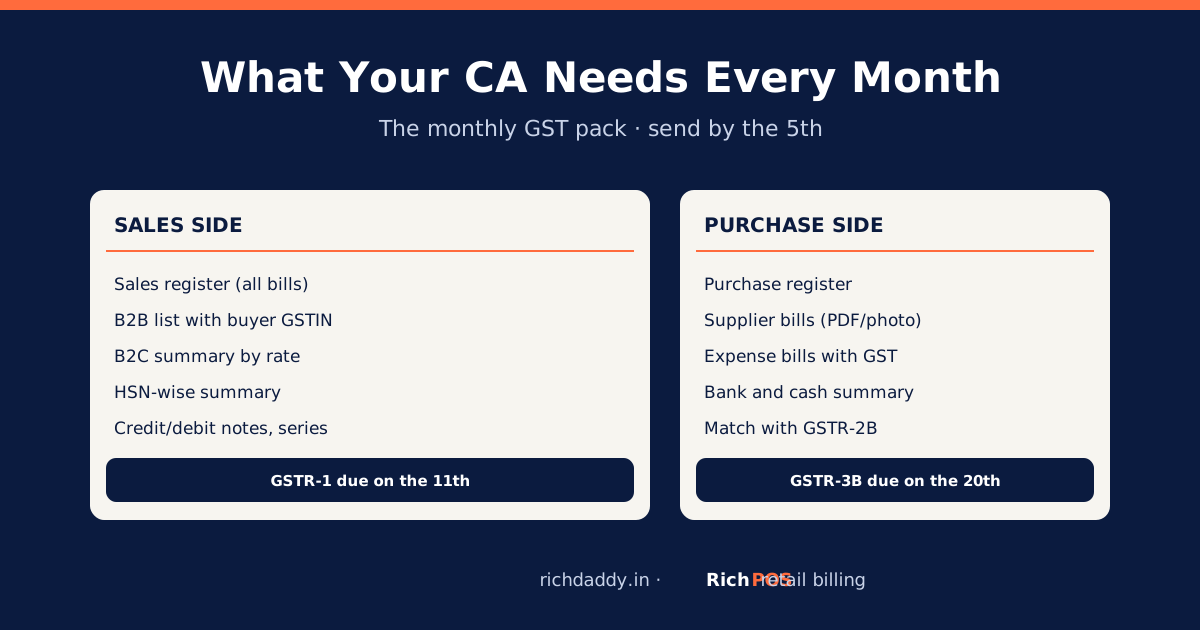
If you are GST-registered, the supplier's bill should appear in your GSTR-2B after they file GSTR-1. A bill that never appears there means no input tax credit until the supplier reports it. Follow up early in the month. See GSTR-2B reconciliation.
Common reasons a GST bill is not valid
| Problem | What to do |
|---|
| GSTIN cancelled or not found | Do not claim credit; ask the seller to explain and reissue |
| Composition dealer charging GST | Composition dealers cannot collect tax; ask for a bill of supply |
| Your GSTIN missing or wrong on a B2B bill | Ask for a credit note and a fresh invoice, or an amendment in their next GSTR-1 |
| Wrong rate or arithmetic | Ask for a corrected invoice or a credit/debit note |
| Handwritten "estimate" instead of a tax invoice | An estimate is not a tax invoice; ask for the proper bill |
For how sellers fix wrong bills, read how to cancel or amend a GST invoice.
Make your own bills easy to verify
Customers trust a bill that shows your GSTIN, a clear invoice number, HSN codes and a correct tax split. RichPOS prints your GSTIN and the buyer's GSTIN (when saved on the customer), keeps HSN and rate on every item, numbers bills automatically, and gives your CA a GSTR-1 report that splits B2B, B2C and credit notes. It does not generate e-invoices (IRN). Try it in the 30-day free trial or see pricing.
Bottom line
A genuine GST bill comes from an Active GSTIN, matches the portal's name and address, carries the Rule 46 details with the right tax split, and, for large B2B sellers, has a valid e-invoice QR code. Two minutes on the GST portal saves a lost credit later.
FAQ
Frequently asked questions
How can I check if a GST bill is real?
Search the seller's GSTIN on the GST portal's Search Taxpayer page and confirm it is Active, the name matches the bill and the taxpayer type is Regular. Then check the bill shows a unique invoice number, date, HSN, taxable value and a correct CGST + SGST or IGST split. For a B2B e-invoice, scan the QR code with the e-Invoice QR Code Verifier app.
How do I check a GST number online?
Go to services.gst.gov.in, open Search Taxpayer, choose Search by GSTIN/UIN, enter the 15-character GSTIN and the captcha. The portal shows the legal and trade name, state, registration date, taxpayer type and whether the GSTIN is Active or Cancelled. No login is needed.
Can a composition dealer charge GST on a bill?
No. A composition dealer pays tax on its own turnover, cannot collect GST from customers and must issue a bill of supply. If a seller listed as Composition on the GST portal charges GST on a tax invoice, ask for a corrected bill.
How do I verify an e-invoice QR code?
Install the e-Invoice QR Code Verifier app linked from the government e-invoice portal (einvoice1.gst.gov.in) and scan the QR code on the invoice. It shows the supplier and buyer GSTINs, document number, date, value and IRN, which you compare with the printed bill.
What happens if I claim input tax credit on a fake GST bill?
The credit is not allowed, and you will have to reverse it with interest. Issuing or using invoices without an actual supply is an offence under the GST law. Verify a new supplier's GSTIN before the first purchase and check that their bills appear in your GSTR-2B.
Need a quick figure? Use the free GST calculator to add or remove GST.
ASWritten by Ashok SachdevFounder, RichPOS Software, Ahmedabad. We build RichPOS for Indian shops and write these guides from what shop owners ask us every day. Facts on tax rates and prices are dated; confirm GST matters with your CA. Questions? WhatsApp us.
Make GST bills in seconds with RichPOS
Billing, stock, WhatsApp bills and GST reports in one app. Free 30-day trial with no card, then ₹99/month for 3 months and ₹199/month after.