On this page · 7 sections
- Why the checklist matters
- The checklist
- Worked example (illustrative numbers)
- If something goes wrong
- After the stock sells
- Frequently asked questions
- Bottom line
Updated 18 October 2026 · By Ashok Sachdev · General, verifiable steps only. Blinkit's own inward rules change; check your seller panel for the current rules.
Quick answer
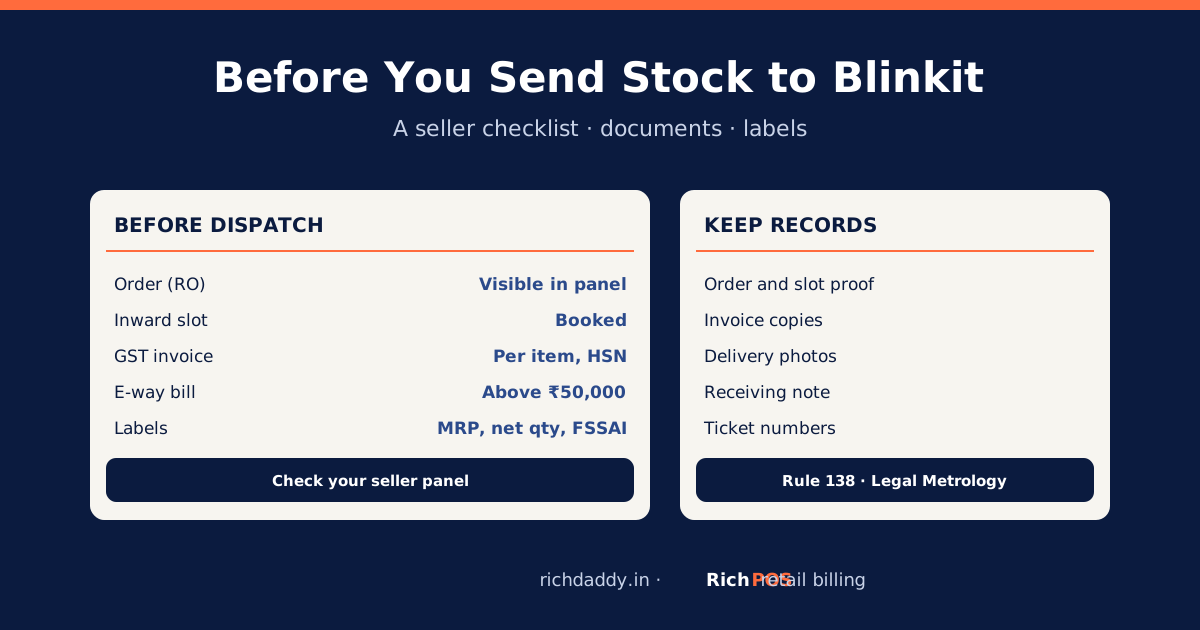
Before sending stock to a Blinkit warehouse, make sure the order for that warehouse is visible in your seller panel and an inward slot is booked; prepare a GST tax invoice with HSN for every item, and an e-way bill if the consignment value is above ₹50,000 (Rule 138 of the CGST Rules). Check that every pack carries the required label details (MRP inclusive of all taxes, net quantity, maker's name and address, consumer care, and the FSSAI licence number for food) and a scannable barcode, and keep proof of the order, slot, invoice and delivery. Check your seller panel for Blinkit's current inward and packing rules.
Why the checklist matters
Sellers in public discussions describe drop slots that are not available, deliveries refused at the warehouse because the order was not showing in the system, and long waits or rescheduling at the gate. Some also report slow refunds of upfront onboarding or listing fees when onboarding did not go through. You cannot control the warehouse, but you can make sure nothing on your side is missing, and keep records if something goes wrong.
The checklist
| Step | Check | Why / source |
|---|
| 1. Order | The order (RO) for this warehouse shows in your seller panel, with the right items and quantities | Sellers report refusals when the order is not visible at the gate |
| 2. Slot | An inward slot or appointment is booked; note its date, time and reference | Avoids waiting or rescheduling |
| 3. Invoice | GST tax invoice with your GSTIN, Blinkit's GSTIN for that warehouse, HSN, quantity, taxable value and tax | Rule 46 fields: GST invoice format |
| 4. E-way bill | Generated before dispatch if the consignment value is above ₹50,000 | CGST Rules, Rule 138 (CBIC); see e-way bill rules |
| 5. Pack labels | MRP inclusive of all taxes, net quantity, maker or packer name and address, consumer care, date of manufacture or packing; FSSAI licence number on food | Legal Metrology (Packaged Commodities) Rules, 2011; FSSAI labelling rules |
| 6. Barcode | Scannable barcode on every unit, matching the one in your listing | GS1 barcodes for products sold on marketplaces |
| 7. Shelf life | Remaining shelf life meets the minimum in your seller panel | Check your seller panel for current rules |
| 8. Packing | Outer cartons labelled with item and quantity, as your seller panel asks | Check your seller panel for current rules |
| 9. Records | Keep the order, slot reference, invoice, e-way bill, delivery photos and the receiving note | Evidence for short receipts, refusals or disputes |
Worked example (illustrative numbers)
You send 600 units of an item at a landing price of ₹100 plus 5% GST. The consignment value is ₹63,000, which is above ₹50,000, so an e-way bill is needed before the vehicle leaves. The numbers are made up to show the check.
If something goes wrong
- Refused at the gate: note the reason given, photograph the documents, and raise a ticket in the seller panel with the order and slot reference.
- Short or damaged receipt: compare the receiving note with your invoice and raise a ticket with photos.
- Fees or refunds pending: keep payment proof and ticket numbers, and follow up in writing.
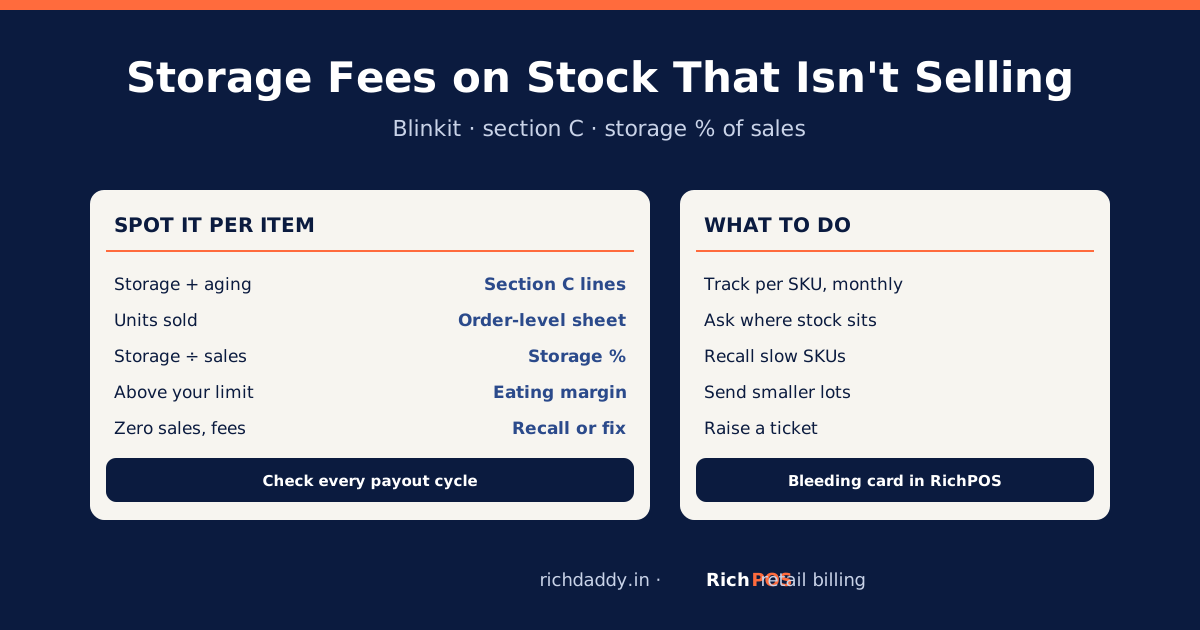
- After inward: watch how the item sells and what it costs to store: storage fees on stock that isn't selling.
After the stock sells
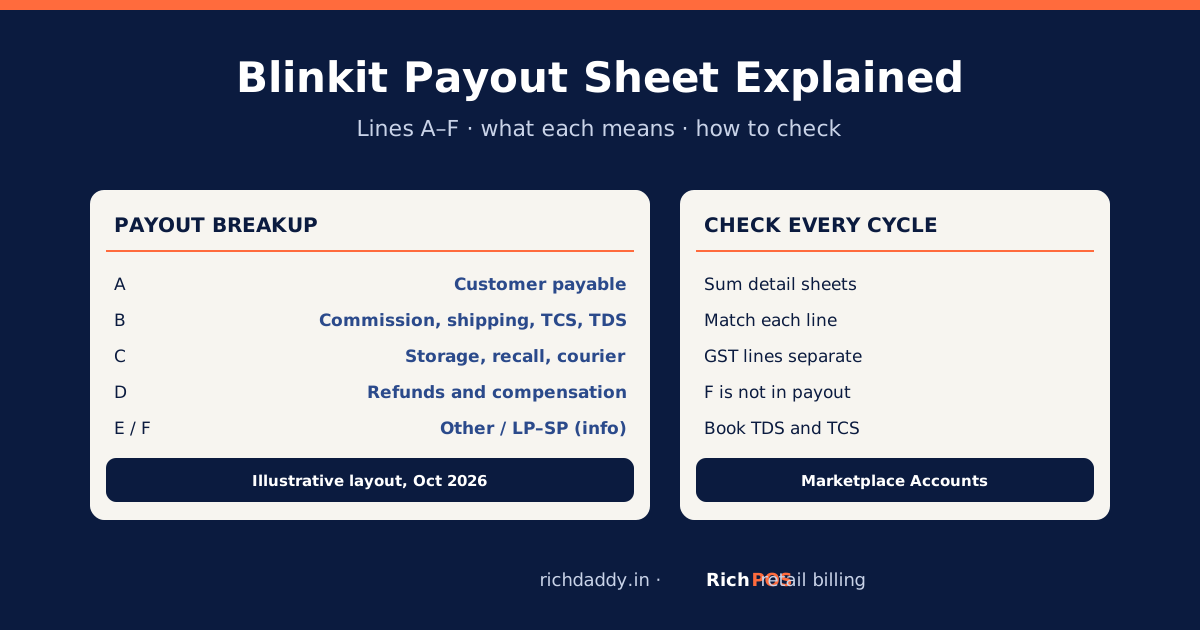
When payouts arrive, RichPOS Marketplace Accounts reads Blinkit's payout workbooks, reconciles them, shows profit per item and exports your LP–SP debit notes for GSTR-1. See Marketplace Accounts for Blinkit sellers. To make the GST invoice for a consignment, the free GST invoice generator works without login.
Bottom line
Most inward problems are cheaper to prevent than to fix: confirm the order and slot, get the invoice, e-way bill and labels right, and keep records. After the stock sells, check every payout with RichPOS Marketplace Accounts or start a free trial.
FAQ
Frequently asked questions
What do I need before sending stock to a Blinkit warehouse?
A confirmed order visible in your seller panel, a booked inward slot, a GST tax invoice, an e-way bill if the consignment is above ₹50,000, correctly labelled packs with barcodes, and copies of everything. Check your seller panel for Blinkit's current rules.
Why was my stock refused at the Blinkit warehouse?
Sellers report refusals when the order was not visible in the system at the gate, when no slot was booked, or when documents or labels did not match. Note the reason, photograph the documents and raise a ticket with the order and slot reference.
Do I need an e-way bill to send stock to Blinkit?
Yes, if the consignment value is above ₹50,000, under Rule 138 of the CGST Rules. Generate it before the goods leave.
What must be printed on the pack?
For packaged goods, the Legal Metrology rules require details such as MRP inclusive of all taxes, net quantity, the maker's or packer's name and address, consumer care details and the date. Food also needs the FSSAI licence number. Your seller panel may ask for more.
Do I need GS1 barcodes to sell on Blinkit?
GS1 India says businesses selling through retail chains or e-marketplaces must get GS1 barcodes. Check your seller panel for Blinkit's own barcode rules before you print labels.
ASWritten by Ashok SachdevFounder, RichPOS Software, Ahmedabad. We build RichPOS for Indian shops and write these guides from what shop owners ask us every day. Facts on tax rates and prices are dated; confirm GST matters with your CA. Questions? WhatsApp us.
Make GST bills in seconds with RichPOS
Billing, stock, WhatsApp bills and GST reports in one app. Free 30-day trial with no card, then ₹99/month for 3 months and ₹199/month after.