Updated 18 October 2026 · By Ashok Sachdev · Line names as they appear in Blinkit's payout workbooks in October 2026; Blinkit can change the format, so check your own sheet.
Quick answer
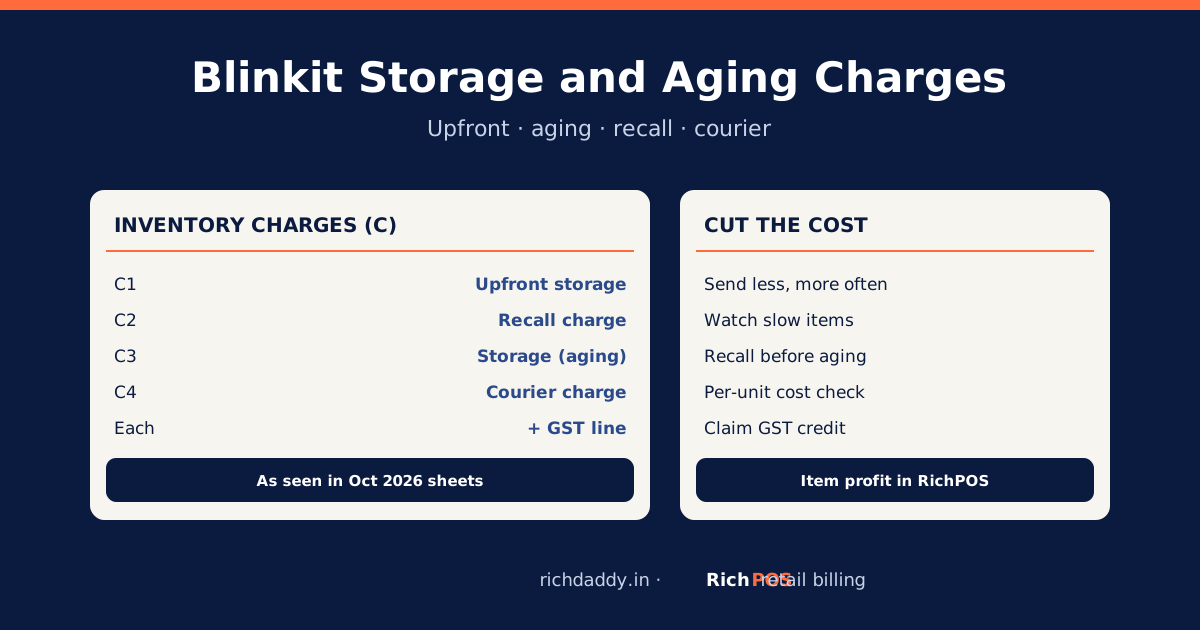
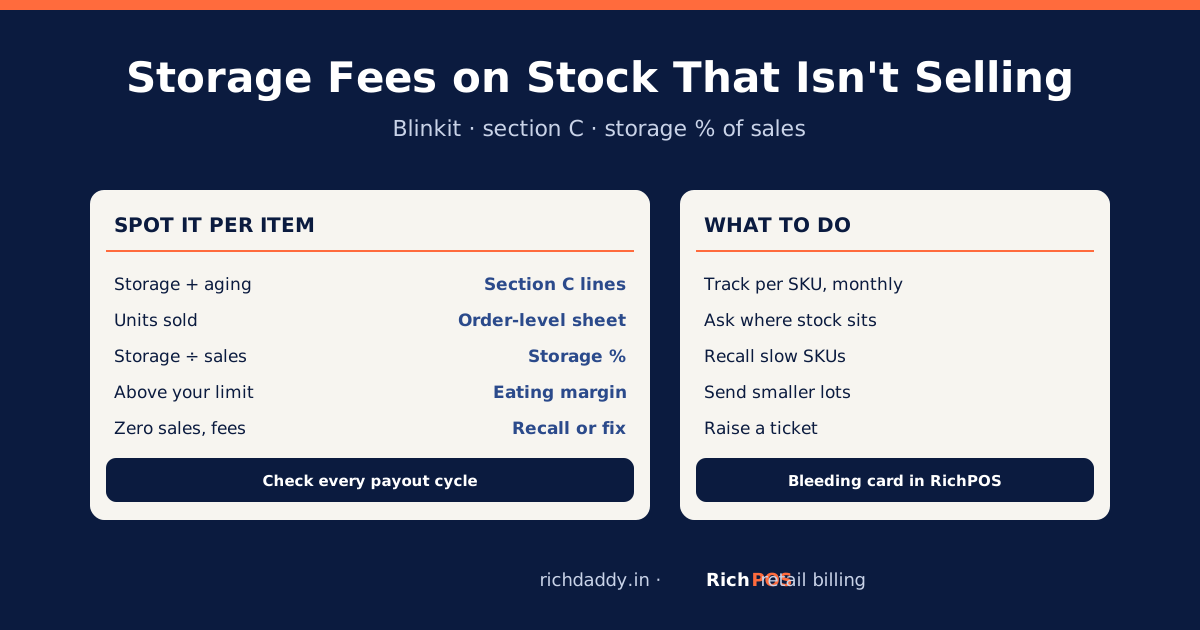
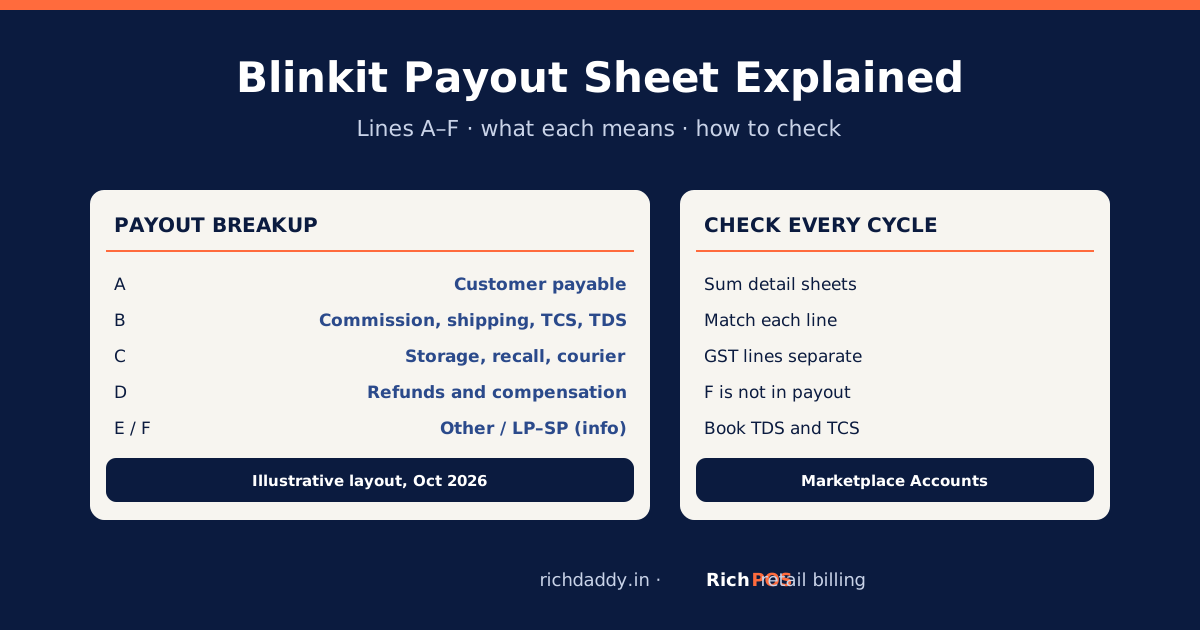
Blinkit's inventory charges sit in section C of the payout: upfront storage when stock goes in, storage (aging) charges on stock that sits too long, recall charges when you take stock back, and courier charges, each with its own GST line. They are charged on stock, not on sales, so a slow item can cost more in storage than it earns. Divide each item's storage, aging and recall charges by the units it sold in the cycle to see the real cost per unit, then send smaller quantities of slow items and recall before aging grows.
Commission is easy to see because it scales with sales. Storage is easy to miss: it is charged in a separate workbook, on stock rather than orders, and it keeps growing on items that do not move. This guide explains each charge, shows how to put a per-unit cost on it, and lists ways to keep it down. It does not quote Blinkit's rates, which differ by seller and change; use the figures on your own sheets.
The four inventory charges
| Line | Name on the sheet | When it is charged | What drives it |
|---|
| C1 | Upfront storage charge | When stock is received at the warehouse | Quantity you send in |
| C2 | Recall charge | When you ask for stock back | Quantity recalled |
| C3 | Storage charge (aging) | On stock that stays beyond the allowed period, after reversals | Slow-moving stock and time |
| C4 | Courier charge | Courier costs billed to you | Shipments |
Line names as they appear in Blinkit's payout workbooks in October 2026; Blinkit can change the format, so check your own sheet. Each line has a matching GST line, which is usually input tax credit if the invoice carries your GSTIN.
Worked example: storage cost per unit (illustrative numbers)
| Fast item | Slow item |
|---|
| Units sold this cycle | 400 | 20 |
| Upfront + aging + recall charges (before GST) | ₹800 | ₹600 |
| Storage cost per unit sold | ₹2 | ₹30 |
| Margin per unit before storage | ₹12 | ₹25 |
| Margin per unit after storage | ₹10 | −₹5 |
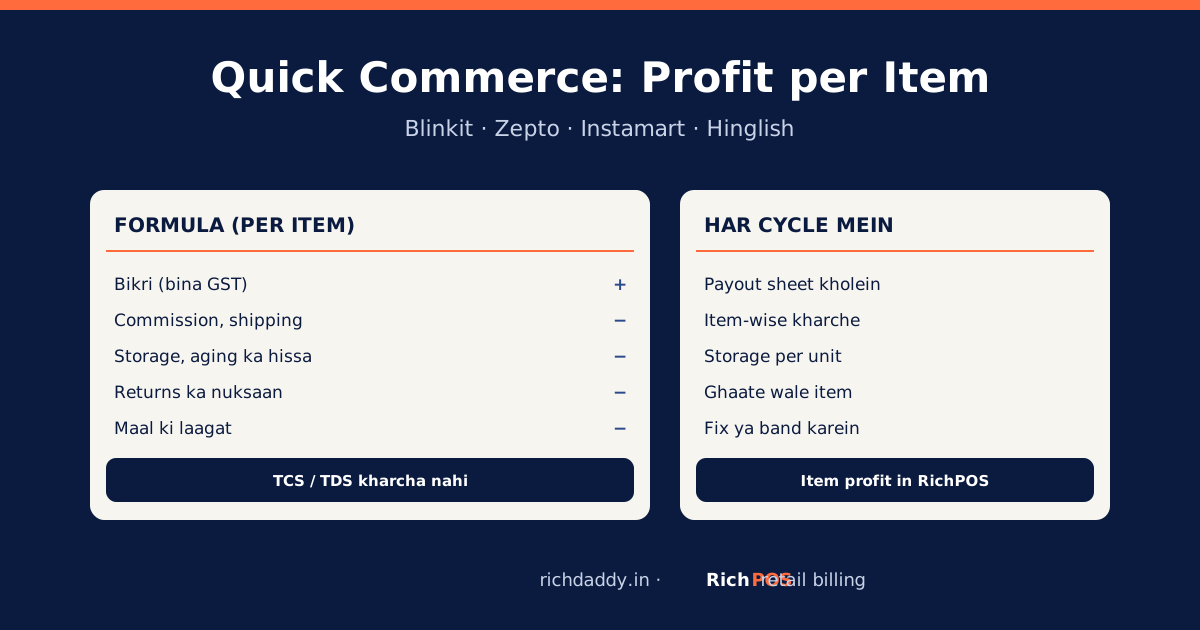
The figures are made up to show the method; to model your own item, use the free Blinkit payout calculator. The slow item looks better on margin but loses money once storage is spread over the few units it sells. Run this per item every cycle; the item-level view is in profit per item on Blinkit, Zepto and Instamart.
Checklist: how to cut storage and aging
| Step | What to do |
|---|
| 1 | Find the items with the highest storage cost per unit sold (charges ÷ units sold). |
| 2 | Send slow items in smaller quantities, more often, matched to their sales. |
| 3 | Watch stock age; recall or run an offer before the aging charge starts or grows, comparing the recall charge with the expected aging charge. |
| 4 | Check the inventory sheets for stock you already recalled or that was lost; raise a ticket for charges on it. |
| 5 | Claim the GST on these charges as input credit when the invoices carry your GSTIN. |
| 6 | Use reorder points so you do not overstock: stock reorder calculator. More on slow stock: how to reduce dead stock and inventory turnover ratio. |
Doing it without spreadsheets
RichPOS Marketplace Accounts reads Blinkit's payout workbooks, recomputes the Payout Breakup from the detail sheets and flags any line that does not match, shows profit per item after Blinkit's charges, posts the cycle to your books, keeps a GST input credit register and exports your LP–SP debit notes for GSTR-1. Blinkit is supported today; Amazon and Flipkart are planned. Item profit shows each item's share of the charges, so slow items stand out. See Marketplace Accounts for Blinkit sellers.
Related guides: Blinkit storage fees on stock that isn't selling.
Bottom line
Storage is charged on stock, not sales, so it hides inside slow items. Put a per-unit cost on it every cycle and act on the worst items first. To see it per item without spreadsheets, see RichPOS Marketplace Accounts or start a free trial.
FAQ
Frequently asked questions
What is the aging charge on Blinkit?
It is the storage charge on stock that stays in Blinkit's warehouse beyond the allowed period. On the payout it appears as the storage charge line in section C, with its own GST line, after any reversals.
What is the upfront storage charge on Blinkit?
A storage charge applied when your stock is received at the warehouse. It appears as the upfront storage charge line in section C of the payout.
How do I calculate the storage cost per unit?
Add up an item's upfront, aging and recall charges for the cycle and divide by the units it sold in that cycle. Compare the result with the item's margin per unit.
Can I claim GST on Blinkit storage charges?
Usually yes, as input tax credit, if Blinkit's invoice for the charge carries your GSTIN and the other conditions for input credit are met. Confirm with your CA.
How do I reduce Blinkit storage charges?
Send slow-moving items in smaller lots, recall or discount them before aging builds up, check the sheets for charges on stock already recalled, and plan stock with reorder points.