← All guidesRunning a shop

Blinkit Payout Sheet Explained: Lines A–F and How to Check

Blinkit payout sheet explained line by line: A customer payable, B order charges, C inventory and storage, D additions, E other deductions, F LP–SP notes.

Ashok Sachdev · 7 min read
Blinkit payout sheet explained: lines A to F and how to check each one
On this page · 6 sections
  1. The payout breakup, line by line
  2. Worked example (illustrative numbers)
  3. How to check a payout cycle: checklist
  4. Doing it without spreadsheets
  5. Frequently asked questions
  6. Bottom line

Updated 18 October 2026 · By Ashok Sachdev · Line names as they appear in Blinkit's payout workbooks in October 2026; Blinkit can change the format, so check your own sheet.

Quick answer

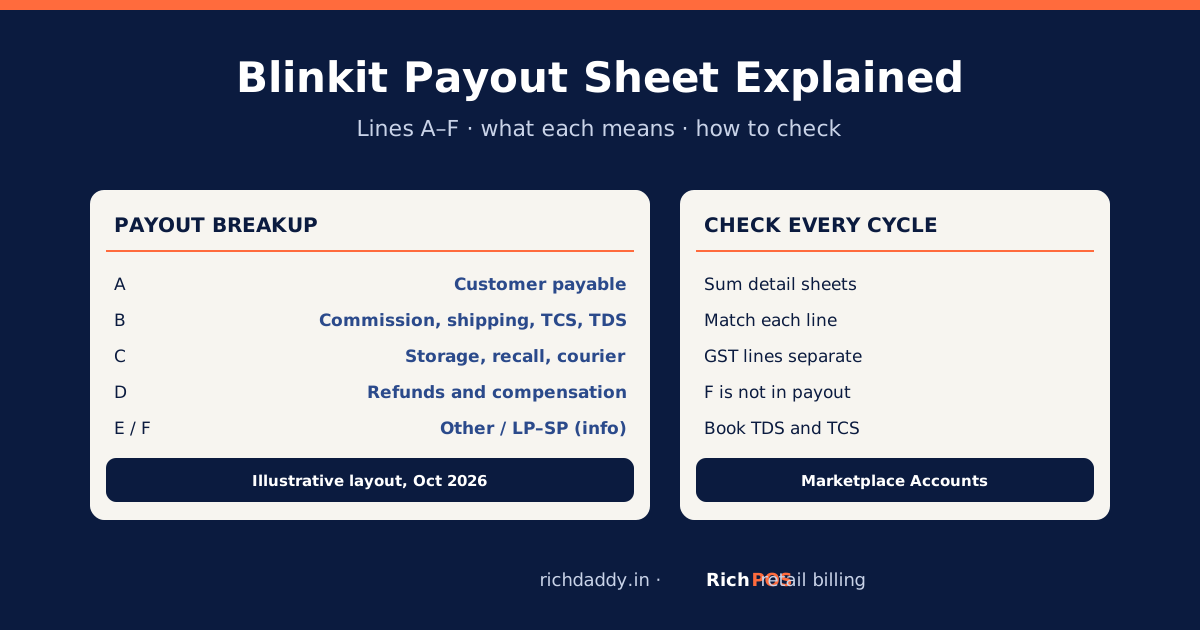
A Blinkit payout sheet starts from A, what customers paid for your goods less returns, then subtracts B, order-level charges (commission, shipping, customer return charge, TCS and TDS, each with its GST line), and C, inventory charges (upfront storage, recall, storage or aging, courier). It adds back D, refunds and compensation (ads refund, lost or damaged inventory, TCS and TDS reimbursement, other credit or debit notes), subtracts E, other deductions, and carries any amount unsettled from the last cycle to reach the net payout. Sheet F, the LP–SP adjustment, is information only and is not part of the payout.

Blinkit sends each payout cycle as a set of Excel workbooks: a Payout Breakup summary and detail sheets behind each letter. Most sellers only look at the net figure that reaches the bank. This guide explains every line, shows a worked example with round illustrative numbers, and gives a checklist to verify the cycle before you accept it.

The payout breakup, line by line

LineName on the sheetWhat it isEffect on payout
ACustomer payableValue of your forward orders less customer returns+
B1Commission charge (+ GST on commission)Blinkit's commission on your sales−
B2Shipping charge (+ GST)Delivery charge per order−
B3Customer return charge (+ GST)Charge on orders the customer returned−
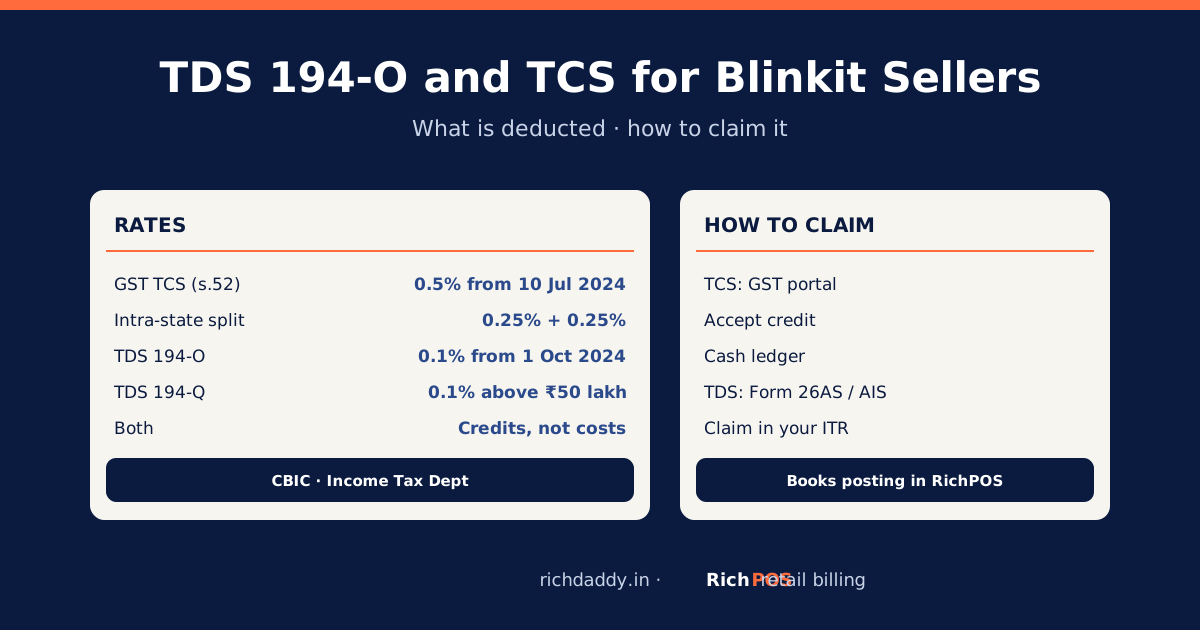
B4TCS chargeGST TCS under section 52, collected by Blinkit−
B5TDS chargeIncome-tax TDS (the sheet labels it 194-O and 194-Q)−
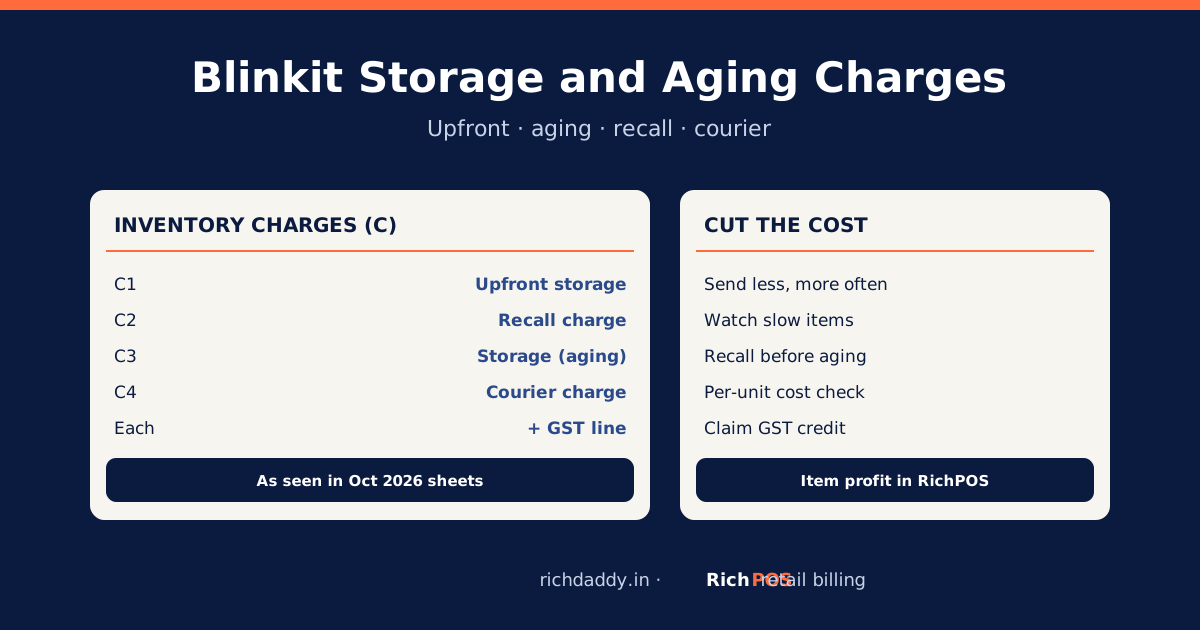
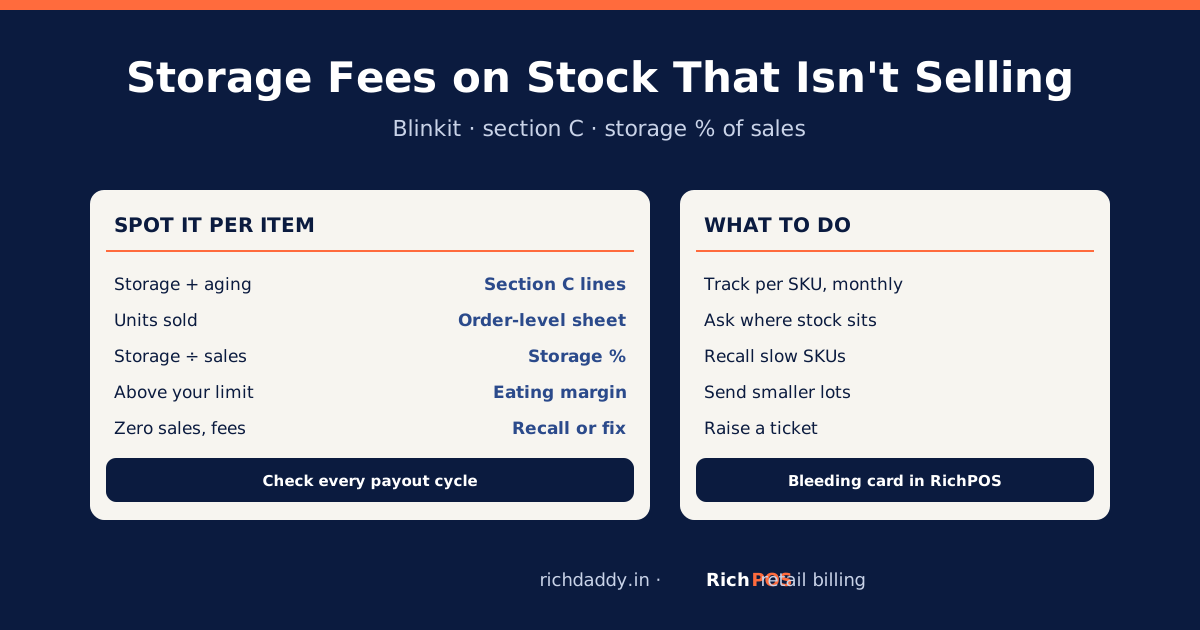
C1Upfront storage charge (+ GST)Storage charged when stock is sent in−
C2Recall charge (+ GST)Charge for taking stock back−
C3Storage charge (+ GST)Aging storage on stock that sits too long, after reversals−
C4Courier charge (+ GST)Courier costs billed to you−
D1Ads refund (+ GST)Refund of ad spend+
D2Lost/damaged inventory compensationBlinkit pays for stock lost or damaged in its care+
D3, D4TCS reimbursement, TDS reimbursementEarlier TCS or TDS deductions added back+
D5Other credit / debit noteOther adjustments by note+ or −
EOther deductionsAnything else deducted−
PUnsettled from previous cycleCarried in from the last payout+ or −
FLP–SP adjustment (separate file)Landing price vs selling price notesInformation only

Line names as they appear in Blinkit's payout workbooks in October 2026; Blinkit can change the format, so check your own sheet.

Worked example (illustrative numbers)

LineAmount
A. Customer payable₹1,00,000
B. Commission, shipping and return charges with GST−₹14,000
B. TCS (0.5%) and TDS (0.1%)−₹600
C. Upfront storage, aging storage and recall with GST−₹2,400
D. Lost/damaged compensation+₹500
E. Other deductions−₹0
Net payout₹83,500

These numbers are made up to show the arithmetic; they are not a real seller's figures or Blinkit's rates. The ₹600 of TCS and TDS is not a cost: you claim it back (see TDS 194-O and TCS for Blinkit sellers). The GST on commission, shipping and storage is usually input tax credit if Blinkit's invoices carry your GSTIN; match it with GSTR-2B reconciliation.

To try the arithmetic on your own figures before the sheet arrives, use the free Blinkit payout calculator.
How to check a payout cycle: checklist

StepCheck
1Add up the forward and return orders in the order-level sheet; the total should match line A.
2Add up commission, shipping and return charges from the same sheets; match B1–B3 and their GST lines.
3Check TCS against 0.5% of taxable sales and TDS against 0.1% of gross sales (B4, B5).
4Open the inventory sheets: are the storage and recall charges for stock and dates you recognise (C1–C4)?
5Look for compensation on stock you know was lost or damaged (D2).
6Ask about any amount in E you cannot explain.
7Open F separately and report your debit notes in GSTR-1 (see LP vs SP on Blinkit).
8Book the cycle: sales, charges, GST input credit, TDS and TCS receivable, and the bank receipt.

Doing it without spreadsheets

RichPOS Marketplace Accounts reads Blinkit's payout workbooks, recomputes the Payout Breakup from the detail sheets and flags any line that does not match, shows profit per item after Blinkit's charges, posts the cycle to your books, keeps a GST input credit register and exports your LP–SP debit notes for GSTR-1. Blinkit is supported today; Amazon and Flipkart are planned. See Marketplace Accounts for Blinkit sellers. For your own shop counter, the same account gives you GST billing and stock; see GST billing software.

Bottom line

The net payout is only correct if every line behind it is. Check A against your orders, B and C against the detail sheets, claim back TCS and TDS, and report sheet F's debit notes. To do this in minutes instead of hours, see RichPOS Marketplace Accounts or start a free trial.

FAQ

Frequently asked questions

What is line A in the Blinkit payout sheet?
Line A, customer payable, is the value of your forward orders less customer returns for the cycle. All charges are subtracted from it and refunds added back to reach the net payout.
What is the difference between the payout breakup and the detail sheets?
The Payout Breakup is Blinkit's summary of lines A to E. The detail workbooks (order-level charges, inventory charges, other additions and LP–SP adjustments) list the orders, stock and notes behind each line, so you can recompute every figure.
Is the LP–SP adjustment (sheet F) part of my payout?
No. Sheet F lists landing price and selling price notes for information. It matters for GST, because your debit notes from it go in GSTR-1, but it does not change the net payout of that cycle.
Why are TCS and TDS deducted from my Blinkit payout?
Blinkit collects GST TCS under section 52 of the CGST Act (0.5% from 10 July 2024) and deducts income-tax TDS (0.1% under section 194-O). Both are credited against your GST and income tax, so you claim them back.
How do I check my Blinkit payout quickly?
Recompute each Payout Breakup line from the detail sheets, check TCS and TDS against their rates, review storage and recall charges, and ask about anything in other deductions. RichPOS Marketplace Accounts does the recompute and flags mismatches.
Written by Ashok Sachdev

Founder, RichPOS Software, Ahmedabad. We build RichPOS for Indian shops and write these guides from what shop owners ask us every day. Facts on tax rates and prices are dated; confirm GST matters with your CA. Questions? WhatsApp us.

Make GST bills in seconds with RichPOS

Billing, stock, WhatsApp bills and GST reports in one app. Free 30-day trial with no card, then ₹99/month for 3 months and ₹199/month after.