On this page · 9 sections
- What does POS mean?
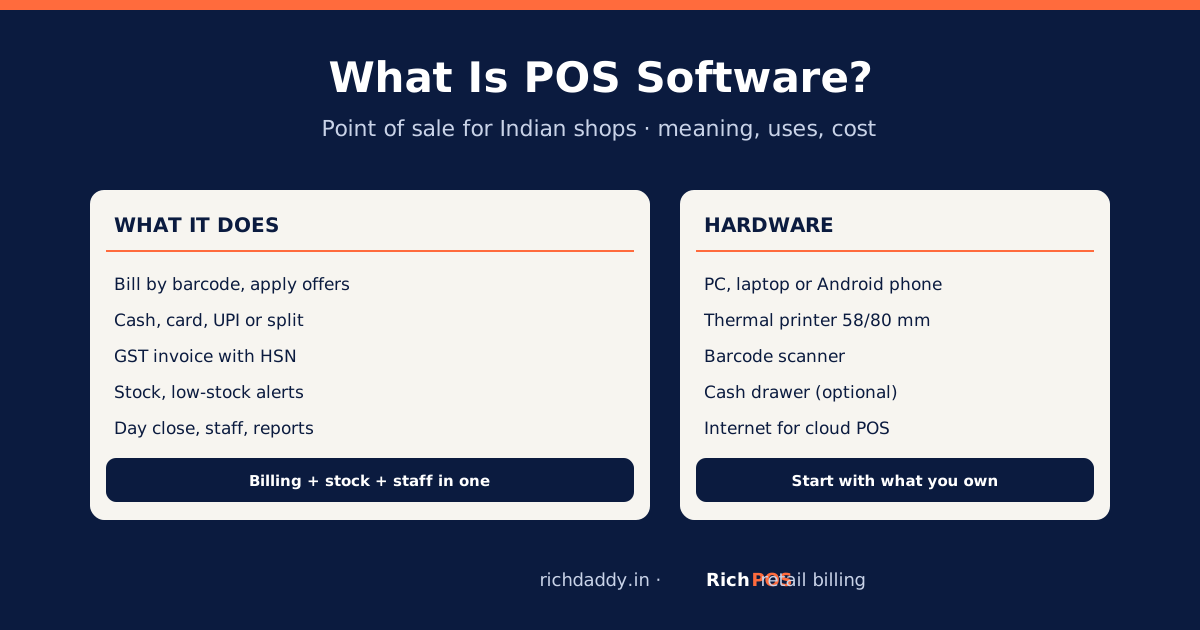
- What does POS software do in a shop?
- POS software vs billing software vs accounting software
- Types of POS systems
- What hardware does a POS system need?
- How much does POS software cost in India?
- How to choose POS software for your shop
- Frequently asked questions
- Bottom line
Updated 17 October 2026 · By Ashok Sachdev
Quick answer
POS (point of sale) software is the program a shop uses at the counter to bill customers, take payment and record each sale, while it reduces stock and stores the sale for reports. In India, retail POS software also prints GST invoices with HSN codes and CGST/SGST or IGST, tracks customer credit (udhaar) and gives GST reports for the CA. It runs on a computer, tablet or phone with a receipt printer and, usually, a barcode scanner.
Shop owners hear "POS", "billing software" and "accounting software" used for the same thing. They overlap but are not the same. This guide explains what a POS system is, what it does in an Indian shop, how it differs from billing and accounting software, what hardware it needs and what it costs.
What does POS mean?
POS stands for point of sale: the place and moment where a customer pays. A POS system is the software plus hardware used at that point. In a supermarket it is the checkout counter; in a clothing shop it is the cash desk; in a mobile shop it can be a phone in the owner's hand.
What does POS software do in a shop?
| Job | What happens |
|---|
| Billing | Find items by barcode scan or name, apply offers, print or send the bill |
| Payment | Cash, card, UPI or a split on one bill; credit sales against the customer |
| GST | Applies each item's GST rate, splits CGST + SGST or IGST, prints HSN and GSTIN |
| Stock | Reduces stock with each sale, alerts on low stock, records purchases and returns |
| Customers | Saves customers, credit balances, loyalty points |
| Staff | User logins and roles, discount limits, day close with cash count |
| Reports | Daily sales, profit and loss, stock value, GST reports for the CA |
POS software vs billing software vs accounting software
| Basic billing app | Retail POS software | Accounting software (e.g. Tally) |
|---|
| Main job | Make invoices | Run the counter: bill, stock, payments, staff | Keep books: ledgers, vouchers, financial statements |
| Speed at the counter | Moderate | Built for speed, barcode-first | Not built for counter billing |
| Stock by item and variant | Sometimes | Yes | Possible, but not counter-friendly |
| Offers, loyalty, day close | Rarely | Usually | No |
| Who uses it | Owner | Cashiers, owner | Accountant, CA |
Many shops use POS software at the counter and send data to the CA, who keeps the books in accounting software. RichPOS, for example, exports sales and purchase data as Tally XML or CSV. See Tally alternatives for when each fits.
Types of POS systems
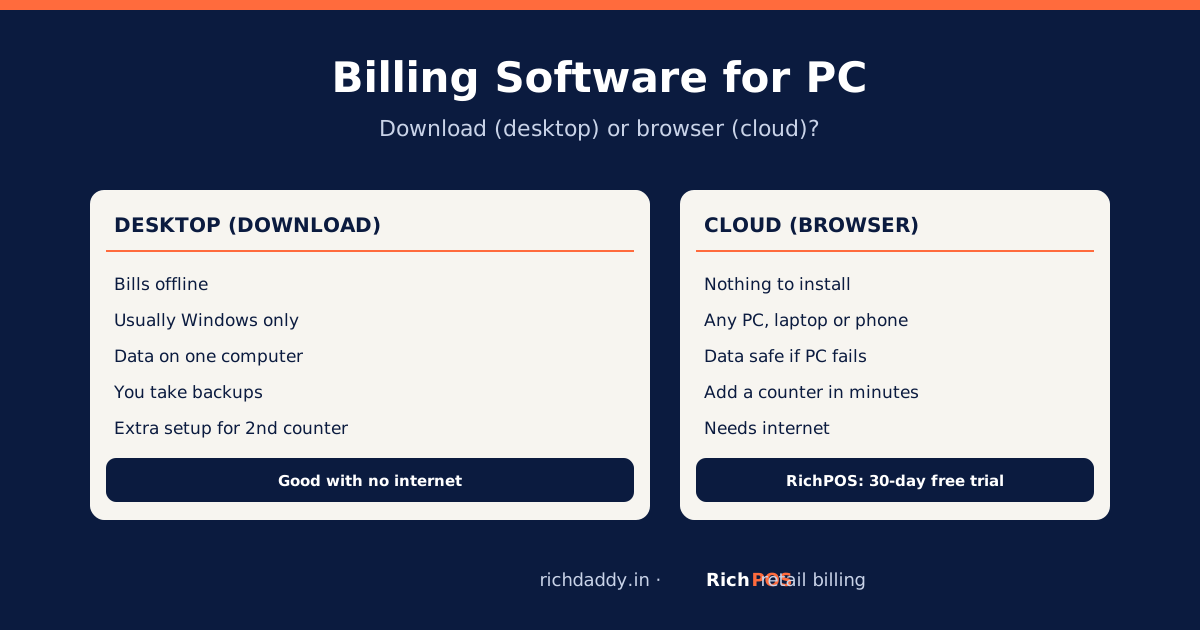
- Cloud (web) POS: runs in a browser; data is stored online, so you can see sales from anywhere and add counters easily. Needs internet. RichPOS is this type, plus an Android app.
- Desktop POS: installed on one Windows computer; can work offline, but backups and multi-counter set-up are your job.
- Mobile POS: billing on a phone or tablet, often with a Bluetooth printer; good for small counters, stalls and a second counter at peak time.
- Industry POS: tuned for one trade, such as restaurant POS with table orders or pharmacy POS with batch and expiry.
What hardware does a POS system need?
- A computer, laptop, tablet or Android phone.
- A thermal receipt printer, 58 mm or 80 mm (see 58 mm vs 80 mm), and an A4 printer if you make B2B bills.
- A barcode scanner for packaged goods.
- Optional: a cash drawer and a barcode label printer.
- An internet connection for cloud POS.
Still deciding between a standalone machine and software? Read billing machine vs billing software.
How much does POS software cost in India?
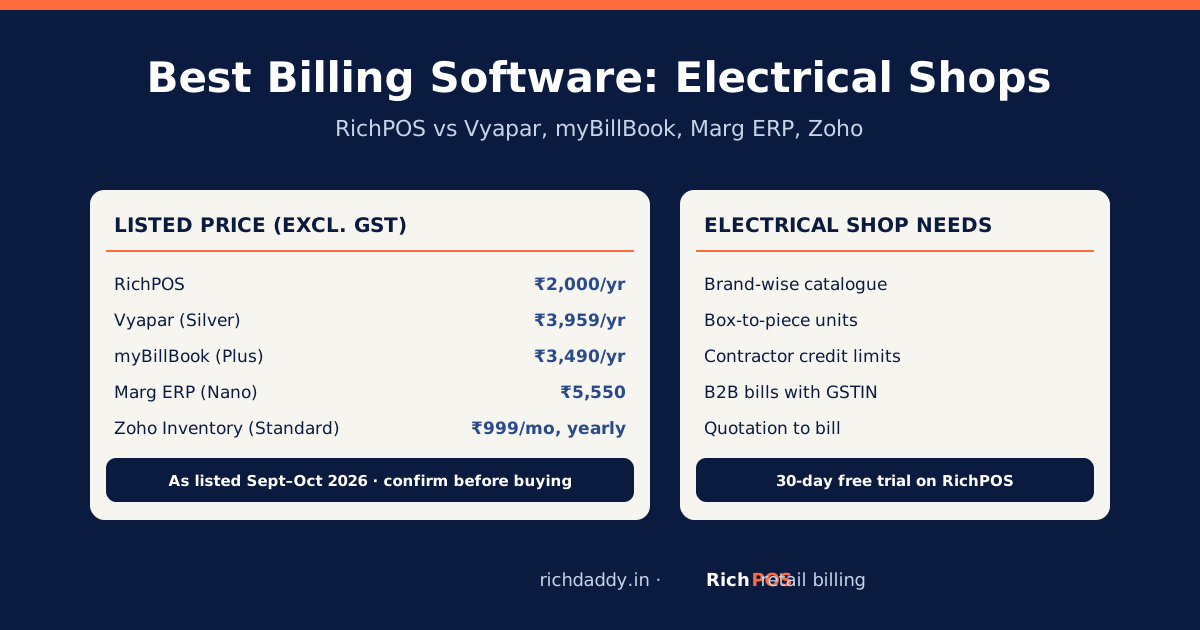
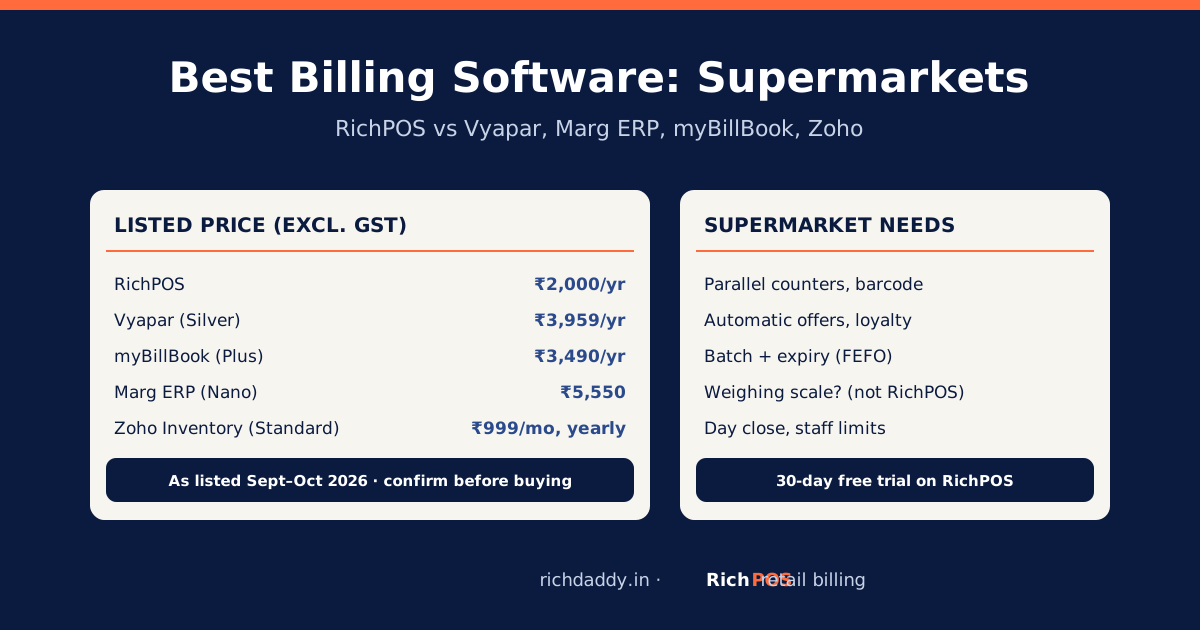
Pricing models differ: monthly or yearly subscriptions for cloud POS, one-time licences plus yearly renewal for some desktop software, and free plans with limits. RichPOS costs ₹99/month for the first 3 months, then ₹199/month, or ₹2,000/year, with every feature and multiple stores included, after a 30-day free trial with no card. For other vendors' listed prices with dates, see billing software price in India and the comparison page.
How to choose POS software for your shop
- List your must-haves. Size and colour variants for clothing and footwear, batch and expiry for cosmetics and medicines, repair job cards for mobile repair, udhaar for kirana.
- Check GST output. A bill with all Rule 46 fields, the buyer's GSTIN on B2B bills, and a GSTR-1 report for your CA.
- Check limits honestly. Offline billing, e-invoice and e-way bill, weighing-scale support, number of users. RichPOS needs internet and does not do e-invoices, e-way bills or weighing scales; Vyapar, for example, lists those.
- Test with your own items. Use a free trial for a few days of real billing, including returns and day close.
- Ask about moving data. Item import from Excel, and export if you leave later. See switching billing software.
Our 10-point checklist goes deeper. By shop type: billing software for retail shops.
Bottom line
POS software is what turns a counter into a system: every sale billed with the right GST, stock updated, cash and staff in check, and reports ready for the CA. Try it on your own items: start the RichPOS free trial or see pricing.
FAQ
Frequently asked questions
What is POS software in simple words?
POS (point of sale) software is the program at a shop counter that makes the bill, takes payment and records the sale. It also reduces stock, keeps customer records and produces sales and GST reports.
What is the difference between POS and billing software?
Billing software mainly creates invoices. POS software runs the whole counter: fast barcode billing, payments, stock, offers, staff logins and day close, along with GST invoices. Most retail POS software includes billing, but a simple billing app may not include POS features.
Is POS software the same as Tally?
No. Tally is accounting software used to keep books, mostly by accountants. POS software is used by cashiers at the counter. Many shops use both: POS for billing and stock, and Tally for the CA's books, with data exported from the POS.
Can I use POS software on a mobile phone?
Yes. Mobile POS apps bill on a phone or tablet and print to a Bluetooth printer or share the bill on WhatsApp. RichPOS works in a phone browser and has an Android app on the same account.
Does POS software work without internet?
Desktop POS and some apps can bill offline. Cloud POS such as RichPOS needs an internet connection. If your shop's internet is unreliable, test this during a free trial or keep a phone hotspot as backup.
How much does a POS system cost for a small shop?
The software can be a subscription, a one-time licence or a free plan with limits. RichPOS costs ₹99/month for the first 3 months, then ₹199/month, or ₹2,000/year, after a 30-day free trial. Hardware (printer, scanner) is extra, and many shops start with a computer or phone they already own.
ASWritten by Ashok SachdevFounder, RichPOS Software, Ahmedabad. We build RichPOS for Indian shops and write these guides from what shop owners ask us every day. Facts on tax rates and prices are dated; confirm GST matters with your CA. Questions? WhatsApp us.
Make GST bills in seconds with RichPOS
Billing, stock, WhatsApp bills and GST reports in one app. Free 30-day trial with no card, then ₹99/month for 3 months and ₹199/month after.