On this page · 6 sections
- Why a paper register fails a repair shop
- What should a repair job card record?
- Repair job card format: fields to record
- From intake to delivery in RichPOS
- Keeping parts and stock in sync
- Frequently asked questions
Updated 25 October 2026 · By Ashok Sachdev
Quick answer
A mobile repair job card should record the customer's name and phone, the device with its IMEI or serial as a note, the fault, the estimate and any advance, the parts used, the technician and the status from received to delivered. Repair labour carries 18% GST under SAC 998716; spare parts are billed at their own HSN rate.
Mobile repair job tracking software logs each device the moment it enters your shop, moves it through clear stages from received to delivered, and links every part used back to your inventory. Instead of a paper register or a WhatsApp chat, you get one screen that shows which jobs are pending, which are ready for pickup, and which customer is still waiting for a call. For a busy repair counter in India, that is the difference between a smooth handover and an argument over a phone nobody can find.
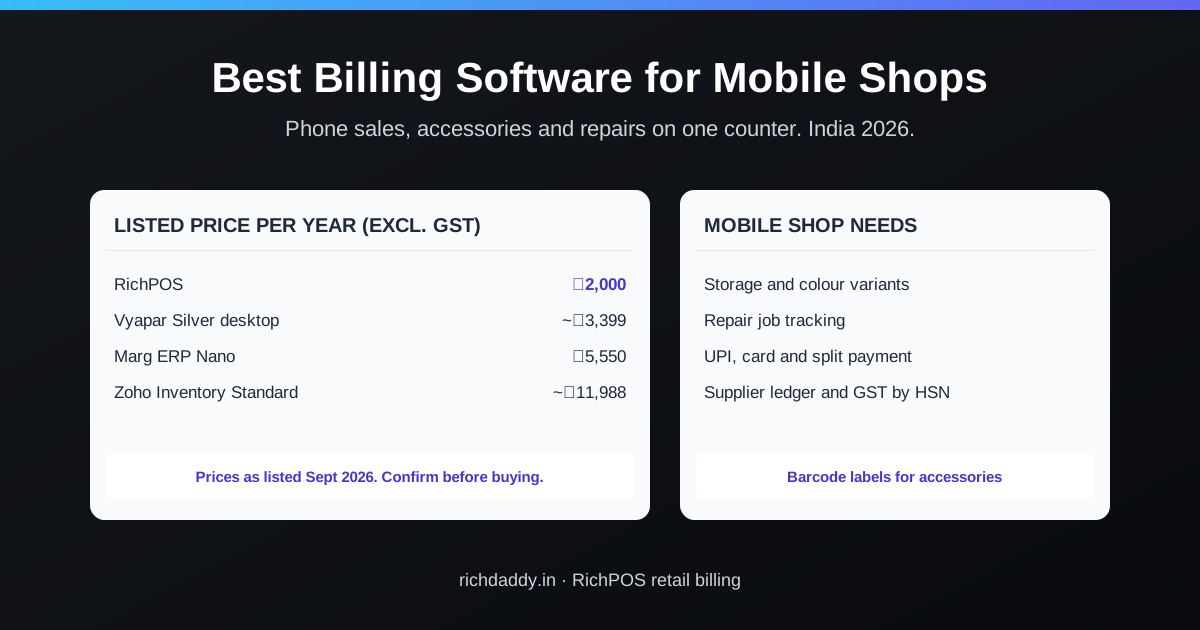
For a complete repair-shop setup with billing, stock and job cards in one place, see mobile repair shop software and billing software for mobile shops.
Why a paper register fails a repair shop
A notebook works for five jobs a day. At thirty jobs a day, across two technicians and a front counter, it quietly falls apart. Handsets pile up without a status, a customer walks in for a phone that was "ready last Tuesday", and the spare part fitted into a job never gets deducted from stock — so your inventory count is wrong by month-end.
The core problem is that a repair job has a lifecycle, and paper cannot enforce one. Software can. Each job carries a status, an owner, the parts consumed, and a promised date, and none of that gets lost when the shop gets loud.
What should a repair job card record?
At minimum: device model and IMEI or serial (written on the job card), reported fault, customer phone number, job status, and parts used. Good repair software captures the details that protect both you and the customer at intake, then keeps them attached to the job for its whole life:
- Device and customer details — model, IMEI or serial noted on the job card, reported fault, and the customer's phone number, captured once at the counter.
- Job status — received, diagnosed, awaiting part, repairing, ready, delivered — so anyone at the counter can answer "is it done?" without walking to the workbench.
- Parts used — every screen, battery or connector fitted is recorded against the job and tied to your inventory and barcode stock.
- Reminders — owner reminders for jobs waiting on approval or pickup, so a repaired phone does not sit on a shelf for three weeks.
| Field | Why it matters |
|---|
| Job number and date | Finds the job fast; proves when the device came in |
| Customer name and phone | For status updates and pickup reminders |
| Device model, IMEI or serial | Proves which unit came in (in RichPOS this is a note on the job card; IMEI is not tracked in stock) |
| Reported fault and condition | Avoids disputes about scratches or a cracked back |
| Accessories received | SIM tray, back cover, charger: what must go back |
| Estimate and advance | Agreed price before work starts |
| Status | In RichPOS: Received, Repairing, Ready, then Completed when the phone is handed over, or Failed if it cannot be repaired |
| Parts used | Deducted from stock and shown on the bill |
Sample job card, filled in
Copy this layout into a register or your software. The customer and phone below are made up.
| Job no. / date | JC-0412 / 25-10-2026, 11:40 am |
| Customer | Ramesh Patel, 98XXXXXX21 |
| Device | Redmi Note 12, black. IMEI (note): last 6 digits 418273 |
| Fault reported | Screen cracked, touch not working on the left side |
| Condition at intake | Back cover scratched, frame dent at the top corner |
| Accessories received | SIM tray with SIM, back case. No charger. |
| Estimate / advance | ₹2,400 / ₹500 paid by UPI |
| Promised | 26-10-2026, 6 pm |
| Technician | Imran |
| Parts used | Display combo (from stock), 1 pc |
| Status | Received |
| Customer signature | Agrees to the estimate and the condition noted above |
Writing the condition and accessories at intake is what saves the argument later; a photo of the phone on the job card helps too.
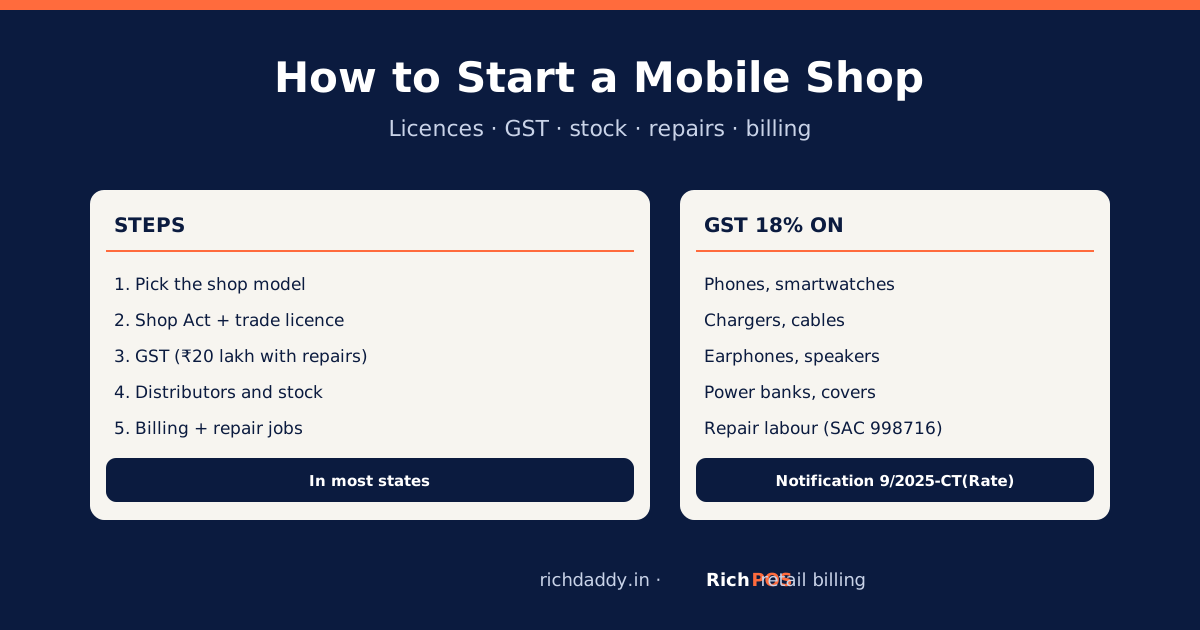
Repair labour is taxed at 18% GST (SAC 998716 for phone repair); see GST on mobile repair services. Opening a new shop? Read how to start a mobile shop.
From intake to delivery in RichPOS
The mobile repair shop module in RichPOS is built for exactly this flow. You log a job with device and issue templates at the counter, move it through Received, Repairing and Ready to Completed, and pull spare parts straight from your existing stock so your counts stay honest. Custom reminders flag jobs waiting for pickup so the counter can call the customer, you bill the job as a proper GST bill through billing and POS, and the bill can go to the customer over SMS, email or WhatsApp.
Because the repair module shares the same inventory and billing engine as the rest of the shop, a repair business is not running two separate systems. If you also sell accessories, chargers and cases over the counter, that runs on the same account and the same stock — the same reason retailers move off spreadsheets once they outgrow a manual system.
Keeping parts and stock in sync
The part most repair shops get wrong is inventory. A screen fitted into a repair is stock leaving your shop, exactly like a screen sold over the counter — but on paper it never gets deducted. Over a few months that gap grows until your reported stock and your actual drawer disagree by thousands of rupees.
When parts used are tied to the job and to your inventory, repairs and counter sales draw from the same stock count. You always know how many of each common part you have left, and low-stock alerts warn you before you run out mid-repair. The same barcode-driven discipline that keeps a shop floor accurate applies here too, which is why barcode inventory management matters just as much for a repair counter as a retail one.
Free tools: GST invoice generator (for a repair bill); GST calculator; payment reminder message maker.
FAQ
Frequently asked questions
Can one account handle both repairs and retail sales?
Yes. RichPOS runs the repair module and normal billing on the same account, sharing one inventory and one customer list. A shop that repairs phones and sells accessories manages both without switching systems or maintaining two stock counts.
Does it deduct spare parts from my stock automatically?
Yes. Parts used in a repair job are tied to that job and to your inventory, so your stock count reflects both counter sales and parts consumed in repairs.
How does the customer know their phone is ready?
Set a custom reminder on the job so the counter calls or messages the customer when it is ready, and send the final bill over SMS, email or WhatsApp.
Can I set different permissions for technicians and the front desk?
Yes. With users and roles you give each staff member exactly the access they need — a technician can update job status while the counter handles billing — and every action is logged per user.
Does RichPOS track phones by IMEI?
No. RichPOS does not track individual phones by IMEI in stock or on sold items. You can write the IMEI or serial as a note on the repair job card and on a bill line, which is enough to identify the unit that came in for repair.
What GST applies to mobile repair?
Phone repair labour is taxed at 18% GST under SAC 998716, and spare parts are billed at their own HSN rate, usually 18%.
What is a job card in a mobile repair shop?
It is the record opened when a phone comes in for repair: who brought it, what device it is, what is wrong, what was quoted, which parts were used and where the job stands. It is the shop's proof of what was received and agreed.
What should I note before accepting a phone for repair?
Note the IMEI or serial, the visible condition (cracks, dents, missing screws), any accessories or SIM received, the fault as the customer describes it, the estimate and the advance, and get the customer's agreement on the job card.
ASWritten by Ashok SachdevFounder, RichPOS Software, Ahmedabad. We build RichPOS for Indian shops and write these guides from what shop owners ask us every day. Facts on tax rates and prices are dated; confirm GST matters with your CA. Questions? WhatsApp us.
Make GST bills in seconds with RichPOS
Billing, stock, WhatsApp bills and GST reports in one app. Free 30-day trial with no card, then ₹99/month for 3 months and ₹199/month after.