On this page · 6 sections
- The sheet layout
- What the bill must carry
- Worked bill (EXAMPLE figures)
- Where Excel starts to hurt
- How RichPOS helps a kirana store
- Frequently asked questions
Updated 30 October 2026 · By Ashok Sachdev · Sources: CGST Rules, Rule 46 (tax invoice) and Rule 49 (bill of supply); Notification 78/2020-Central Tax (HSN digits); Notification 9/2025 and 10/2025-Central Tax (Rate). Not tax advice; confirm with your CA.
Quick answer
A kirana bill format in Excel needs these columns: serial number, item, HSN, quantity, unit, rate, discount, taxable value, GST %, CGST, SGST and line total, plus your name, address and GSTIN, an invoice number of at most 16 characters, the date and the customer name for a B2B sale. Excel can do the arithmetic with five formulas. What it cannot do is keep stock, udhaar and the next invoice number in step without you.
"Kirana store bill format in excel" is a regular search, and a spreadsheet is a sensible place to start for a small shop. This guide gives you the layout, the formulas to paste, a worked example with correct kirana rates, and an honest list of where an Excel bill starts costing you more time than it saves. If you only want a printable GST invoice layout, see GST invoice format for retail shops.
In short
- Header: shop name, address, GSTIN, invoice number, date, customer name and GSTIN if the buyer is a business.
- Columns: S.No, Item, HSN, Qty, Unit, Rate, Discount, Taxable value, GST %, CGST, SGST, Total.
- Invoice number: up to 16 characters, letters, numbers, hyphen and slash only, consecutive and never repeated in a financial year.
- Rates: keep a separate sheet of item, HSN and rate, and look the rate up instead of typing it.
- Limits: no stock deduction, no shared access, no automatic numbering and no GSTR-1 split.
The sheet layout
Use one sheet for the bill and one for the rate list. On the rate sheet, list every item once with its HSN and GST rate. On the bill sheet, type the item name and let the HSN and rate come from the rate sheet.
| Column | Heading | Formula or entry |
|---|
| A | S.No | 1, 2, 3 and so on |
| B | Item | Typed from a dropdown list of the rate sheet |
| C | HSN | =VLOOKUP(B5,Rates!A:C,2,FALSE) |
| D, E | Qty, Unit | Typed (kg, pcs, litre) |
| F | Rate (before GST) | Typed |
| G | Discount | Typed, in rupees |
| H | Taxable value | =D5*F5-G5 |
| I | GST % | =VLOOKUP(B5,Rates!A:C,3,FALSE) |
| J, K | CGST, SGST | =ROUND(H5*I5/2,2) in both |
| L | Total | =H5+J5+K5 |
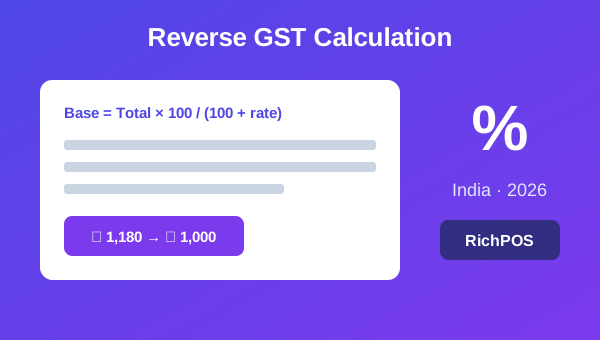
Put a total row under column H to L with =SUM(H5:H30), and a round-off cell: =ROUND(L31,0)-L31. For an inter-state sale, you charge IGST instead of CGST and SGST, so you need a second version of the sheet; see intra-state vs inter-state GST. If your shelf prices are MRP and include GST, divide by one plus the rate to get the base: =F5/(1+I5). More on that in reverse GST calculation.
What the bill must carry
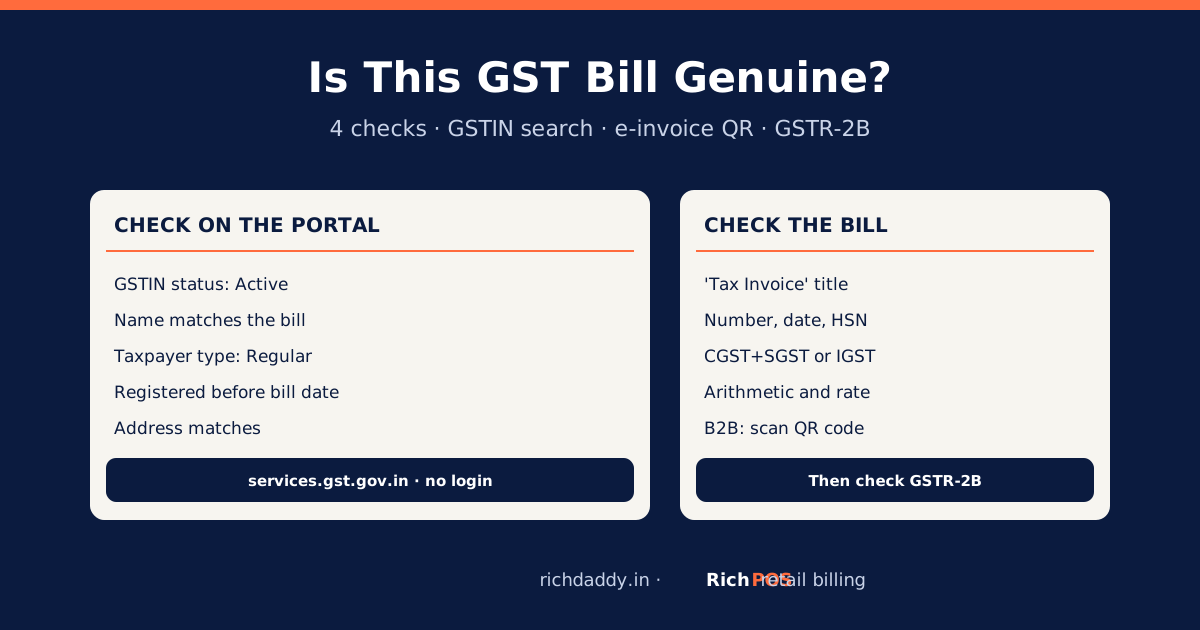
Rule 46 of the CGST Rules lists the particulars of a tax invoice. For a regular kirana shop selling to households, the fields you should always have are these:
| Field | Note |
|---|
| Name, address and GSTIN of the shop | Print it in the header of the sheet |
| Invoice number | Consecutive, unique for the year, 16 characters at most |
| Date of issue | Use =TODAY() only on a draft; type a fixed date when you save, or it changes next day |
| Description, HSN, quantity, unit | HSN of 4 digits on B2B invoices up to ₹5 crore turnover, 6 above |
| Taxable value, rate, CGST and SGST (or IGST) | Shown per line or summarised by rate |
| Total value in figures | After round-off |
| Customer name and GSTIN | Needed when the buyer is a registered business |
If you are under the composition scheme you issue a bill of supply, which has no tax columns; see bill of supply vs tax invoice. For numbering, read GST invoice number rules.
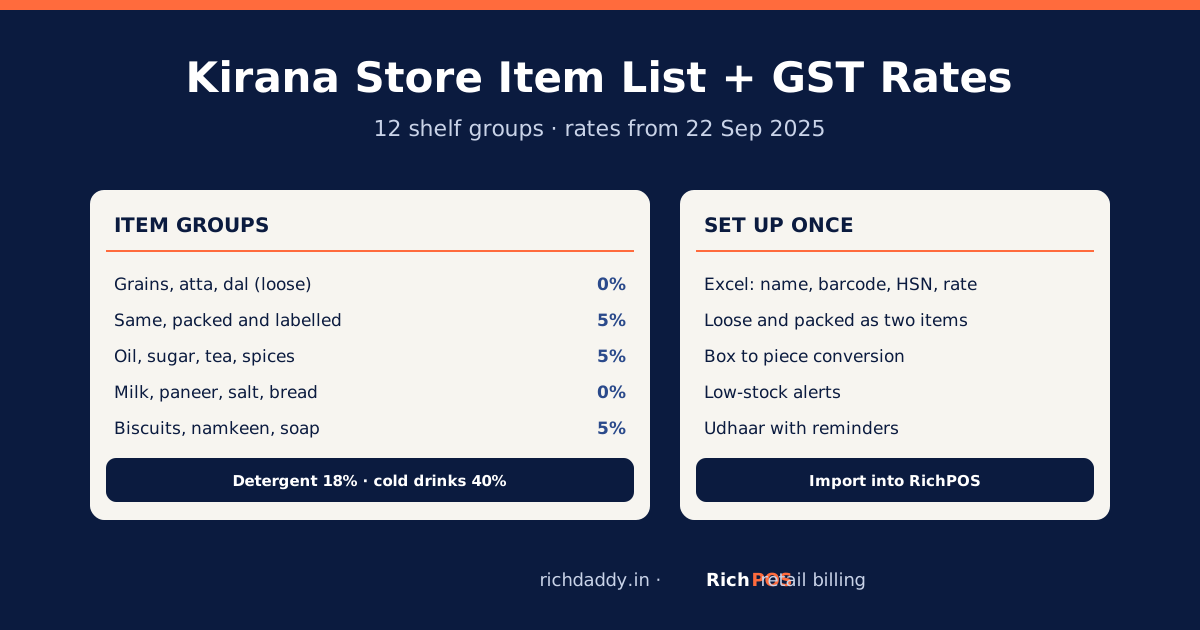
A household buys four items in the same state. Rates come from the notifications as listed in GST on grocery items: pre-packaged atta, sunflower oil and dal are 5%, salt is 0%.
| Item | HSN | Qty × rate | Taxable | GST % | CGST | SGST | Total |
|---|
| Atta 5 kg pouch | 1101 | 2 × ₹240 | ₹480 | 5% | ₹12 | ₹12 | ₹504 |
| Sunflower oil 1 L | 1512 | 2 × ₹140 | ₹280 | 5% | ₹7 | ₹7 | ₹294 |
| Toor dal 1 kg | 0713 | 1 × ₹150 | ₹150 | 5% | ₹3.75 | ₹3.75 | ₹157.50 |
| Salt 1 kg | 2501 | 1 × ₹22 | ₹22 | 0% | ₹0 | ₹0 | ₹22 |
| Total | | | ₹932 | | ₹22.75 | ₹22.75 | ₹977.50 |
The sheet shows ₹977.50, so the round-off cell gives +₹0.50 and the customer pays ₹978 (see rounding on GST invoices). Check the first row by hand: 2 × 240 = 480, 5% of 480 = 24, half each = 12. If the rate for a packed item and a loose item is not the same, which is the case for atta, rice and dal, you need two rows in the rate sheet; see packed vs loose and the 25 kg rule.
Where Excel starts to hurt
- Invoice numbers: you have to type the next number, and two people saving two copies of the file will repeat one. A repeated invoice number is a compliance problem, not a cosmetic one.
- Stock: billing 5 kg of atta does not reduce your stock. Your stock register and your bills drift apart. See stock register kaise banaye.
- Udhaar: a customer's credit balance lives in another sheet or a notebook. See udhaar khata kaise likhe.
- GST return: at month end someone has to sort B2B and B2C bills and add them up by rate for the CA.
- Speed at the counter: typing a name for every line is slow compared with scanning a barcode. See best billing software for a kirana store.
- Mistakes: one overwritten formula cell silently gives a wrong total, and nobody notices until a customer does.
For a shop with a handful of bills a day, Excel is workable. Once you are past a few dozen bills, or have staff on the counter, the manual steps add up faster than the software costs.
How RichPOS helps a kirana store
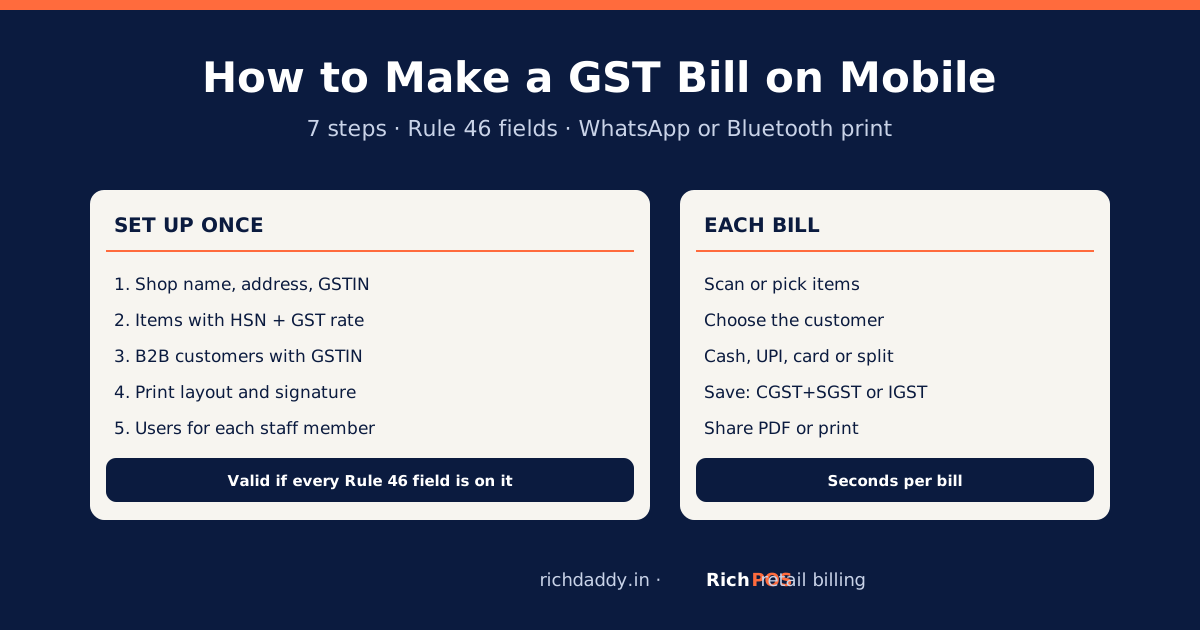
In RichPOS you save the HSN code and GST rate on each item once, and the bill applies them on every sale. Invoice numbers run automatically, you can scan a barcode, take cash, card, UPI or a split payment, print a thermal or A4 bill or send it on WhatsApp, and the GSTR-1 report separates B2B and B2C. Sales returns write back to stock. RichPOS does not decide the HSN for you; enter it from your supplier's invoice or the HSN and GST rate finder. See billing software for a kirana and grocery store.
RichPOS is free for 30 days, then ₹99/month for the first 3 months, then ₹199/month or ₹1,999/year. No GST is added to these prices. Start your free 30 days.
Particulars checked on 30 October 2026 against CGST Rules, Rule 46 (tax invoice) and the RichPOS HSN dataset read from Notification 9/2025-Central Tax (Rate) and Notification 10/2025-Central Tax (Rate) on 16 October 2026. The layout and formulas are a suggestion, not a prescribed format. This is general information, not tax advice.
FAQ
Frequently asked questions
What columns should a kirana store bill have in Excel?
Serial number, item, HSN, quantity, unit, rate, discount, taxable value, GST %, CGST, SGST and total, with the shop's name, address, GSTIN, invoice number and date in the header.
How do I calculate GST in an Excel bill?
Taxable value is quantity × rate − discount. CGST and SGST are each taxable value × GST % ÷ 2, and the total is taxable value plus CGST plus SGST.
What is the maximum length of a GST invoice number?
16 characters, using letters, numbers, a hyphen or a slash, and it must be unique for the financial year.
Is an Excel bill valid under GST?
The law prescribes the particulars on a tax invoice, not the software. A bill that carries all of them is acceptable, but you remain responsible for correct numbering and tax.
How do I take GST out of an MRP in Excel?
Divide the inclusive price by one plus the GST rate, for example =F5/(1+I5), to get the base price.
When should a kirana shop move from Excel to billing software?
When you have several bills an hour, more than one person billing, or stock and udhaar that no longer match the sheet.
Need a quick figure? Use the free GST calculator to add or remove GST.
ASWritten by Ashok SachdevFounder, RichPOS Software, Ahmedabad. We build RichPOS for Indian shops and write these guides from what shop owners ask us every day. Facts on tax rates and prices are dated; confirm GST matters with your CA. Questions? WhatsApp us.
Make GST bills in seconds with RichPOS
Billing, stock, WhatsApp bills and GST reports in one app. Free 30-day trial with no card, then ₹99/month for 3 months and ₹199/month after.