Sending Bills on WhatsApp: Digital Receipts for Indian Shops
Is a bill sent on WhatsApp valid under GST? What to include, how to collect numbers with consent, when to still print, and what digital bills save a shop.
Updated 25 October 2026 · By Ashok Sachdev · Sources: CGST Rule 46 (invoice contents), Information Technology Act, 2000 (electronic records)
More customers in India now say "bill WhatsApp kar do" at the counter. A digital bill is easier to keep than a thermal slip that fades in a few months, it makes returns and warranty claims simple, and it gives your shop a direct line to the customer's phone. Done properly, it is fully valid under GST.
Quick answer
A bill sent on WhatsApp is valid under GST if it shows every required detail and you keep your copy. Ask customers before saving their number, send the bill as a PDF right after payment, keep printing for customers and B2B buyers who need paper, and use the saved number only for purposes the customer agreed to.
Is a WhatsApp bill legally valid?
Yes. GST rules (Rule 46 of the CGST Rules) set out what an invoice must contain, not what it must be printed on, and the Information Technology Act, 2000 gives electronic records the same legal standing as paper. What matters is the content:
Your shop's name, address and GSTIN
A unique invoice number and date
Item description, HSN code where required, quantity and value
The GST rate and the CGST and SGST (or IGST) amounts
For a composition dealer, a bill of supply instead of a tax invoice
Our GST invoice format guide covers the full list. For a walk-in customer, you do not need a separate tax invoice for a sale below ₹200 unless the customer asks for one; you can issue one consolidated invoice for such sales at the end of the day.
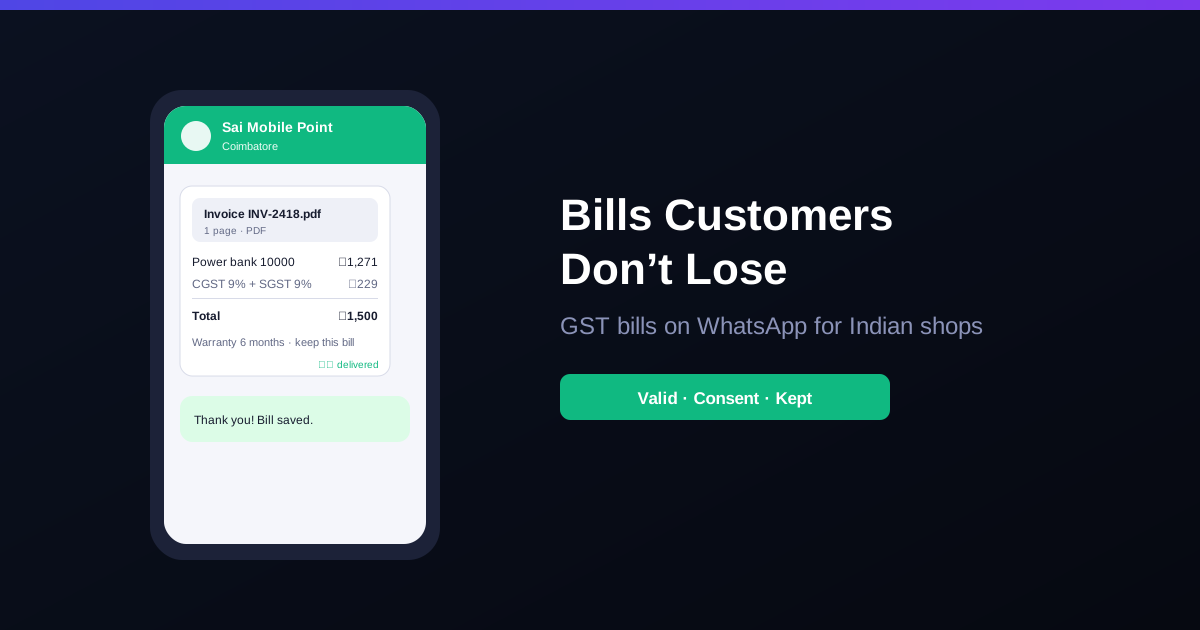
Take a mobile accessories shop in Coimbatore making about 120 bills a day, selling chargers, earphones and power banks with a 6 to 12 month warranty. Say 1 in 4 warranty claims arrive without a bill, and staff search the records by date for each one. If half the customers agree to take their bill on WhatsApp, those claims now come with a forwarded PDF that staff can match to the sale in seconds. The shop also uses less thermal paper, but the bigger gain is fewer arguments at the counter.
Collect numbers the right way
Ask, do not assume: "Shall I send the bill on WhatsApp?" is enough. Note that the customer agreed.
Say what else you will send: if you also plan to send offers or payment reminders, tell the customer. The festival promotions guide covers the rules for offer messages.
Keep the list private: customer numbers are personal data under the Digital Personal Data Protection Act, 2023. Limit who in the shop can export or view the full list. See our guide on cashier logins and permissions.
Stop when asked: if a customer says "no more messages", take them off promotional lists.
When to still print
The customer asks for a paper bill
A GST-registered business buyer needs a copy for its input tax credit claim
Goods travel with a transporter, which may need the invoice copy and an e-way bill
The customer's phone is not with them or they would rather not share a number
Beyond the bill
Once customers get bills on WhatsApp, the same channel works for due-payment reminders to credit customers (see recovering udhaar and how udhaar reminders on WhatsApp work in RichBills) and for easier returns and refunds, because the bill number is right there in the chat. If you also print bills, a Google review QR on the bill gives every customer an easy way to leave honest feedback; see Google review QR code for your shop.
How RichBills helps
In RichBills (SMS, email & WhatsApp) the bill goes to the customer from the billing screen in one of two ways:
Share link, always free: a WhatsApp share link opens your own WhatsApp with the bill link filled in, and you tap send. No credit is used.
PDF from the RichBills WhatsApp account: stores on the default set-up can send the bill PDF and one-click due reminders from the RichBills WhatsApp number; each message uses a WhatsApp credit. You can connect your own provider in Settings instead.
Messages go when you send them, not on a schedule. Bills can also go by SMS through your SMS gateway or by email. Billing & POS still prints on thermal or A4 paper when a customer wants a paper copy, and your records stay in GST reports either way.
Bottom line: a WhatsApp bill is a proper GST bill as long as the details are complete, and customers are more likely to keep it than a paper slip. Ask before saving numbers, keep printing where paper is needed, and use the chat for reminders and returns too. RichBills sends bills on WhatsApp, SMS and email, with a 30-day free trial, then ₹99/month for the first 3 months and ₹199/month after. See pricing or call +91 90333 31255.
General guidance for Indian retailers as of 2026; GST, data protection and messaging rules can change, so confirm how they apply to your business with your CA.
FAQ
Frequently asked questions
Is a bill sent on WhatsApp valid under GST?
Yes. GST law does not require a retail invoice to be on paper, and the IT Act, 2000 recognises electronic records. A PDF bill on WhatsApp is valid as long as it carries every detail a tax invoice or bill of supply must show and you keep your copy in your records.
Do I need a customer's permission to send bills on WhatsApp?
Yes. WhatsApp requires customers to agree to receive messages from a business, and India's Digital Personal Data Protection Act, 2023 expects personal data like phone numbers to be used for a clear, stated purpose. Ask at the counter and note the customer's consent.
Does a small retail shop need e-invoicing for WhatsApp bills?
No. GST e-invoicing with an IRN applies to B2B invoices of businesses above ₹5 crore turnover, not to bills for ordinary walk-in customers. A normal GST bill sent as a PDF is enough for B2C sales.
Should I stop printing bills completely?
Not yet. Keep printing for customers who ask for paper, for B2B buyers who need a copy for their input tax credit claim, and for goods sent with a transporter. A mix of printed and digital bills works best for most shops.
Founder, RichBills Software, Ahmedabad. We build RichBills for Indian shops and write these guides from what shop owners ask us every day. Facts on tax rates and prices are dated; confirm GST matters with your CA. Questions? WhatsApp us.
Make GST bills in seconds with RichBills
Billing, stock, WhatsApp bills and GST reports in one app. Free 30-day trial with no card, then ₹99/month for 3 months and ₹199/month after.
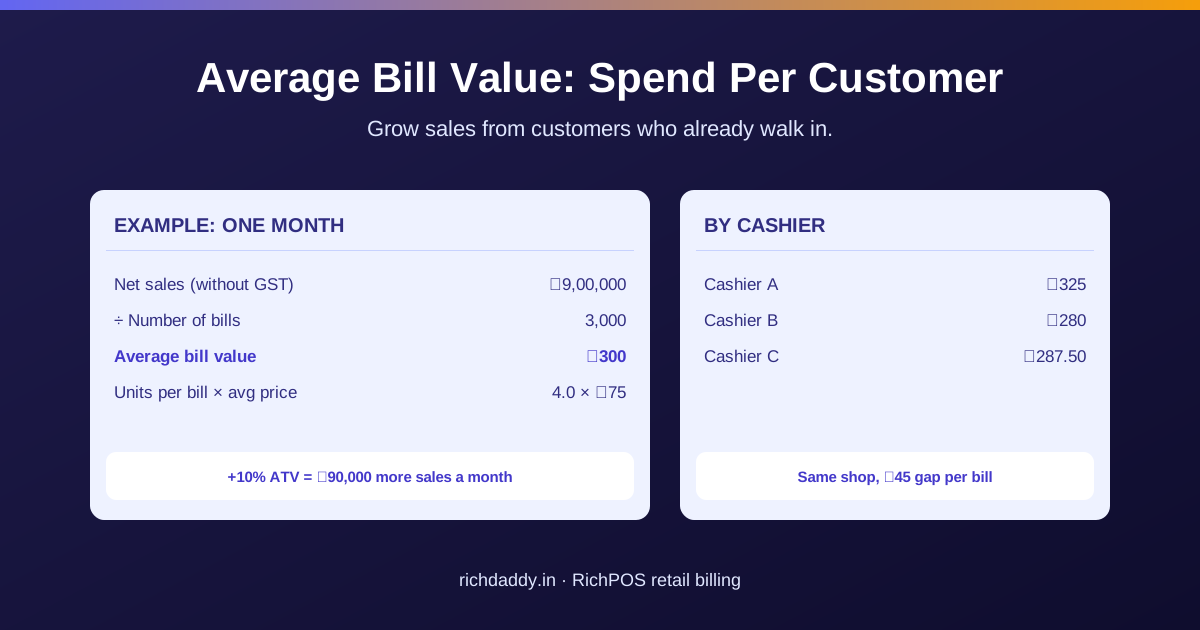
Average Bill Value (ATV) Formula for Retail ShopsAverage bill value shows how much each customer spends per bill. Learn the ATV and units-per-bill formulas, a worked ₹ example and simple ways to raise it.
Google Review QR Code for Your Shop: Get It and Print It on BillsGet your free Google review link and QR code from Business Profile, print it on the bill and counter, what to say to customers, and what Google forbids: no discounts for reviews, no asking only happy customers.
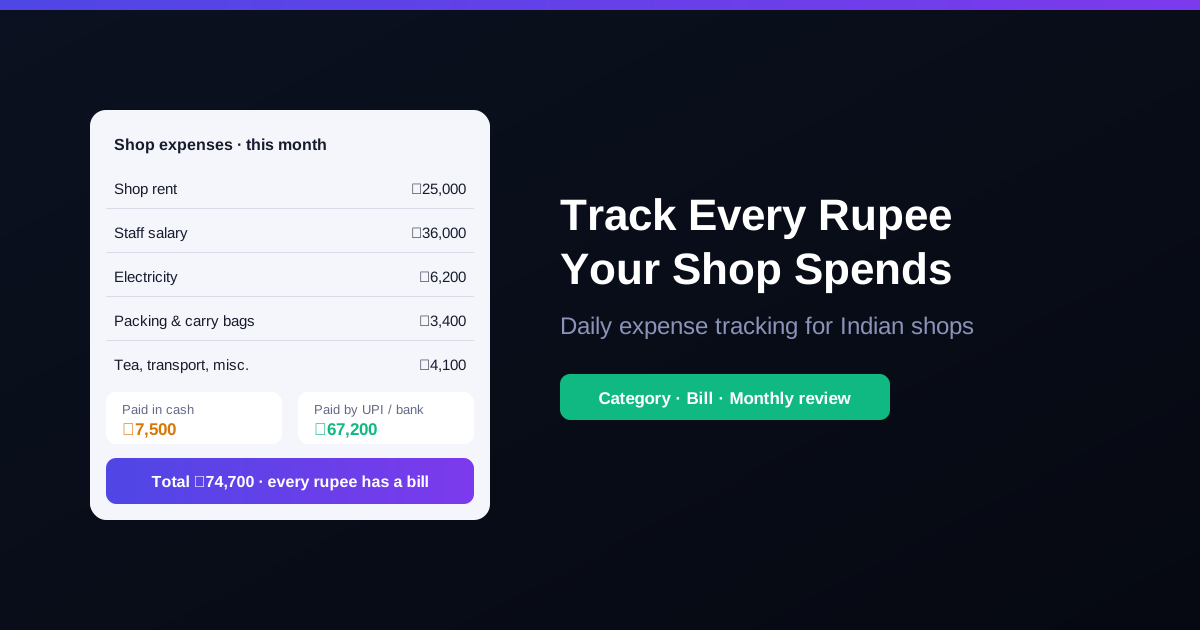
How to Track Daily Shop Expenses in IndiaA simple system to track shop expenses in India: categories, bills, cash vs UPI, GST input credit and a monthly review that shows where your profit goes.
Cheque Bounced? Section 138 Notice and Timelines for ShopkeepersA customer's cheque bounced? The Section 138 timeline for shops: 30 days to send the notice, 15 days for the customer to pay, one month to file the complaint, papers to keep, and a cheque policy for udhaar.