GST Officer Visit at Your Shop: Documents and Display Rules
Why GST officers visit shops (Rule 25, Sections 67 and 71), the Rule 18 display rules for the certificate and GSTIN board, records to keep ready, stock mismatch risk and what to do on the day.
Updated 14 November 2026 · By Ashok Sachdev · Sources: CGST Act Section 67 and Section 71, CGST Rules Rule 18 and Rule 25, CBIC Circular 122/41/2019-GST (DIN)
Quick answer
A GST officer can visit your shop to verify that the business exists (Rule 25), to inspect when a Joint Commissioner or higher officer has reasons to believe tax is being evaded and has authorised it in writing (Section 67), or to check books for audit and scrutiny with similar authorisation (Section 71). Before any visit, make sure your GST registration certificate is displayed inside the shop and your GSTIN is on the name board at the entrance (Rule 18), and keep bills, purchase invoices, stock records and returns ready at the shop. During a visit: ask for ID and the written authorisation, stay calm, call your CA, and get copies of anything you sign or that is taken.
Most shop owners never see a GST officer. When one does walk in, it is usually for a routine reason: checking that a newly registered address is a real shop, or following up on a mismatch in returns. The visits that go badly are the ones where the certificate is missing, stock is lying around with no purchase bills, or the owner panics and signs a statement he has not read. This guide covers why officers visit, what must be on display, which records to keep ready, and what to do on the day.
Why would a GST officer visit my shop?
Type of visit
When it happens
Legal basis
Physical verification of premises
Before registration in some cases, or after it, to confirm that the shop exists at the registered address. Photos are taken and a report is uploaded in FORM GST REG-30.
Rule 25
Inspection
An officer not below Joint Commissioner has reasons to believe that sales or stock were suppressed, excess input tax credit was claimed, or the law was broken to evade tax, and authorises an inspection in writing.
Section 67(1)
Search and seizure
After inspection or otherwise, where there are reasons to believe goods or documents useful for proceedings are hidden.
Section 67(2)
Access for audit or scrutiny
An authorised officer checks books, computers and software to verify returns.
Section 71
Common triggers are a big gap between GSTR-1 and GSTR-3B, input tax credit far above what GSTR-2B shows, a supplier found to be fake, or a complaint. Large UPI receipts with low reported sales have also led to notices; see GST notice on UPI payments.
Rule 18 of the CGST Rules has two simple requirements, for the principal place of business and for every additional place:
Registration certificate: display your GST registration certificate (FORM GST REG-06) "in a prominent location". Download it from the GST portal under Services, User Services, View/Download Certificates, print it and frame it near the counter.
GSTIN on the name board: display your GSTIN on the name board at the entry of the shop. A small painted line or sticker on the main board is enough; it must be readable.
Not following these is a breach for which no specific penalty is set, so the general penalty of Section 125 can apply: up to ₹25,000. It is the easiest point to get right and the first thing an officer sees.
A second shop or godown must be added to your registration as an additional place of business before you use it, and it needs its own displayed certificate and name board GSTIN. See two shops on one GST number.
Which records should be ready at the shop?
Section 35 requires books and records to be kept at your principal place of business (and at each additional place for its own records). Keep these where you can produce them quickly:
Record
Why the officer asks
Registration certificate, PAN, rent agreement or ownership proof
Confirms who runs the shop and that the address is genuine
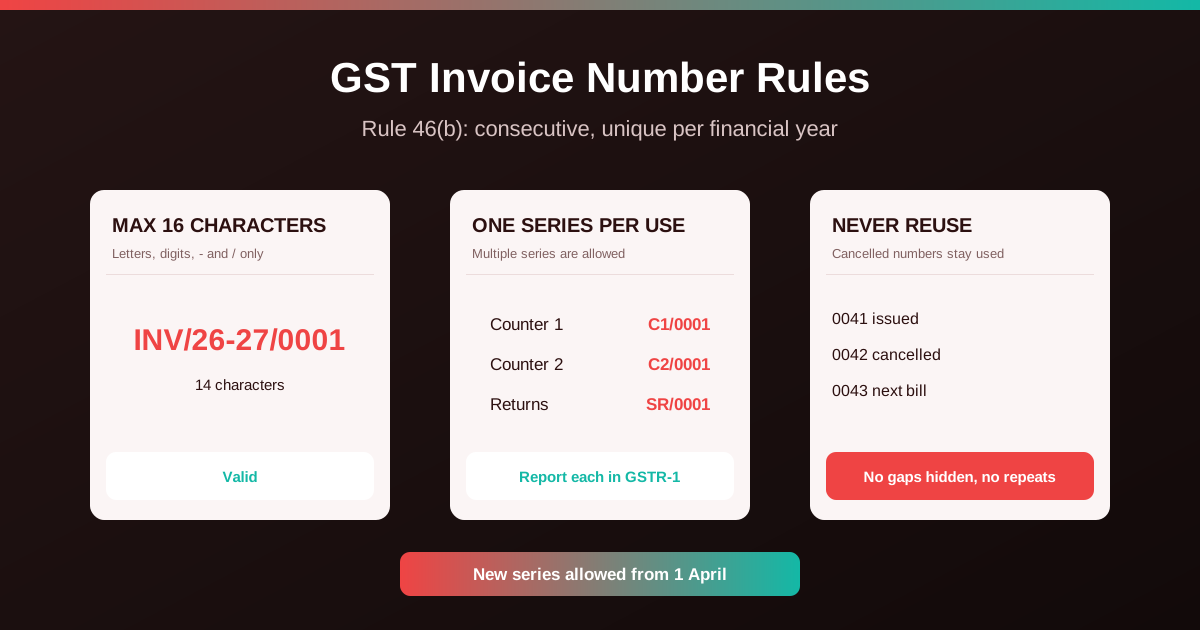
Sales bills: bill book or billing software records, with the invoice series
Checks that sales are billed and match GSTR-1
Purchase invoices and supplier ledger
Supports your input tax credit and shows where stock came from
Stock register or stock report
Stock on the shelf is compared with stock in your books
Filed returns (GSTR-1, GSTR-3B, or CMP-08 and GSTR-4) and challans
Shows you are up to date
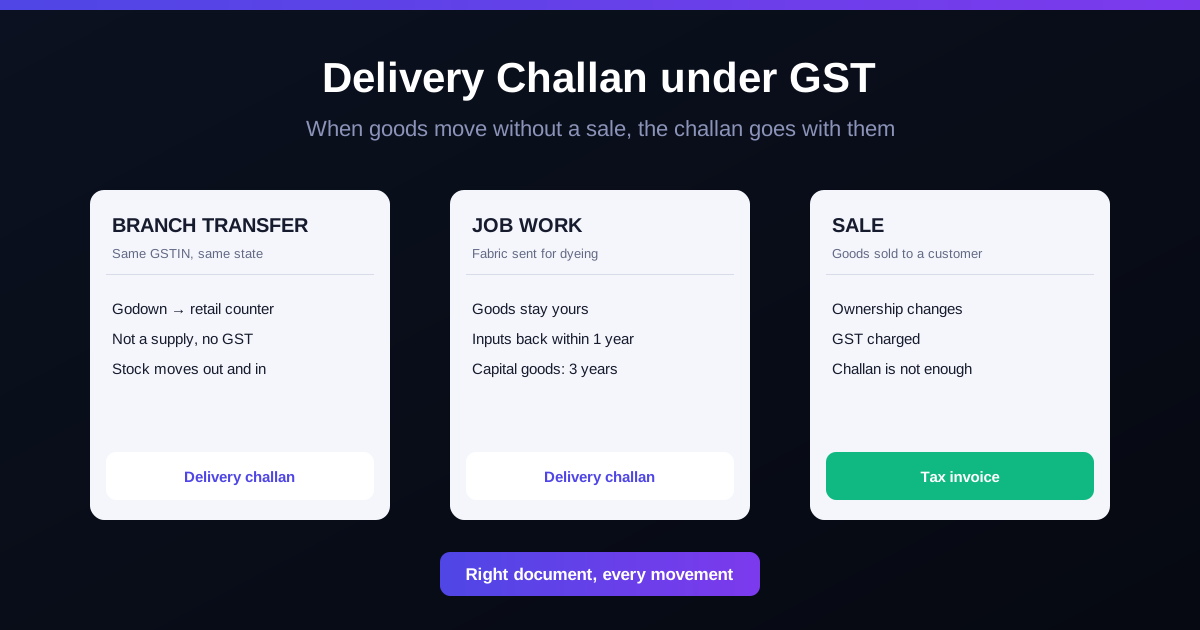
Delivery challans and e-way bills for goods in or out
Explains goods moving without a sale
Bank statements and cash book
Matches receipts with reported sales
Records must generally be kept for 72 months from the due date of the annual return for that year. A cloud backup and an export of each year's data protect you if a computer fails; see shop billing data backup.
The real risk: stock that does not match the books
In a shop inspection, the stock count matters most. If the shelves hold much more than your records show, the officer may treat the excess as goods bought without bills or sold without invoices, which can lead to tax, penalty and, in serious cases, detention or confiscation of the goods. A shortage raises the opposite question: were goods sold without a bill?
Enter every purchase, including small cash purchases from wholesalers, against a proper invoice.
Record customer returns, damaged and expired stock instead of quietly throwing it out. Damaged stock also affects input tax credit; see inventory shrinkage and stock loss.
Goods kept for someone else, or sent on approval, should have a delivery challan.
What to do on the day of a visit
Ask for identity and the authorisation. An inspection or search needs written authorisation from a Joint Commissioner or higher (FORM GST INS-01 for inspection and search). Communications from central tax officers, such as search authorisations and summons, must carry a DIN (Document Identification Number) that you can verify on the CBIC website, under Circular 122/41/2019-GST. Many State GST departments have similar checks.
Call your CA and, if you can, ask a family member or senior staff member to stay with you.
Be polite and do not obstruct. Refusing access can lead officers to seal or break open premises or cupboards under Section 67(4).
Answer facts, not guesses. If you do not know a figure, say you will check the records. Read any statement fully before signing it, and ask your CA to see it if you are unsure.
Get copies. Seizure is recorded in an order (FORM GST INS-02) with a list of what is taken. Under Section 67(5) you can make copies of seized documents, unless the officer believes that would harm the investigation.
Do not pay in cash to anyone. Any tax you choose to pay goes through the GST portal with a challan (for example DRC-03), never into someone's hand.
Documents not relied on for a notice must be returned within 30 days of that notice (Section 67(3)). For audit under Section 71, you get up to 15 working days to produce records.
Watch out for fake "GST officers"
Shops are sometimes targeted by people posing as officers who threaten a "raid" and ask for money to settle on the spot. A real officer carries ID, has written authorisation for an inspection or search, and never collects tax in cash. If in doubt, call your CA or the jurisdictional GST office before letting anyone go through your cash or records.
After the visit
Write down what was asked, what was checked and the names and designations of the officers.
File any pending returns at once and fix mismatches with your CA.
If a notice follows, reply within the time given, with documents. Ignoring notices is what turns small issues into large demands.
An officer's questions are mostly about matching: bills to returns, purchases to credit, stock to shelves. In RichBills (formerly RichPOS), every sale gets a GST bill with HSN codes in one invoice series, purchases are entered against suppliers, and stock moves with each sale and purchase, so the stock report, GSTR-1 report and purchase GST report come from the same data. See inventory and barcode and GST reports. A guided stock audit is in the Dukaan Plus plan and above (stock audit software). RichBills does not file returns or deal with officers or notices for you.
Pricing: 30 din free, phir ₹99/month pehle 3 mahine, phir ₹199/month ya ₹1,999/saal.
Bottom line: display the GST certificate inside and the GSTIN on the board outside, keep bills, purchase invoices, stock records and returns at the shop, and keep stock close to what the books say. If an officer comes, check ID and written authorisation, call your CA, read before you sign and get copies. A shop with clean records has little to fear from a visit.
General information based on the CGST Act, CGST Rules and CBIC circulars as of November 2026, not legal or tax advice. State GST procedures can differ in detail; take professional advice for any inspection or notice.
FAQ
Frequently asked questions
Can a GST officer visit my shop without notice?
Yes. Physical verification and inspections are not announced in advance. For an inspection or search, the officer must have written authorisation from an officer not below the rank of Joint Commissioner, which you can ask to see.
Is it compulsory to display the GST certificate in the shop?
Yes. Rule 18 requires every registered person to display the registration certificate in a prominent place at the principal and every additional place of business, and the GSTIN on the name board at the entrance.
What is the penalty for not displaying the GSTIN on the board?
No separate penalty is set for this, so the general penalty under Section 125 of the CGST Act, up to ₹25,000, can be imposed.
What documents should I show a GST officer?
Registration certificate, sales bills or billing records, purchase invoices, stock register or stock report, filed returns and challans, delivery challans and e-way bills, and bank and cash records. Keep them at the shop.
How do I know the GST officer is genuine?
Ask for identity and the written authorisation. Search authorisations, summons and similar communications from central tax officers must carry a DIN that can be verified on the CBIC website. Never pay any amount in cash; tax is paid only through the GST portal.
Can the officer take my documents or computer?
In a search under Section 67(2), goods, documents, books and things can be seized with an order listing them. Documents not relied on for a notice must be returned within 30 days of the notice, and you can usually make copies of seized documents.
What happens if my stock does not match the records?
Excess or short stock can be treated as goods bought or sold without invoices, leading to tax demands, penalty and, in serious cases, detention or confiscation. Keep purchases, returns and damaged stock recorded, and count stock at least once a year.
Founder, RichBills Software, Ahmedabad. We build RichBills for Indian shops and write these guides from what shop owners ask us every day. Facts on tax rates and prices are dated; confirm GST matters with your CA. Questions? WhatsApp us.
Make GST bills in seconds with RichBills
Billing, stock, WhatsApp bills and GST reports in one app. Free 30-day trial with no card, then ₹99/month for 3 months and ₹199/month after.
How to Make a GST Bill on Mobile: Step-by-StepMake a valid GST bill on your phone in 7 steps: shop GSTIN, items with HSN and rate, customer, payment, then WhatsApp or print. Rule 46 fields listed.