GSTR-1 Table 13 (Documents Issued): How to Fill It
Table 13 of GSTR-1 lists every document you issued: from and to serial numbers, total, cancelled and net issued for bills, credit notes, vouchers and challans. Mandatory since May 2025 for B2B and B2C filers, with a two-counter worked example, GSTR-1A fixes and common errors.
RichBills mein delete hua bill mitta nahi: Deleted Bills list mein kisne, kab aur kyun ke saath rehta hai, aur uska number kabhi reuse nahi hota.30 din free try karo →
Table 13 of GSTR-1 (Documents issued during the tax period) asks, for each type of document you issued in the month or quarter, the serial number range (from and to), the total number, how many were cancelled, and the net issued. GSTN made it mandatory from the May 2025 return period: if you report any B2B or B2C supply in GSTR-1 or GSTR-1A, the portal shows an error until Table 13 is filled. So yes, it applies to a B2C-only shop too.
Table 13 is not a tax table. It has no amounts, only counts of bills, credit notes, vouchers and challans. But it shows how many documents you issued and cancelled, so it should match your billing records. Here is what each row means, how to fill it with several series, and how to handle deleted bills.
Seedhi baat: Table 13 mein paisa nahi, sirf bill numbers ki ginti jaati hai: kaunse number se kaunse number tak, kitne cancel hue, kitne net bane. B2B ya B2C koi bhi sale GSTR-1 mein daali hai to Table 13 bharna zaroori hai, warna summary generate nahi hogi.
What Table 13 asks: the 12 document types
The Documents Issued screen shown in the GST portal's GSTR-1 user manual has 12 categories. Each category has the same columns: Sr. No. From, Sr. No. To, Total number, Cancelled and Net issued. You can add more than one row in a category with the ADD DOCUMENT button, which is how you report several series.
No.
Nature of document (as on the portal)
Typical shop example
1
Invoices for outward supply
Your normal sale bills, B2B and B2C, every counter and series
2
Invoices for inward supply from unregistered person
Self-invoices for purchases where you pay tax under reverse charge
3
Revised Invoice
Revised invoices, if you issued any
4
Debit Note
Extra amount charged to a customer after the bill
5
Credit Note
Sales returns and price reductions after the bill
6
Receipt voucher
Advance taken from a customer before the bill
7
Payment Voucher
Payment vouchers, for example for reverse charge purchases
8
Refund voucher
Advance returned when the order was cancelled
9
Delivery Challan for job work
Goods sent for stitching, polishing, printing and so on
10
Delivery Challan for supply on approval
Sarees or jewellery sent home on approval
11
Delivery Challan in case of liquid gas
Rare for small shops
12
Delivery Challan in cases other than by way of supply (excluding at S no. 9 to 11)
Goods moved for other reasons, for example to your own godown
Yes. GSTN's advisory of 1 May 2025 says "table 13 of GSTR-1/1A is also being made mandatory for the taxpayers" from the May 2025 return period, alongside Phase 3 of HSN reporting in Table 12. The detailed advisory adds: "Taxpayers will no longer be able to leave this table blank and proceed with filing their return. If B2B or B2C supplies are reported in any table of GSTR-1 or GSTR-1A, an error message will appear if Table 13 has not been filled."
The GSTR-1 FAQ on the portal says the same in a different way: if you enter data in Tables 4, 5, 6, 7, 8, 9, 10, 14 or 15, Table 13 becomes compulsory, and clicking Generate Summary without it shows an error and stops the summary. Table 7 is B2C (others), so a shop that only sells to walk-in customers is covered. The HSN side is in our Table 12 guide.
How the numbering rules connect to Table 13
CGST rule 46(b) asks for a consecutive serial number, in one or multiple series, unique for a financial year. The full numbering rules (characters allowed, length, series per counter) are in GST invoice number rules and series. For Table 13, two points matter:
Every series gets its own row. If counter A and counter B, or two stores under one GSTIN, bill in separate series, add one row per series under "Invoices for outward supply".
A cancelled number stays in the range. You do not skip it. It goes into the Cancelled column, so From-To, Total and Cancelled together explain every number.
CGST rule 56(8) also says entries in registers, accounts and documents "shall not be erased, effaced or overwritten", and where records are kept electronically, "a log of every entry edited or deleted shall be maintained". So a deleted bill should leave a trace, not a silent hole. How to cancel a bill properly is covered in cancelling or amending a GST invoice.
Worked example: a shop with two counters (illustrative)
A clothing shop under one GSTIN bills from two counters with prefixes A and B. November 2026 records (illustrative):
Counter A: bills A/26-27/0451 to A/26-27/0790. Three bills were deleted the same day because of a wrong item or customer. One of them was A/26-27/0512 for ₹1,240, re-billed correctly as A/26-27/0513.
Counter B: bills B/26-27/0120 to B/26-27/0305, two deleted (one was ₹3,600, re-billed after a size change).
Credit notes for returns: CN/26-27/011 to CN/26-27/018, none cancelled, total value ₹9,850.
Sarees sent home on approval: challans DC0021 to DC0024, none cancelled.
Advance for a wedding order of ₹15,000: receipt voucher RV/26-27/004.
Category
From
To
Total number
Cancelled
Net issued
1. Invoices for outward supply
A/26-27/0451
A/26-27/0790
340
3
337
1. Invoices for outward supply
B/26-27/0120
B/26-27/0305
186
2
184
5. Credit Note
CN/26-27/011
CN/26-27/018
8
0
8
6. Receipt voucher
RV/26-27/004
RV/26-27/004
1
0
1
10. Delivery Challan for supply on approval
DC0021
DC0024
4
0
4
Check the arithmetic: 790 minus 451 plus 1 is 340; 305 minus 120 plus 1 is 186. The rupee values never go into Table 13; they go into the B2B, B2C, credit note and advance tables. The net counts (337 + 184 sale bills) should match your sales register.
How to fill Table 13, step by step
List every series used in the period: each counter or store prefix, credit and debit notes, vouchers and challans.
For each series, note the first and last number issued in the period, and count the cancelled or deleted numbers inside that range.
On the portal, open GSTR-1, click the Documents Issued tile, and click ADD DOCUMENT in the right category. Add one row per series.
Enter From, To, Total number and Cancelled. Check that Net issued is right.
Click SAVE at the bottom of the page. The portal screen itself notes that you must click save after any add, edit or delete. You should see "Request accepted successfully".
Go back and click GENERATE GSTR1 SUMMARY. The Documents Issued tile then shows Total Docs, Cancelled Docs and Net Issued Docs.
Next month, start each series from the number after last month's "To".
Quarterly filers (QRMP) and IFF
The portal's IFF FAQ lists the tables in IFF: B2B invoices (4A, 4B, 4C, 6B, 6C), registered credit and debit notes (9B) and their amendments (9A, 9C). Table 13 is not in IFF. Rule 59 lets a quarterly filer furnish GSTR-1 "for the month or the quarter, as the case may be", so a QRMP shop fills Table 13 in its quarterly GSTR-1. How to split the rows across the quarter (one range per series for the whole quarter, or per month) is not spelt out in the texts we read; confirm with your CA.
Correcting Table 13 later: GSTR-1A
Under the proviso to rule 59(1), after filing GSTR-1 but before filing GSTR-3B for the same period, you may amend or add details in GSTR-1A. The portal FAQ says GSTR-1A is optional, can be filed only once for a tax period, and opens after GSTR-1 is filed or its due date, whichever is later. The GSTN advisory refers to "table 13 of GSTR-1/1A", so GSTR-1A carries Table 13 as well. Once GSTR-3B for that period is filed, the GSTR-1A window for that period closes.
The amendment tables listed in the GSTR-1 manual (9A, 9C, 10, 11A, 11B, 14A, 15A) do not include a Table 13 amendment. We found no official text on correcting an earlier period's Table 13 through a later GSTR-1, so do not "fix" last month's count by adding it to this month's rows. If an earlier filed count is wrong, keep a note of the correct figures with your records and talk to your CA. For other mistakes after filing, see GSTR-1 mistake after filing: GSTR-1A and amendments.
Common mistakes and the "not updating" problem
Tile not updating. The FAQ says the tile count changes only after you click GENERATE GSTR1 SUMMARY, and the summary can be generated only once every 10 minutes. Also check you clicked SAVE after editing.
Error while generating summary. Table 13 is blank while B2B or B2C data is present. Fill it and save.
From and To swapped, or a total that does not match the range. Recount: To minus From plus 1.
Overlapping rows. The same number in two rows. Use one row per series per period.
Deleted bills left out of the range. Splitting a series around a deleted bill hides the cancellation. Keep one range and put the count in Cancelled.
Restarting numbers mid-year, which breaks "unique for a financial year" under rule 46(b).
RichBills numbers bills automatically in series, with a separate invoice prefix for each store, so each series becomes one clean row in Table 13. When a bill is deleted, it is not erased: it moves to Shop Control > Deleted Bills (owner only) with the full bill, who deleted it and when, and a reason, which is required to delete. That bill number is never reused for a new bill. So the gaps in your series are explained, and the Cancelled count for each series can be taken straight from that list. With staff locks (an owner setting, off by default), salesmen cannot edit or delete a bill after saving, so cancellations stay with the owner.
Delivery challans have their own numbers (DC0001 onwards), carry no tax and can be converted to an invoice that links both, so the challan series is easy to count too. Bills can be edited, or a sales return made, with stock and ledger corrected automatically. GSTR-1-ready sales reports with the B2B/B2C split export to Excel, CSV or PDF for your CA. More on billing and invoice series, and on editing or cancelling a bill.
RichBills does not fill or file Table 13, does not produce a Table 13 report, does not connect to the GST portal and does not file GSTR-1 or GSTR-1A. You or your CA count the ranges from its bill lists and the Deleted Bills archive, and enter them on the portal.
Pricing: 30 din free, phir ₹99/month pehle 3 mahine, phir ₹199/month ya ₹1,999/saal.
Bottom line: Table 13 is a count of every document you issued in the period, series by series: from, to, total, cancelled, net. It has been mandatory since the May 2025 return period whenever GSTR-1 or GSTR-1A has any B2B or B2C supply, including B2C-only shops. Keep one unbroken series per counter, never reuse a deleted number, and keep a record of every cancellation.
General information based on the GSTN advisory of 1 May 2025, the GST portal's GSTR-1, GSTR-1A and IFF manuals and FAQs, and CGST rules 46, 56 and 59 as published by CBIC, as of November 2026. Not tax/legal advice; confirm with your CA.
FAQ
Frequently asked questions
Is Table 13 mandatory in GSTR-1 for B2C sales?
Yes. GSTN's advisory says that if B2B or B2C supplies are reported in any table of GSTR-1 or GSTR-1A, an error appears until Table 13 is filled. This applies from the May 2025 return period, so a shop selling only to walk-in customers must fill it too.
Since when are documents issued mandatory in GSTR-1?
From the May 2025 return period, as per the GSTN advisory dated 1 May 2025. It came along with Phase 3 of HSN reporting in Table 12. Before that, the portal let you file GSTR-1 with Table 13 left blank.
Why is documents issued not updating in GSTR-1?
The tile updates only after you click GENERATE GSTR1 SUMMARY, and the portal allows a fresh summary only once every 10 minutes. Also make sure you clicked SAVE on the Documents Issued page after adding, editing or deleting a row.
How do I show cancelled or deleted bills in Table 13?
Keep the full range, including the cancelled numbers, in From and To, and enter the count of cancelled bills in the Cancelled column. Net issued is total minus cancelled. Do not split the range to skip a deleted number.
How do I amend documents issued in GSTR-1A?
GSTR-1A opens after GSTR-1 is filed or its due date, whichever is later, and can be filed once, before GSTR-3B for that period. GSTN's advisory refers to Table 13 of GSTR-1/1A, so correct the counts there within that window.
I have two counters with different bill series. How many rows do I add?
One row per series under "Invoices for outward supply", using ADD DOCUMENT for each extra row. Each row has its own from, to, total and cancelled. Credit notes, receipt vouchers and challans go in their own categories.
Does a QRMP filer fill Table 13 in IFF?
No. The portal's IFF FAQ lists only B2B invoices, registered credit and debit notes and their amendments in IFF. Table 13 is filled in the quarterly GSTR-1. Confirm with your CA how to split rows across the quarter.
Founder, RichBills Software, Ahmedabad. We build RichBills for Indian shops and write these guides from what shop owners ask us every day. Facts on tax rates and prices are dated; confirm GST matters with your CA. Questions? WhatsApp us.
Make GST bills in seconds with RichBills
RichBills mein delete hua bill mitta nahi: Deleted Bills list mein kisne, kab aur kyun ke saath rehta hai, aur uska number kabhi reuse nahi hota.
Billing, stock, WhatsApp bills and GST reports in one app. Free 30-day trial with no card, then ₹99/month for 3 months and ₹199/month after.
GST Officer Visit at Your Shop: Documents and Display RulesWhy GST officers visit shops (Rule 25, Sections 67 and 71), the Rule 18 display rules for the certificate and GSTIN board, records to keep ready, stock mismatch risk and what to do on the day.
Sale on Approval Basis in GST: Time Limit, Challan, E-way BillSending sarees, lehengas, jewellery or furniture to a customer's home to choose from? Under section 31(7) of the CGST Act you invoice only what is kept, at approval or within six months of removal. How the rule 55 delivery challan, e-way bill, inter-state IGST and returns work, with a worked example.
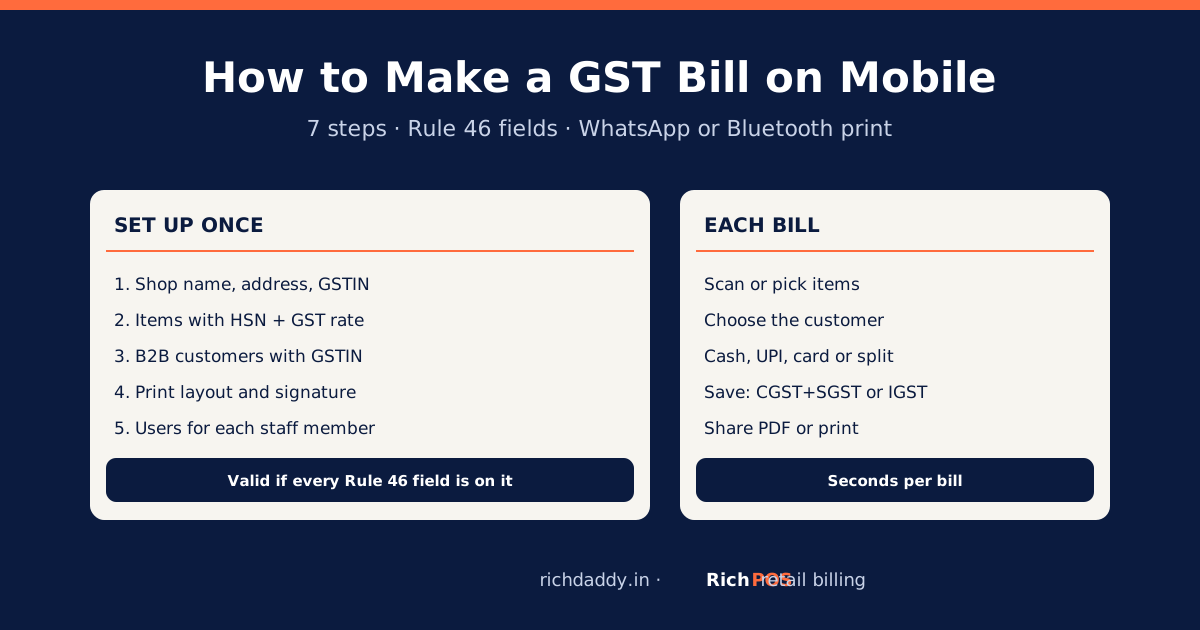
How to Make a GST Bill on Mobile: Step-by-StepMake a valid GST bill on your phone in 7 steps: shop GSTIN, items with HSN and rate, customer, payment, then WhatsApp or print. Rule 46 fields listed.
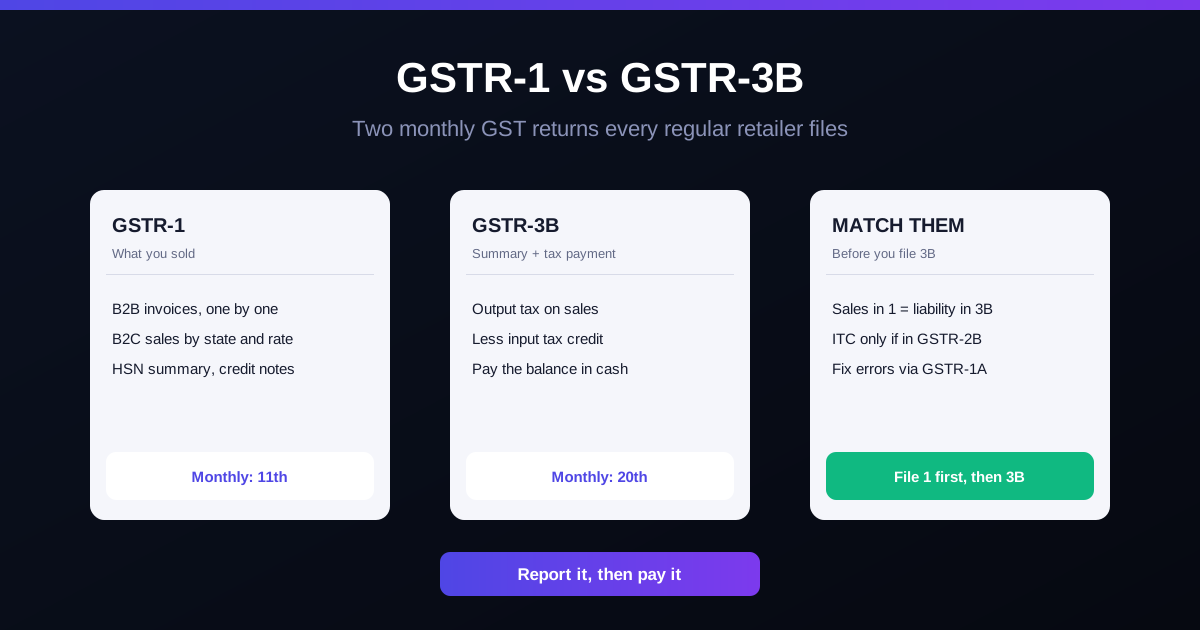
GSTR-1 vs GSTR-3B: A Simple Guide for Retail ShopsGSTR-1 vs GSTR-3B for Indian shops: what each return holds, due dates, QRMP, how to match them, a worked example, and mistakes that trigger GST notices.